How to replace file in a help center in Gitbook
Here is how to replace file in a help center in gitbook
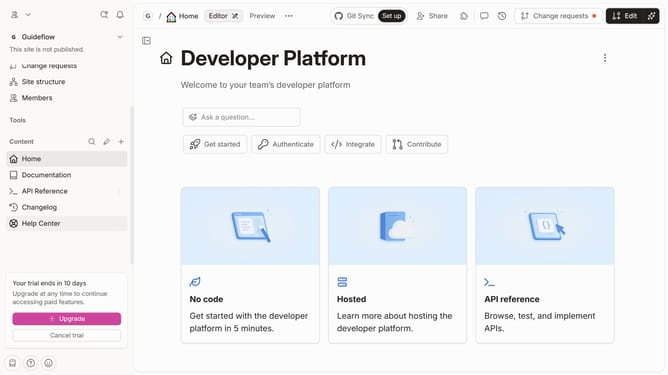
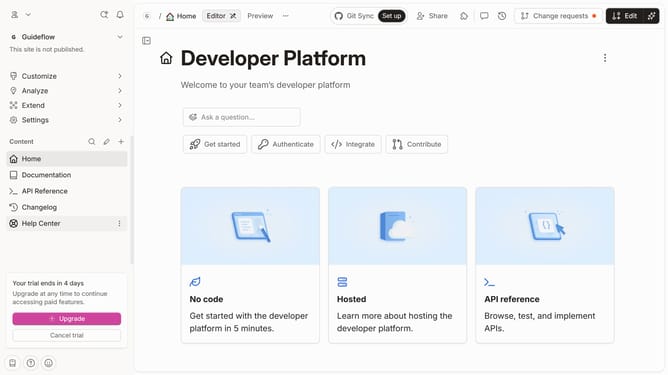
- First click on "Help Center" in the left sidebar
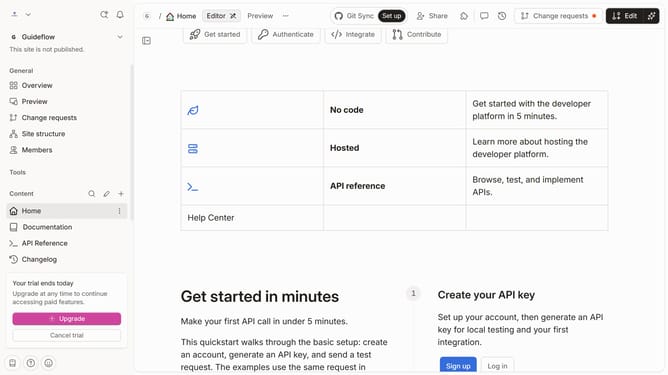
- Then click on the "Edit" button in the top header
- Click on the "block options" in the top right corner of the file
- Then click on "Replace file" from the options menu
- Click on the "Drop your files or browse" area to open file selection
- Finally click on the "Merge" button in the top header
Why should you replace file in a help center in Gitbook
Gitbook is a modern documentation platform that streamlines the creation and sharing of knowledge.
Replacing a file in a help center within Gitbook enhances the ability to maintain current and accurate information effortlessly. This feature allows for smooth transitions when updating documents, ensuring users always have access to the most updated resources.
Utilizing this capability within Gitbook's intuitive interface promotes efficient workflows, saving time while keeping teams and end-users aligned with the latest insights.
Last update