How to set icons style in docs site in Gitbook
Here is how to set icons style in docs site in gitbook
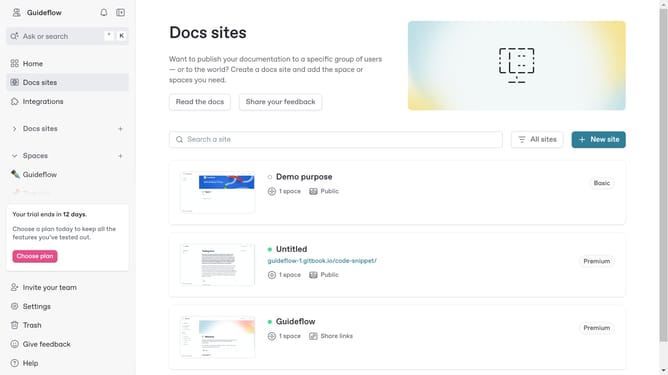
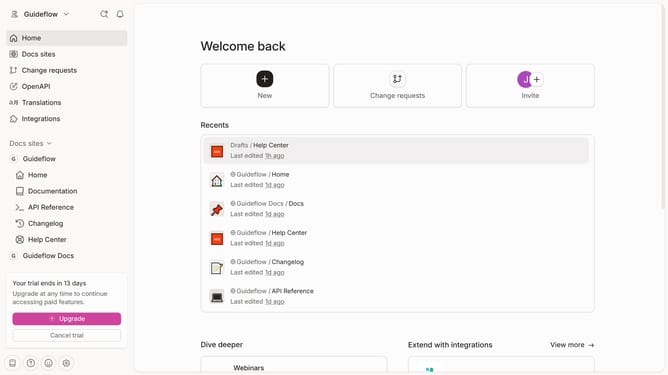
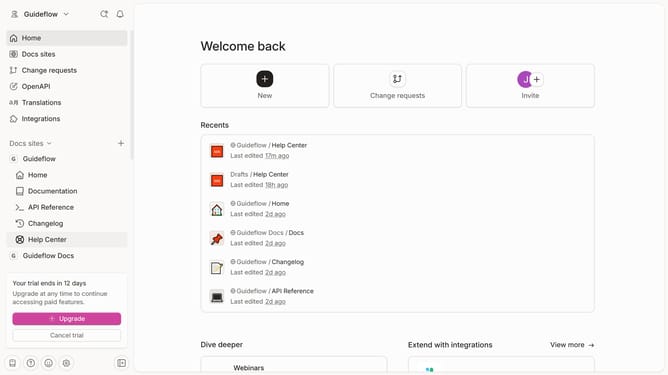
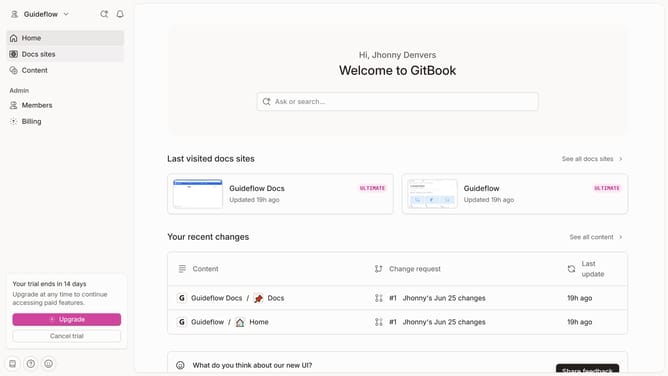
- First click on "Docs sites" in the left sidebar
- Then click on the doc site title that you want to manage
- Next, click on "Customize" in the left sidebar
- Then click on "Theme" under the "Customize" section
- After that, click on the "Regular" dropdown menu for icons
- Then select an option from the icons dropdown
- Finally, click on the "Save" button
Why should you set icons style in docs site in Gitbook
GitBook is a dynamic platform designed to streamline the creation and sharing of documentation.
The ability to set icons style in your GitBook docs site enhances both the aesthetic and functional attributes of your documentation. Personalizing icon styles allows you to maintain brand consistency and make your documentation visually engaging. This creates a cohesive experience for users as they interact with your content.
Utilizing icon styling is beneficial as it highlights key areas, facilitates navigation, and enriches user understanding. Embracing this feature reinforces clarity and ensures your documentation stands out.
Last update