How to duplicate a quote in a help center in Gitbook
Here is how to duplicate a quote in a help center in gitbook
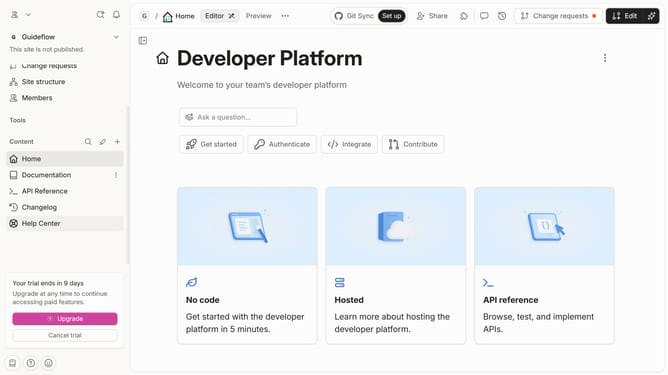
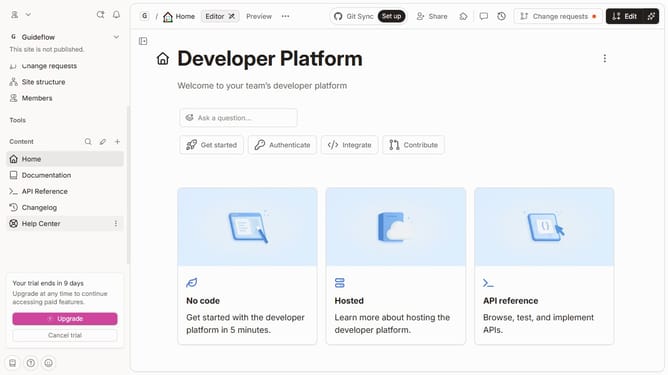
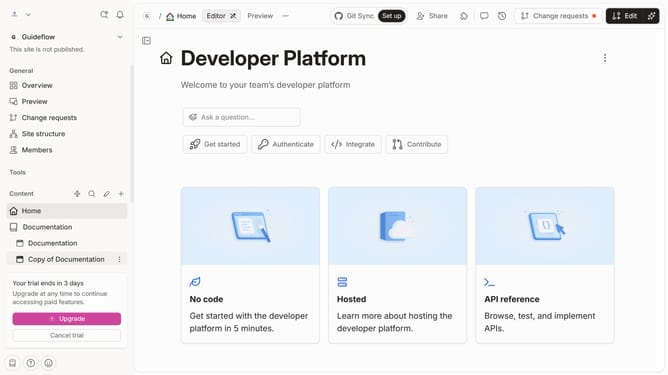
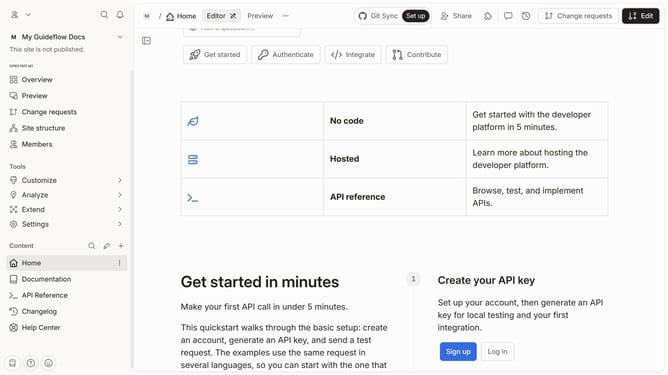
- First click on "Changelog" link in the left sidebar
- Then click on "Edit" button in the top menu
- Then click on the dots icon to show block options
- Then select "Duplicate" from the block options menu
- Finally click on the "Merge" button in the top menu
Why should you duplicate a quote in a help center in Gitbook
GitBook is an innovative platform dedicated to streamlining documentation creation and collaboration.
One powerful feature in GitBook is the ability to duplicate a quote within a help center. This ensures that consistent information is disseminated across multiple sections of your documentation without repetitive manual input.
Utilizing this feature enhances accuracy and saves valuable time, empowering teams to maintain uniformity effortlessly across their dynamic documentation landscape.
Last update