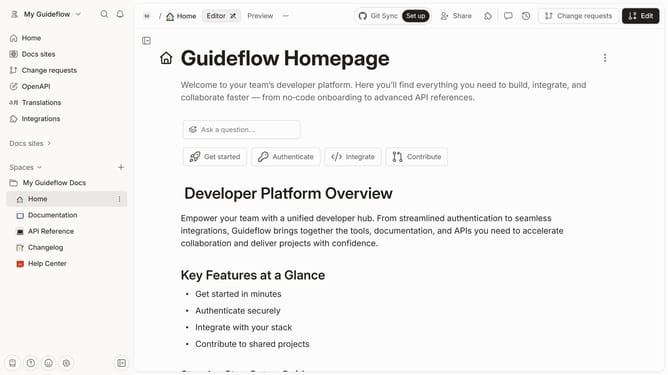
How to add a table files column in help center in Gitbook
Here is how to add a table files column in help center in gitbook
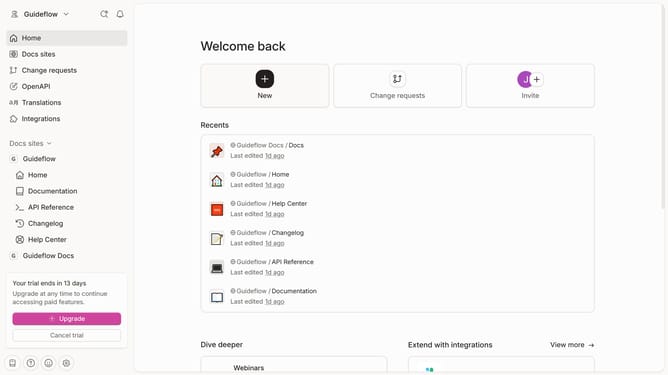
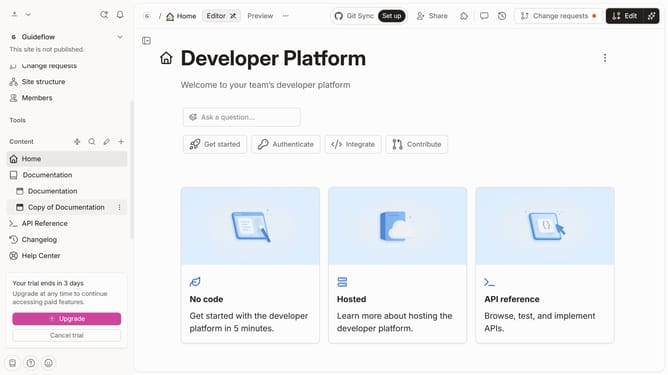
- First click on "Help Center" in the left sidebar
- Then click on the "Edit" button in the top right corner
- Next, click on the dots icon to open block options
- In the block options menu, select "Add column"
- Then, select "Users" from the dropdown option
- Finally, click on the "Merge" button in the top right corner
Why should you add a table files column in help center in Gitbook
Gitbook is a dynamic platform that transforms your documentation into an interactive digital experience.
Adding a table files column in the help center fosters organized and accessible information sharing, enhancing user experience by making complex data easy to navigate and understand.
This feature is an essential tool for seamlessly integrating structured content, creating a comprehensive and visually appealing resource for any user, and ensuring information is presented clearly and efficiently.
Last update