How to add caption file in a help center in Gitbook
Here is how to add caption file in a help center in gitbook
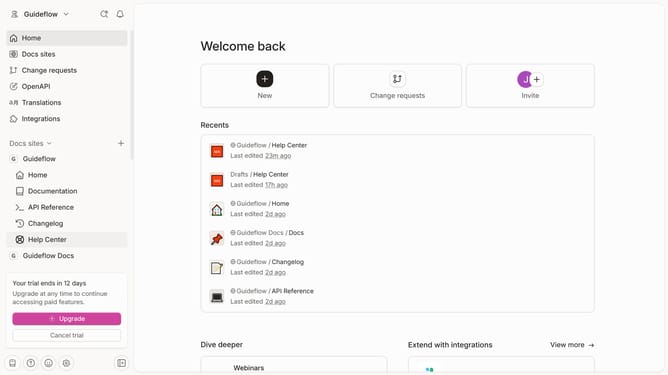
- First click on the "Help Center" in the sidebar
- Then click on the "Edit" button in the top menu
- Click on the block options icon
- Next, click on the "Add caption" option in the menu
- Then click on the caption text area and enter your caption
- Finally, click on the "Merge" button in the editor toolbar
Why should you add caption file in a help center in Gitbook
GitBook is a powerful platform designed to streamline collaborative documentation processes.
Incorporating a caption file into your help center within GitBook can enhance user accessibility and understanding. This feature allows you to provide text descriptions for videos or multimedia content.
By adding captions, you make content more inclusive, ensuring that users with hearing impairments or those who prefer reading can easily grasp your information. This not only broadens your audience but also enriches their experience, reinforcing the clarity of your documentation.
Last update