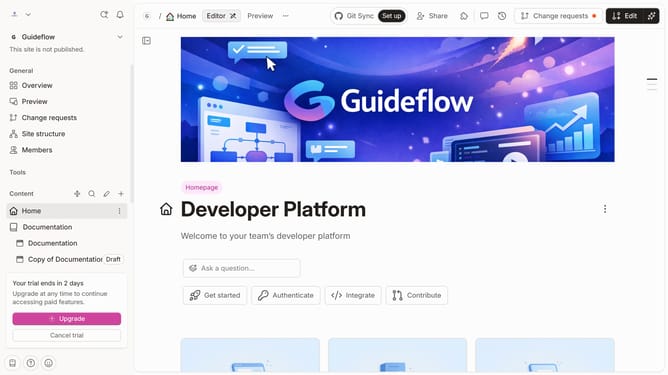
How to add a help center section in Gitbook
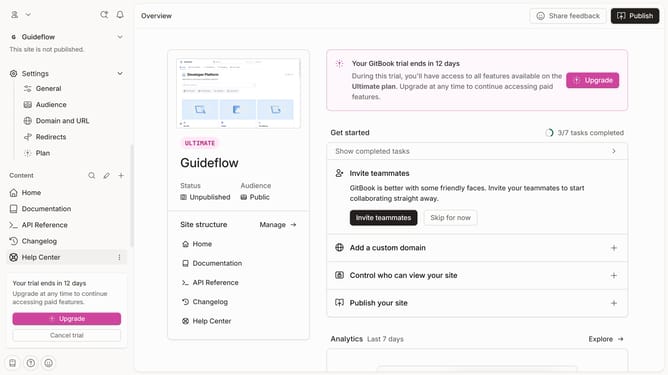
Here is how to add a help center section in gitbook
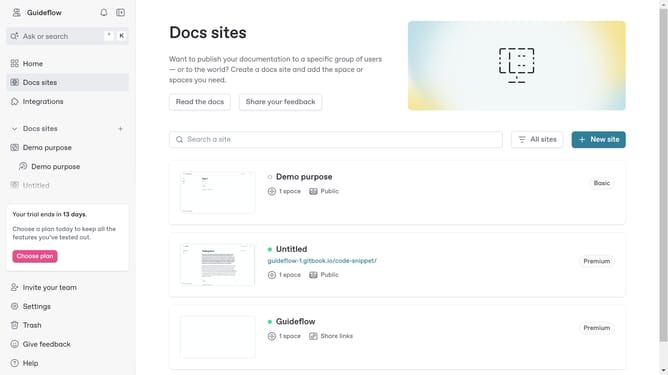
- First click on the "New" button in the main content area
- Then select "New space" from the dropdown menu
- Finally click on the "Use template" button on the "Help Center" card
Why should you add a help center section in Gitbook
Gitbook is an intuitive platform designed to create, manage, and share documentation effectively.
Incorporating a help center section in Gitbook transforms it into a dynamic, user-friendly resource hub. This feature allows teams to centralize their support information, making it easily accessible to users.
By adding a help center, you enhance user experience, streamline information dissemination, and empower users to find solutions independently. This not only reduces support workload but also fosters a proactive learning environment. Embrace the power of Gitbook’s help center and elevate your documentation experience.
Last update