How to hide page actions in homepage in Gitbook
Here is how to hide page actions in homepage in gitbook
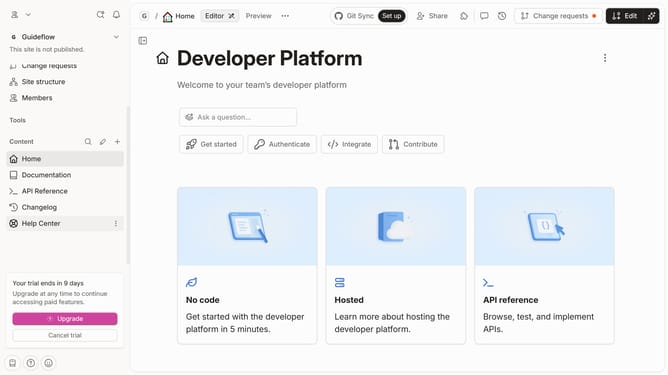
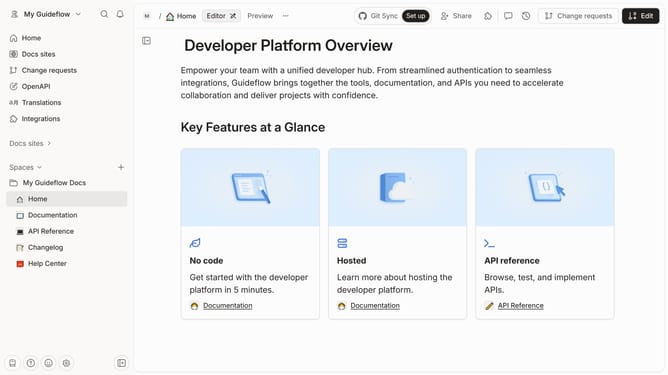
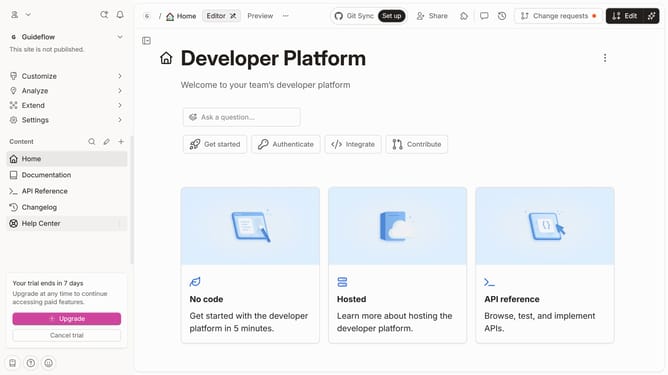
- First click on "Home" link in the left sidebar
- Then click on the "Edit" button in the header
- Next, click on the "Page options" button
- Then toggle the switch OFF across "Show page action" to disable it
- Finally click on the "Merge" button in the header
Why should you hide page actions in homepage in Gitbook
GitBook is a versatile platform designed to create, manage, and share documentation effortlessly.
One of the standout features is its ability to hide page actions on the homepage. This feature allows users to streamline their interface by removing unnecessary actions, creating a cleaner and more focused environment for users to engage with the content.
Utilizing this feature not only enhances the visual appeal but also improves the user experience by minimizing distractions. This leads to a more professional and cohesive presentation of your project or documentation.
Last update