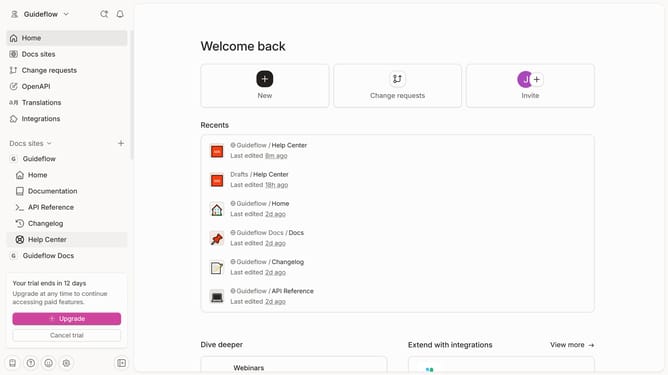
How to add product docs section in Gitbook
Here is how to add product docs section in gitbook
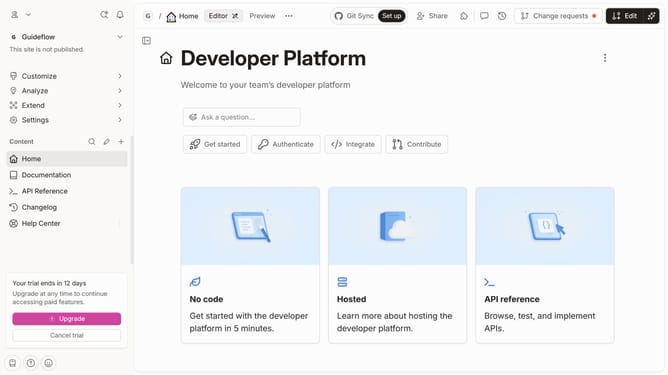
- First click on the "Add content" button in the sidebar
- Then select "Section" from the dropdown menu in the sidebar
- Next, click on the "Product Docs" template
- Then click on the "Use Product Docs" button
- Finally click on the "Add section" button
Why should you add product docs section in Gitbook
GitBook is a powerful platform designed to create immersive documentation experiences.
Adding a product docs section in GitBook is a streamlined process that enhances the accessibility and organization of your content.
By integrating product documentation directly into GitBook, users benefit from a centralized hub that is easy to navigate and update in real-time.
This ensures that your team and users have access to the most current information, promoting transparency and efficiency in product support and development.
Last update