How to add an ordered list in homepage tab in Gitbook
Here is how to add an ordered list in homepage tab in gitbook
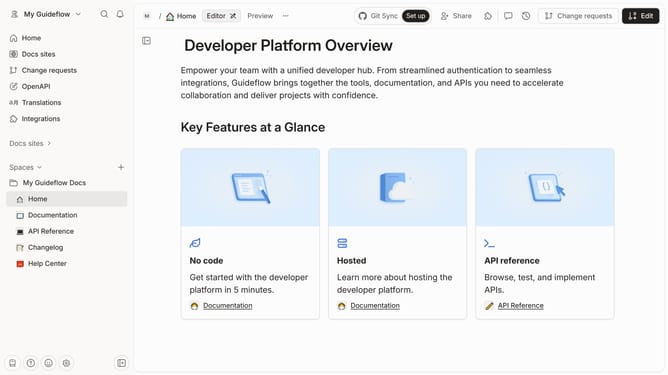
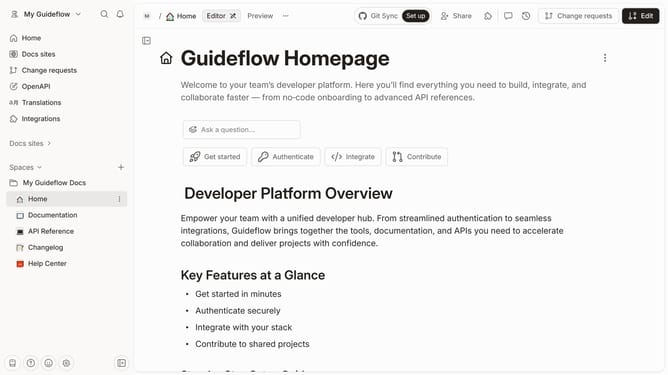
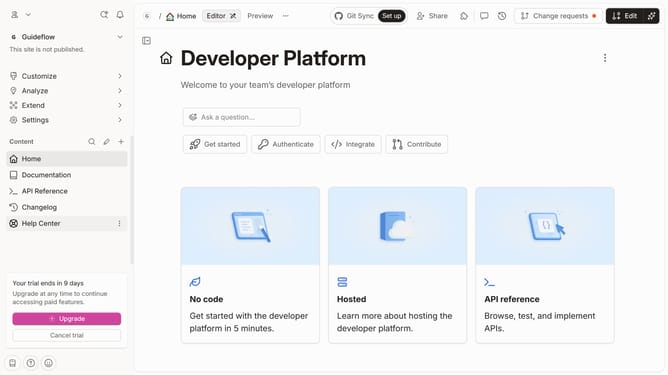
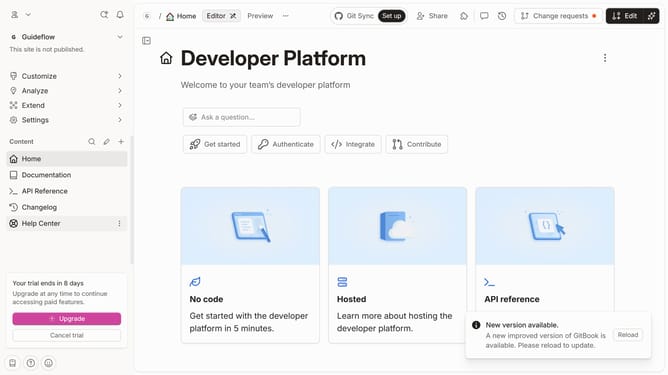
- First click on "Home" item in the left sidebar
- Then click on the "Edit" button in the top right corner of the header
- After that, click on the "block options" icon
- Next, click on the "More blocks" option from the dropdown menu
- Then select "Ordered List" from the expanded menu
- Click on the text input field and enter your list
- Finally click on the "Merge" button in the top right corner of the header
Why should you add an ordered list in homepage tab in Gitbook
GitBook empowers users to seamlessly document information and collaborate online, making knowledge-sharing intuitive and organized.
One of its notable features allows users to add an ordered list directly in the homepage tab, enhancing clarity and readability of content.
This capability is crucial as it helps structured documentation, breaks down complex information into digestible steps, and improves user navigation.
Using ordered lists, users can effectively prioritize content, making the documentation more coherent and professional.
Last update