How to add more tab in help center in Gitbook
Here is how to add more tab in help center in gitbook
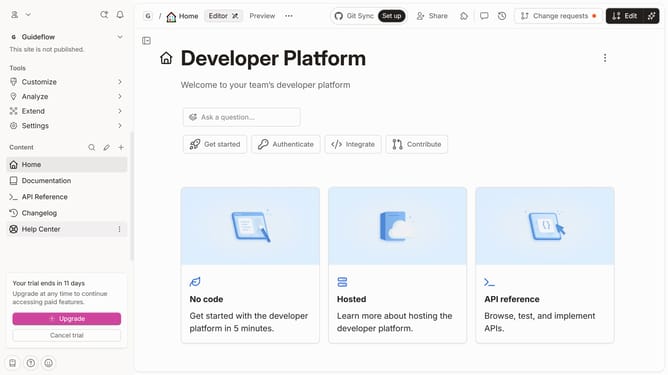
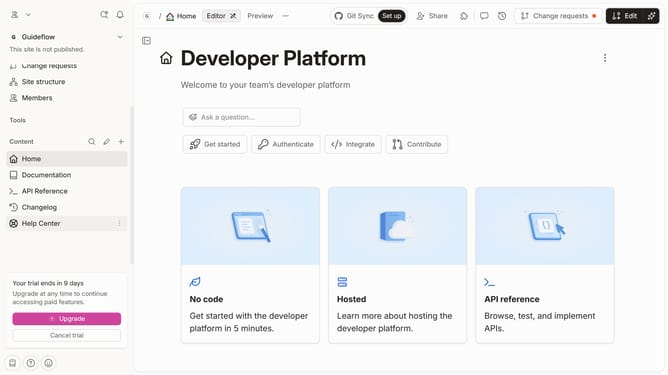
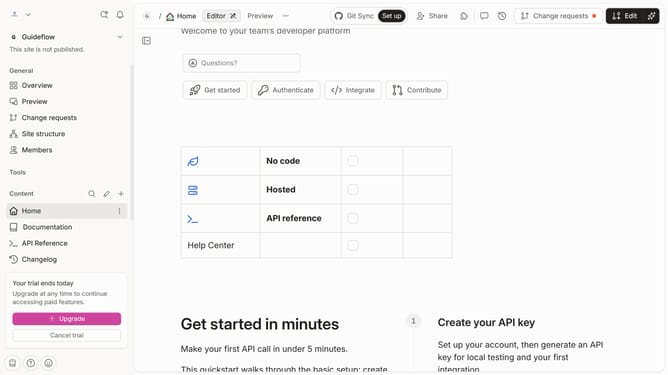
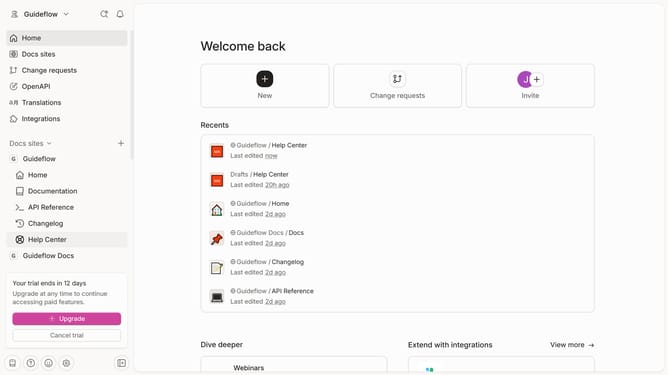
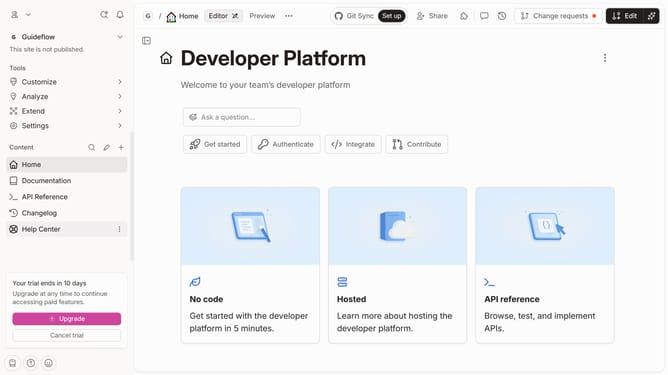
- First click on "Help Center" in the left sidebar
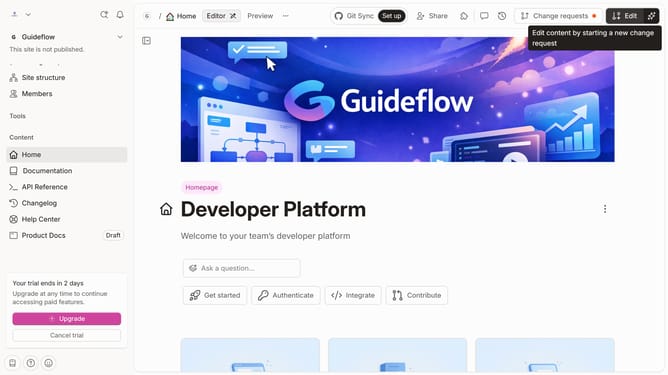
- Then click on the "Edit" button in the header
- Next, click on the "Insert tab" button
- Finally click on the "Merge" button in the header
Why should you add more tab in help center in Gitbook
GitBook is a collaborative platform designed to streamline the creation, sharing, and maintenance of documentation.
Adding more tabs in the help center of GitBook empowers users by allowing them to organize comprehensive documentation across multiple sections.
This feature enhances user experience by making information easily accessible, ensuring that users can find the answers they need efficiently.
Moreover, customizing the help center with additional tabs aids in structuring complex information systematically, benefiting both the creators and the readers.
Last update