How to create a collection in Gitbook
Here is how to create a collection in gitbook
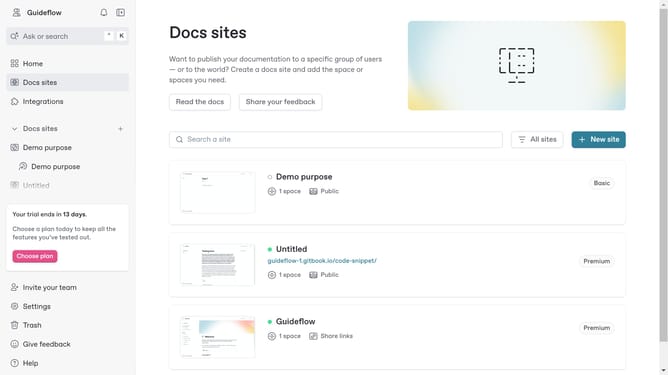
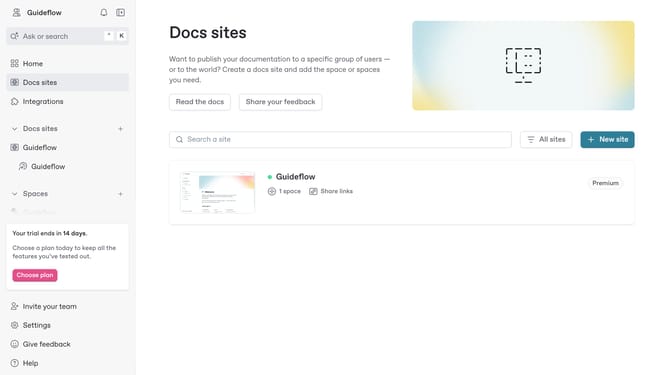
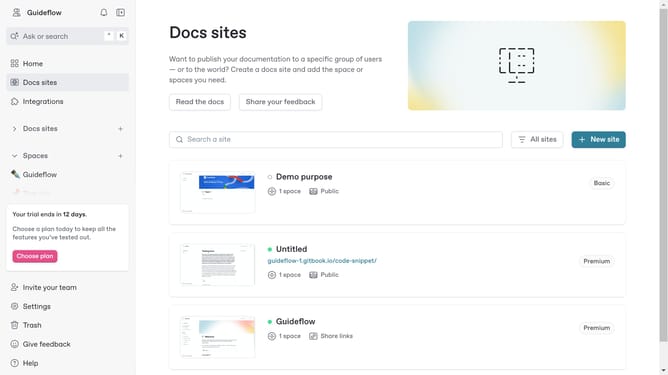
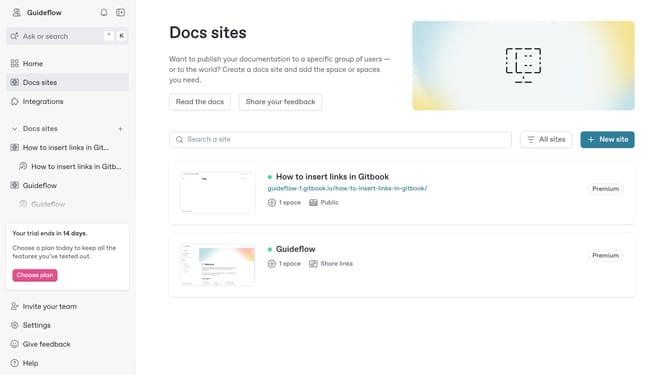
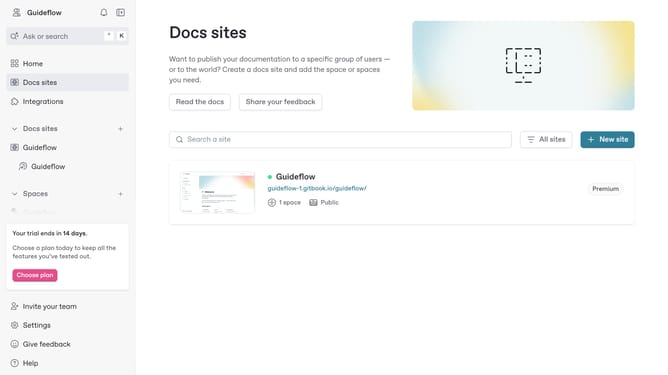
- First click on the plus (+) button next to "Spaces" in the left sidebar to open the spaces menu
- Next click on "New collection" option from the dropdown menu
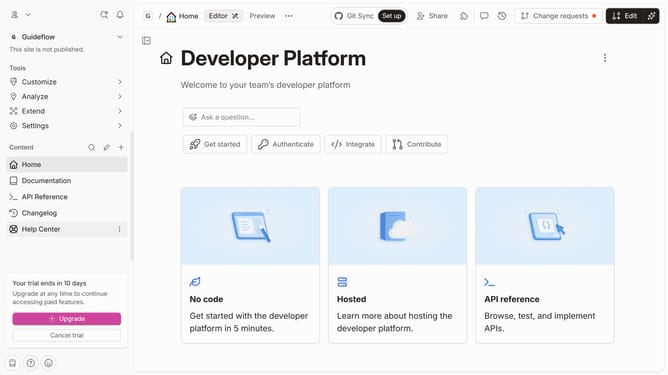
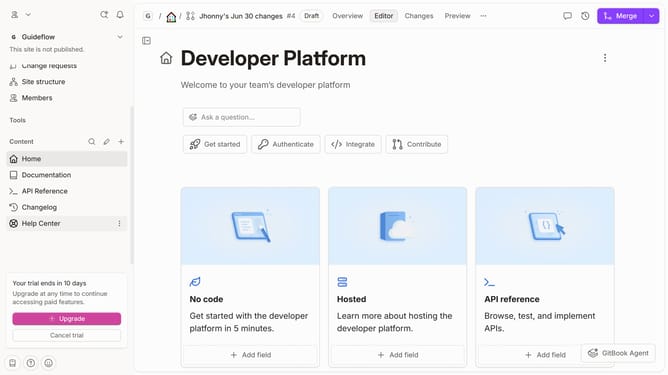
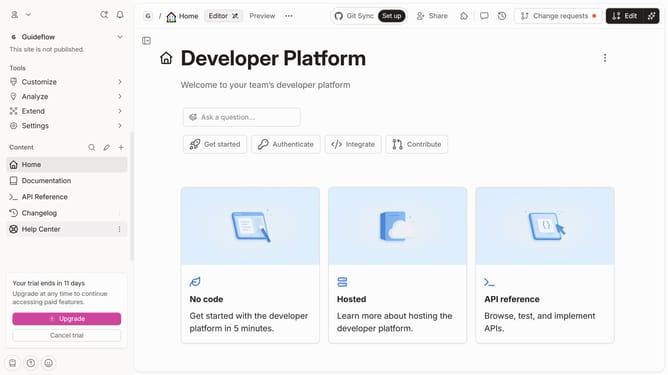
- Then click on the menu icon (three dots) in the left sidebar to open the context menu
- Here you will find different options to edit your newly created collection
Why should you create a collection in Gitbook
Gitbook is a collaborative documentation platform designed to facilitate seamless knowledge sharing.
Creating a collection in Gitbook allows you to effectively organize and group related content, enhancing navigability for teams and readers alike.
Utilizing collections helps in maintaining a clean structure and provides a straightforward way to categorize information based on projects, topics, or any other logical grouping.
This feature ensures that your documentation is not only well-structured but also exceptionally easy to access and understand.
Last update