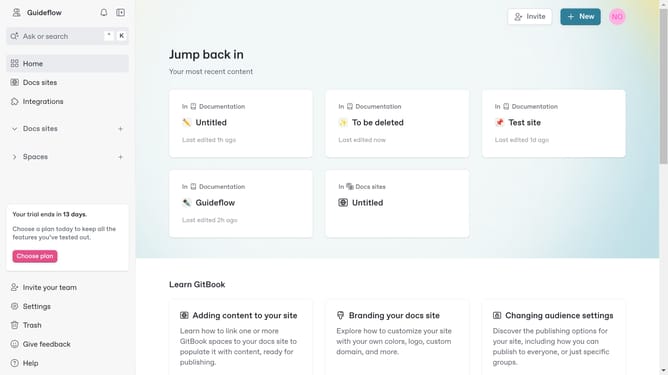
How to embed Codepen projects in Gitbook
Here is how to embed codepen projects in gitbook
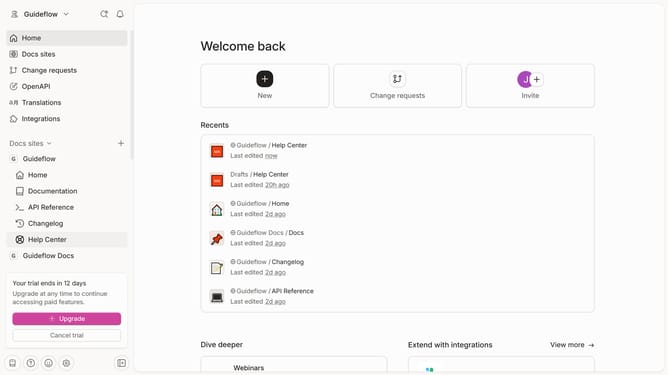
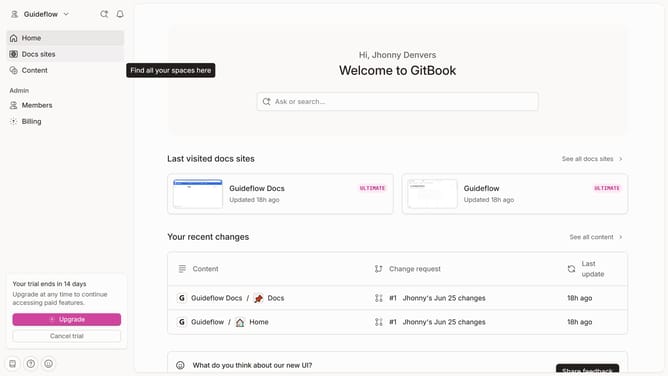
- First click the site card you want to use in the main content area
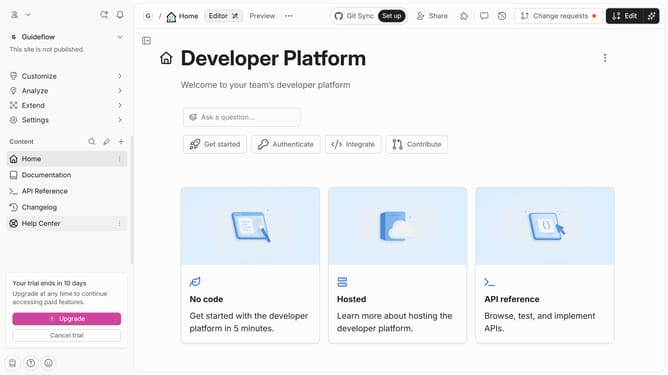
- Then click on the "Start editing content" button in the overview section
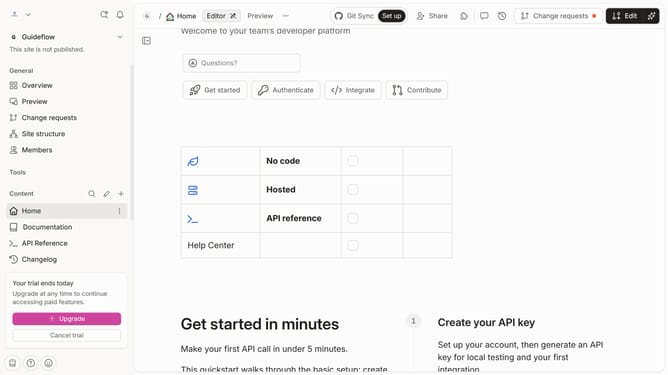
- Click in the empty content area and type "/" to open the block insertion options
- Click on the search box
- Type "Codepen" in the search box to find the Codepen block
- Select the "Codepen" block from the dropdown options
- Click in the URL field and paste your Codepen URL
- Finally click the "Insert" button after entering the Codepen URL
Why should you embed Codepen projects in Gitbook
Gitbook is a powerful platform designed for creating detailed and interactive documentation with ease.
By embedding Codepen projects in Gitbook, users can enrich their documentation with dynamic and live examples, making complex concepts easier to grasp.
Integrating Codepen projects allows for visual demonstrations right within the documentation, providing real-time interaction that enhances learning and engagement.
This feature supports seamless collaboration and knowledge sharing, streamlining the process of presenting innovative solutions effectively.
Last update