How to change help center category icon in Gitbook
Here is how to change help center category icon in gitbook
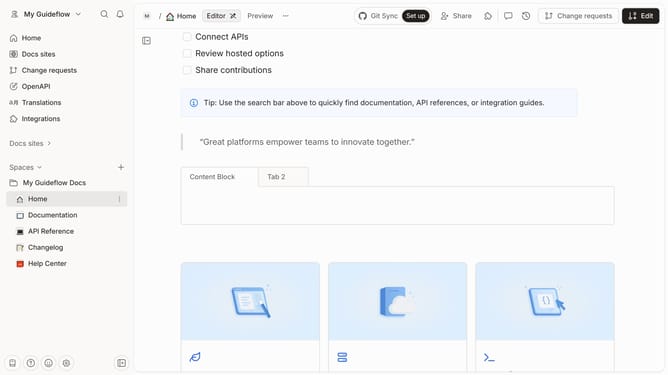
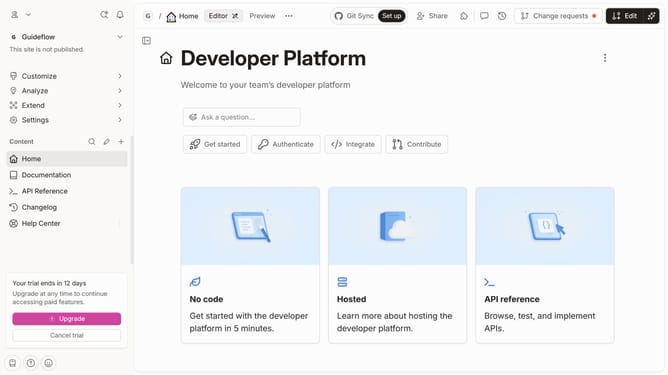
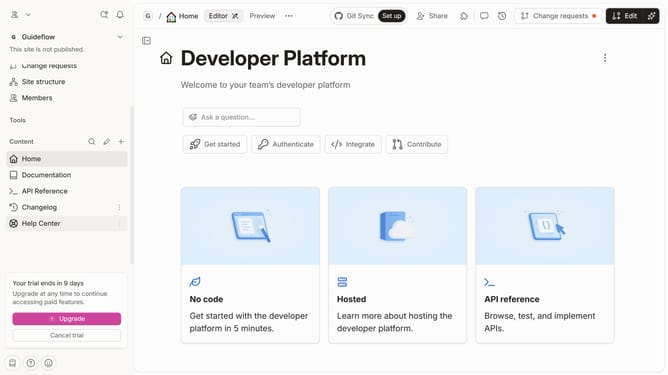
- First click on "Help Center" in the sidebar
- Then click on the "Edit" button in the header
- Next, click on the "Field options" button
- After that, click on the icon you want to replace
- Then click on you preferred icon
- Finally, click on the "Merge" button in the top right corner
Why should you change help center category icon in Gitbook
GitBook enhances team collaboration by simplifying documentation creation and sharing.
Customizing the help center category icon in GitBook allows you to personalize and better organize your help content.
This feature enhances the user experience by making navigation intuitive and visually appealing.
Using distinct icons can help users quickly identify and access the information they need, ultimately improving their efficiency and satisfaction.
Last update