How to set corner style in docs site in Gitbook
Here is how to set corner style in docs site in gitbook
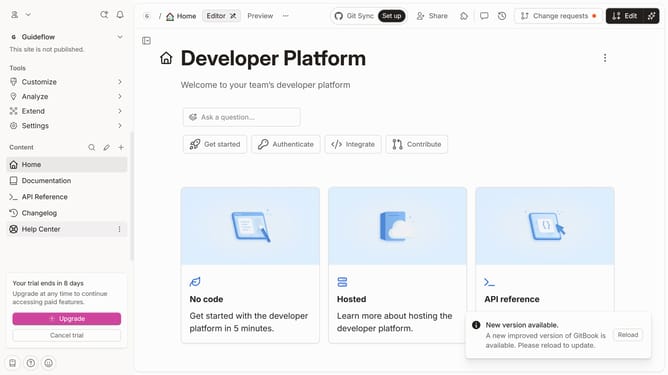
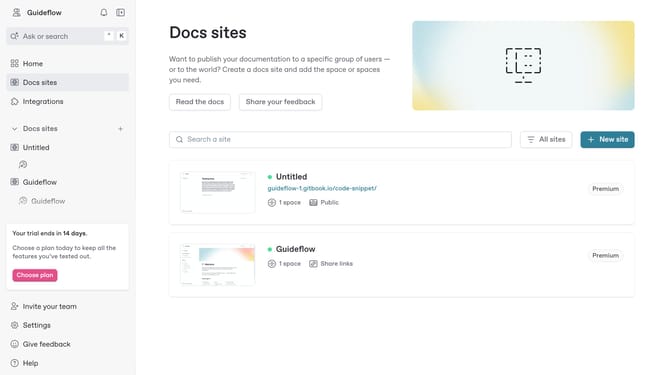
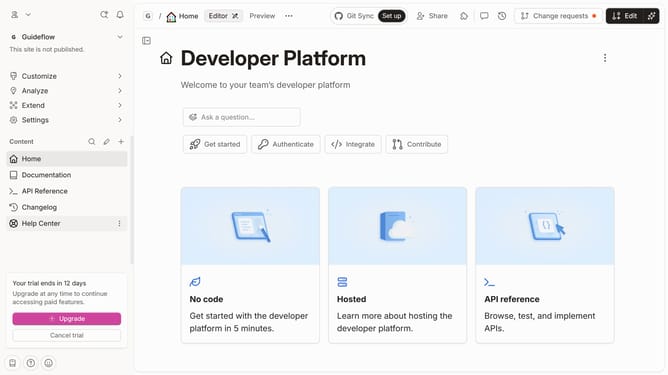
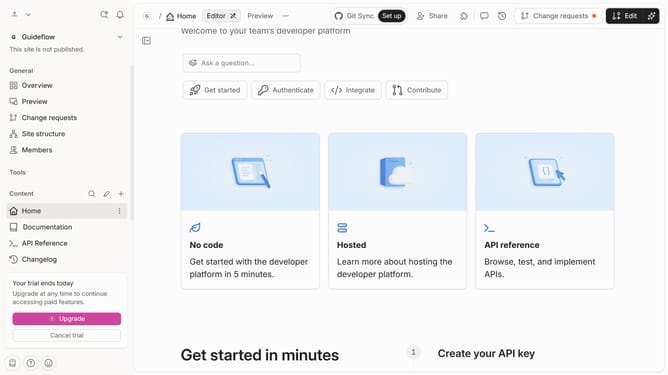
- First click on "Docs sites" in the left sidebar
- Then click on the doc site title that you want to manage
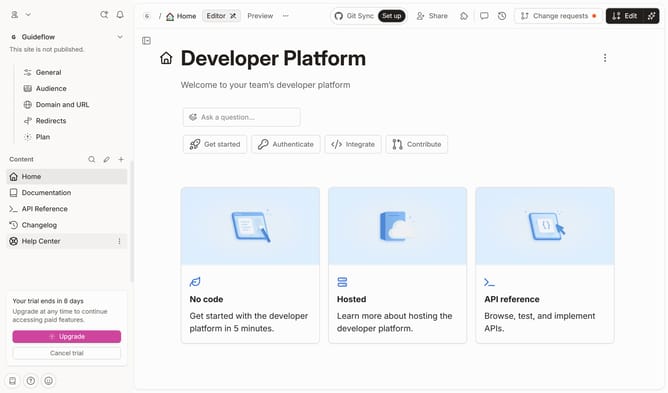
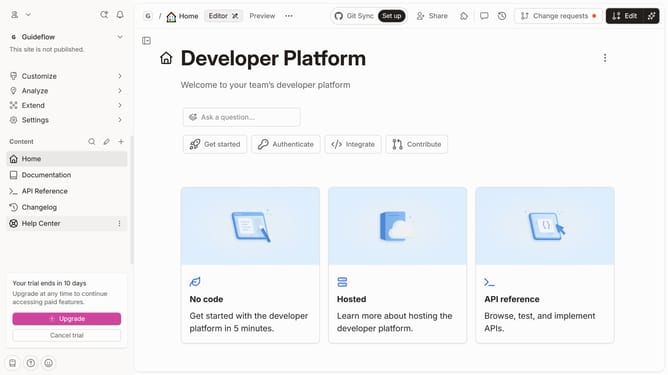
- Next click on "Customize" in the left sidebar
- Then select "Theme" under Customize
- After that click on the "Corner style" dropdown
- Next select a style from the dropdown menu
- Finally click on the "Save" button
Why should you set corner style in docs site in Gitbook
GitBook is a versatile platform designed to help teams collaborate on documentation, ensuring clarity and easily accessible information.
One of its standout features is the ability to customize the corner style of your docs site. This feature allows users to create a tailored and professional look, aligning documentation design with your brand identity.
Utilizing this feature enhances the aesthetic appeal of your documentation, making it more engaging and visually consistent, which improves user experience and retention.
Last update