How to bold words inside help center table in Gitbook
Here is how to bold words inside help center table in gitbook
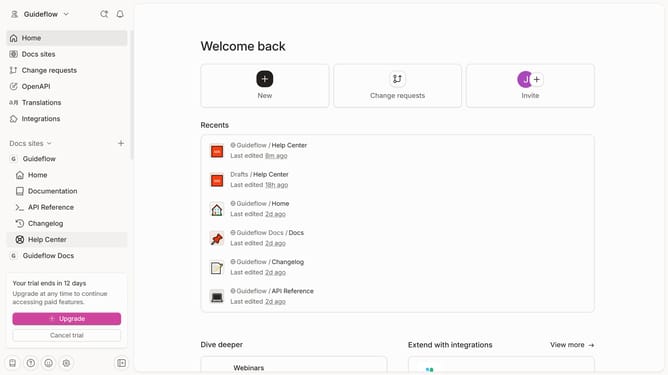
- First click on the "Help Center" item in the left sidebar
- Then click on the "Edit" button in the top right menu
- Next, click on the text to highlight it in the content editor
- Then click on the "B" button to make the text bold in the editor toolbar
- Finally, click on the "Merge" button in the top right corner
Why should you bold words inside help center table in Gitbook
Gitbook is a versatile platform that empowers teams to create beautiful online documentation collaboratively.
By bolding words inside a help center table, you can greatly enhance clarity and emphasis, highlighting crucial points effortlessly.
This feature allows readers to quickly grasp important information, making navigation intuitive and improving overall user experience. Ultimately, it fosters a more efficient communication flow within your documentation.
Last update