How to edit anchor links for headings in Gitbook
Here is how to edit anchor links for headings in gitbook
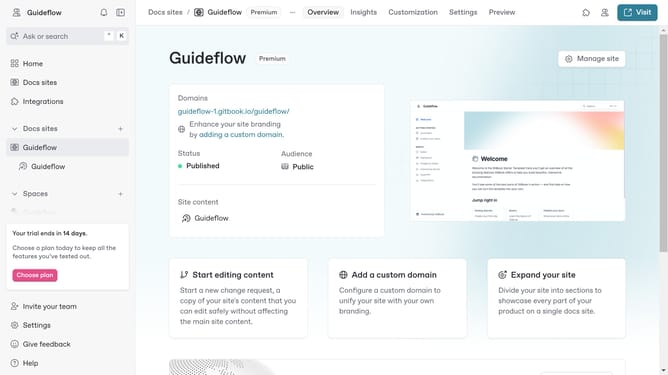
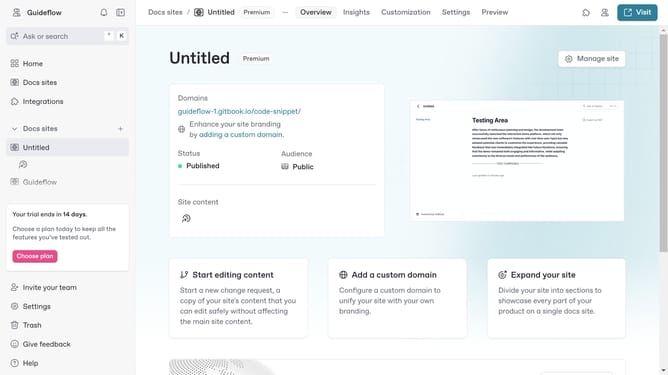
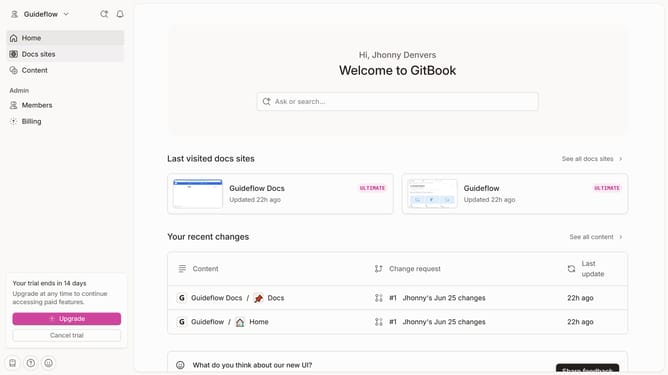
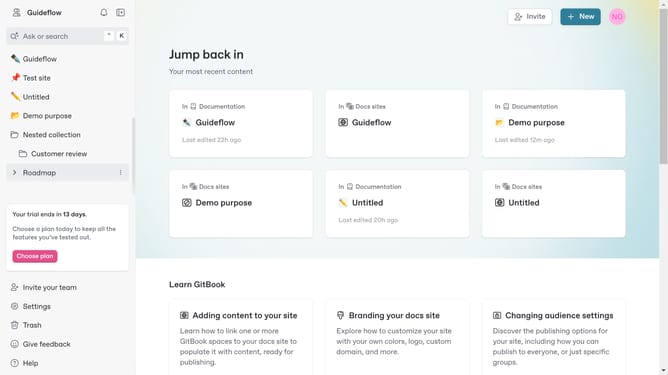
- First click on the site card that you want to use
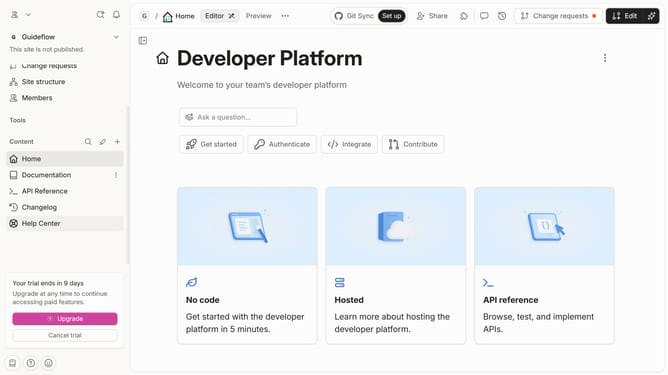
- Then click the "Start editing content" button in the main content area
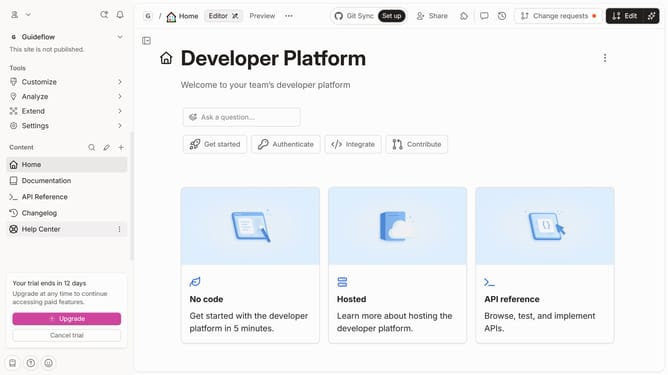
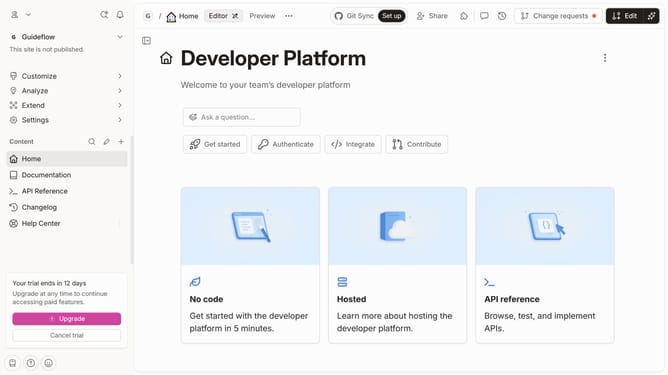
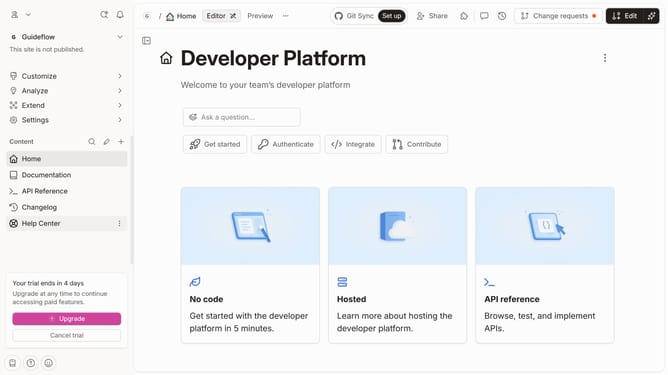
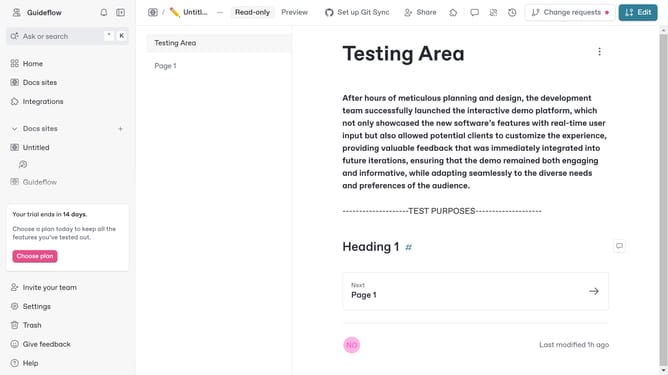
- Next click the "Edit" button in the top toolbar
- Click the "Options" button besides the text
- Click the "Edit anchor" option in the context menu
- Edit the name of your anchor in the text field
- Click the "Save" button in the anchor dialog
- Finally click the "Merge" button in the top toolbar
Why should you edit anchor links for headings in Gitbook
GitBook is a dynamic platform tailored for creating comprehensive documentation.
One standout feature is the ability to edit anchor links for headings effortlessly. This allows you to craft a more intuitive navigation experience for readers by directing them precisely where they wish to go.
Enhanced anchor links not only streamline document accessibility but also improve SEO outcomes by incorporating keyword-rich links that are easily indexed by search engines.
By customizing these links, you ensure that your GitBook documentation is both reader-friendly and search engine optimized.
Last update