How to add a table link column in help center in Gitbook
Here is how to add a table link column in help center in gitbook
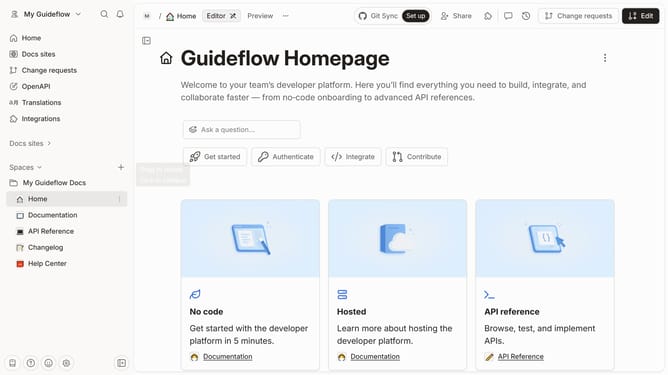
- First click on "Help Center" in the left sidebar
- Then click on the block options icon
- Then select "Add column" from the dropdown menu
- Then select "Link" from the list of options
- Finally click on the "Merge" button in the top header
Why should you add a table link column in help center in Gitbook
Gitbook is a modern documentation platform designed to empower teams to build efficient and accessible knowledge bases.
Adding a table link column in the Gitbook help center enriches your documentation by organizing links cohesively, which enhances user navigation and information retrieval.
This feature provides a streamlined method for users to access related documents, ensuring they have quick, intuitive access to interconnected information.
Utilizing the table link column fosters a more coherent and seamless user experience, significantly improving the effectiveness of your help center.
Last update