How to align image in help center in Gitbook
Here is how to align image in help center in gitbook
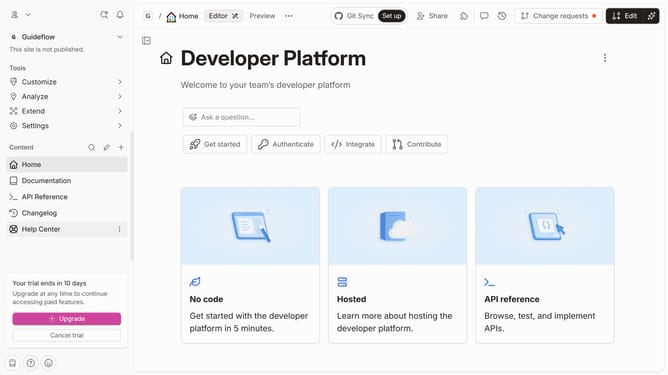
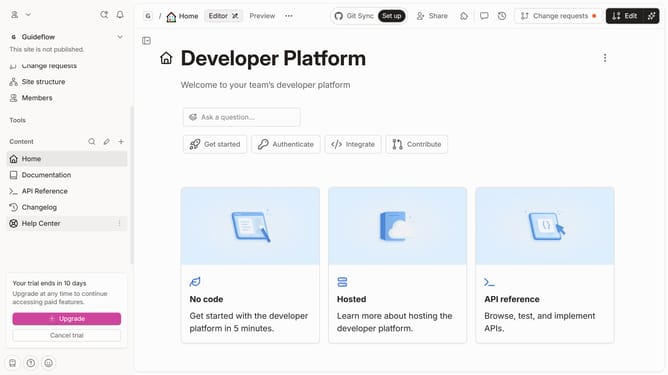
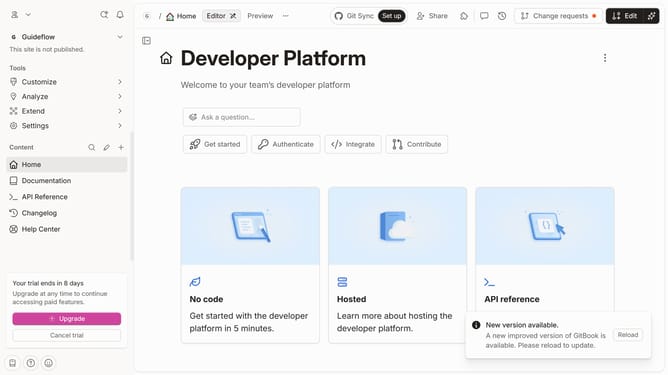
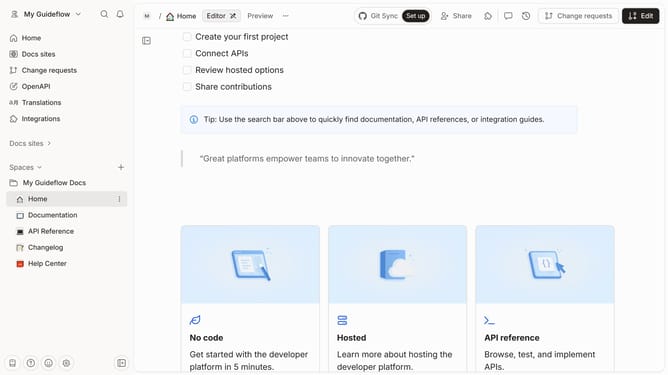
- First click on "Help Center" item in the left sidebar
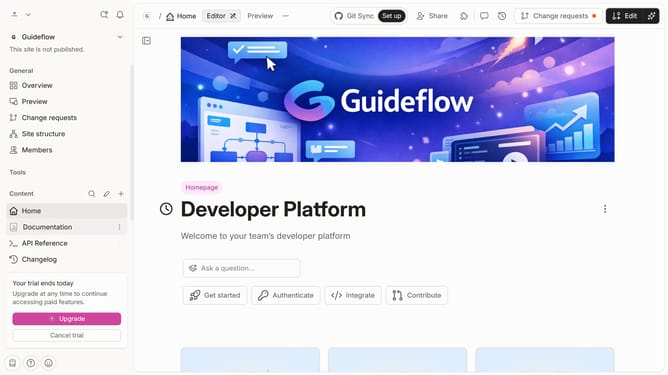
- Then click on "Edit" button in the top header
- Next click on the dots icon to reveal block options
- Then select "Right align" from the menu in the sidebar
- Finally click on the "Merge" button in the top header
Why should you align image in help center in Gitbook
GitBook is a powerful platform designed to streamline the creation and sharing of documentation.
Aligning images in GitBook's help center enhances the visual appeal and readability of your content. Proper image alignment ensures that information is not only visually coherent but also easily digestible for readers.
Using this feature effectively can lead to more engaging and professional-looking documentation. This, in turn, improves user experience and aids in effortlessly communicating your message.
Last update