How to change home page title in Gitbook
Here is how to change home page title in gitbook
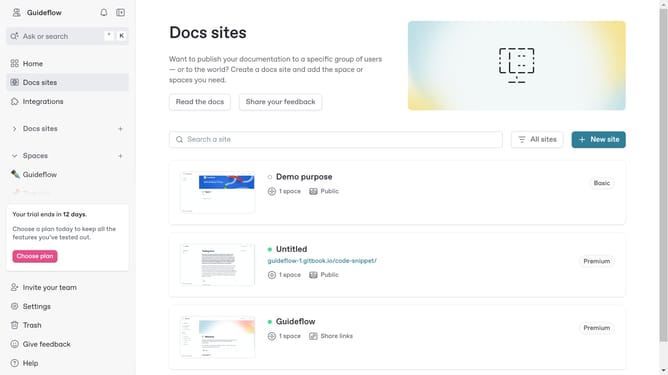
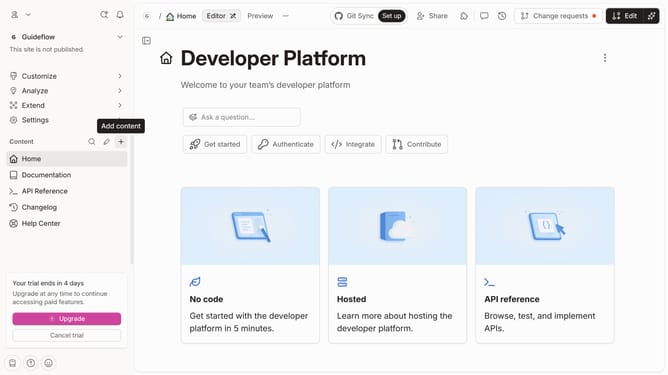
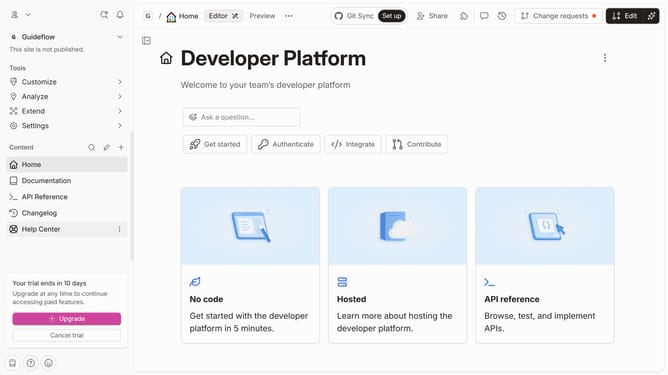
- First click on the "Home" item in the sidebar
- Then click on the "Edit" button in the header
- Next, click on the three dots icon next to the homepage title
- Then select the "Edit title & slug" option from the menu
- Next, click on the text field to edit the page title
- Then click on the "Save" button
- Finally, click on the "Merge" button in the header
Why should you change home page title in Gitbook
GitBook is a collaborative documentation platform designed to help teams share knowledge efficiently.
Changing the home page title in GitBook is a simple yet powerful feature that enhances the readability and discoverability of your content.
This feature allows you to optimize your documentation by making it easily identifiable and more appealing to your audience.
By customizing your home page title, you can align it with your brand and ensure that readers instantly gauge the intent of the document.
Last update