How to represent a paragraph block in Markdown in Gitbook
Here is how to represent a paragraph block in markdown in gitbook
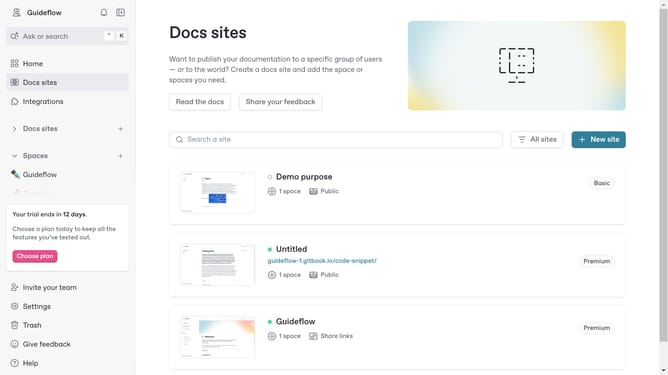
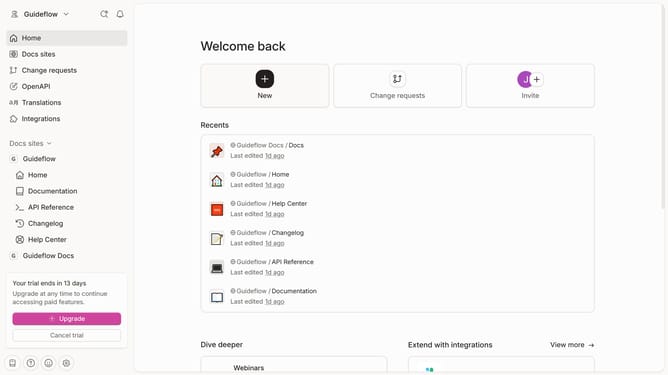
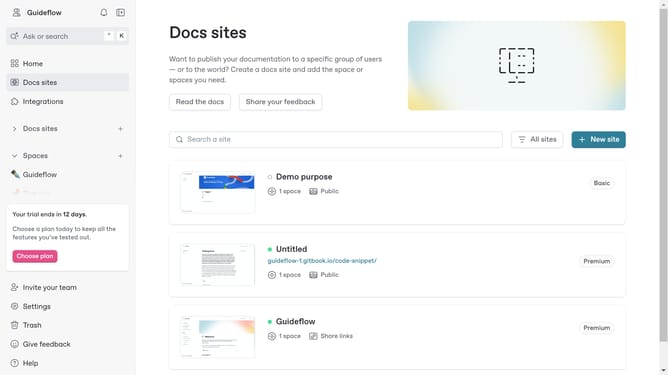
- First click on the card in the main content area to select your documentation site
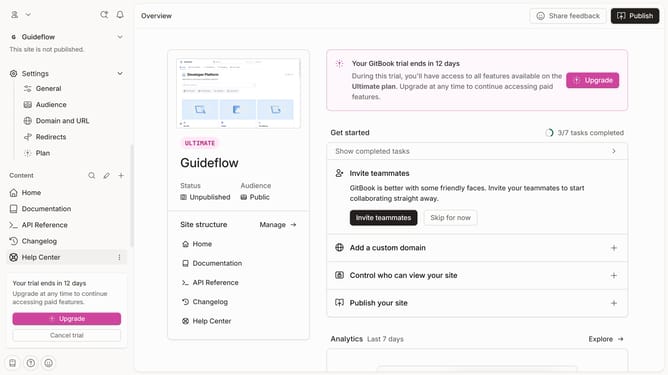
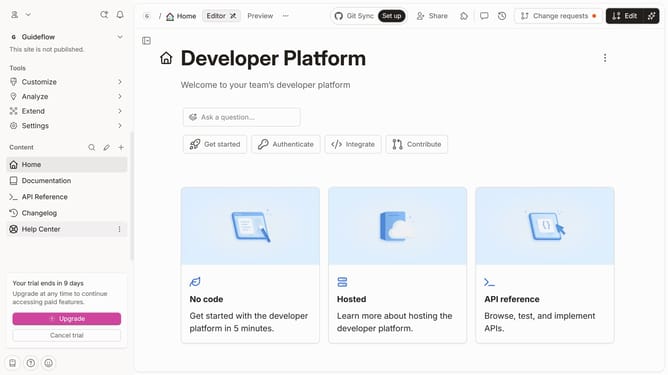
- Then click on the "Start editing content" button in the overview section to begin creating your content
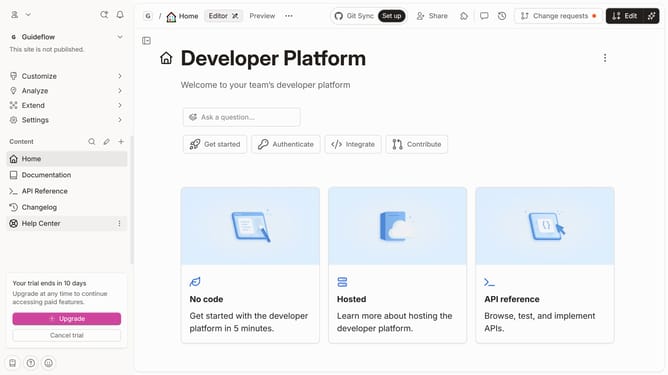
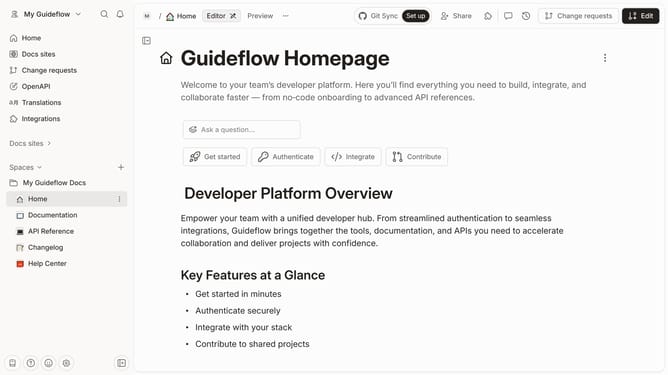
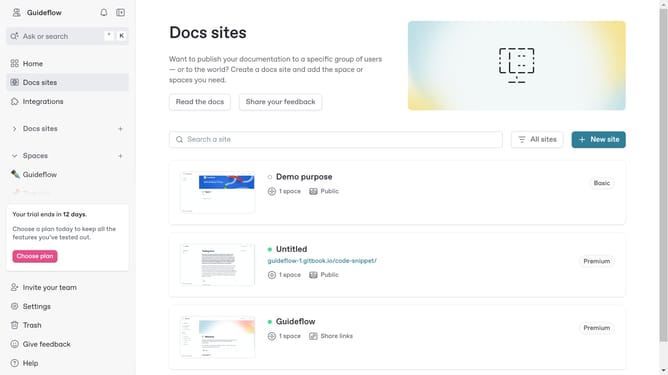
- Finally click on the text area in the editor to enter your Markdown
Why should you represent a paragraph block in Markdown in Gitbook
Gitbook is a collaborative platform designed to streamline documentation processes for teams and individuals alike.
One of its standout features is the ability to represent a paragraph block in Markdown, which enhances readability and maintains clean structure in your documentation. This approach ensures that text is displayed consistently, making it easier for readers to absorb and understand information.
Utilizing Markdown for paragraph blocks in Gitbook not only makes the content visually appealing but also significantly improves the writing experience by removing unnecessary formatting distractions, allowing for a concentrated focus on the content itself.
Last update