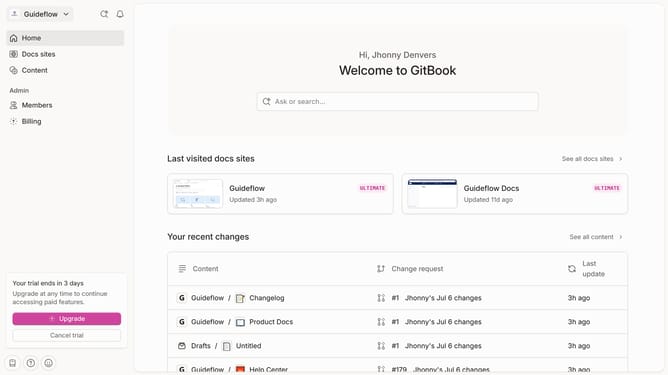
How to toggle live edit mode in Gitbook
Here is how to toggle live edit mode in gitbook
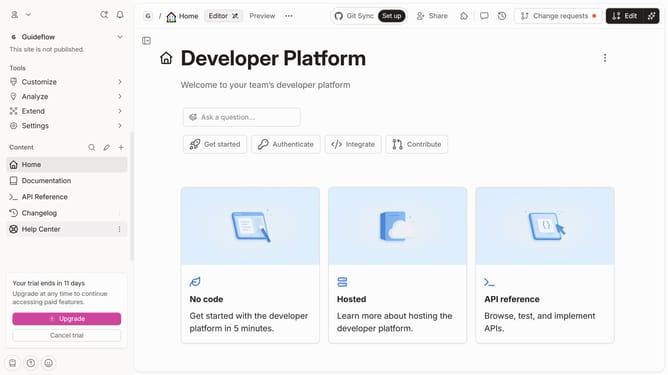
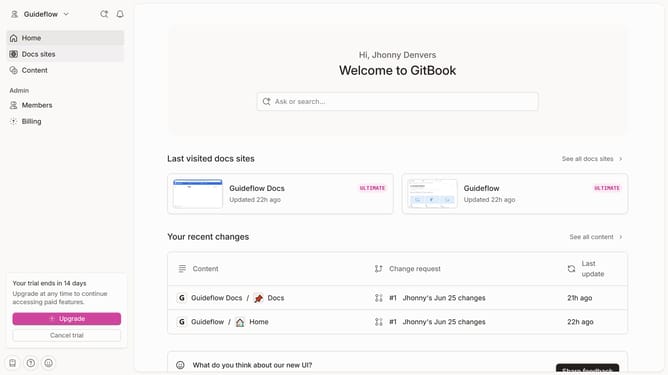
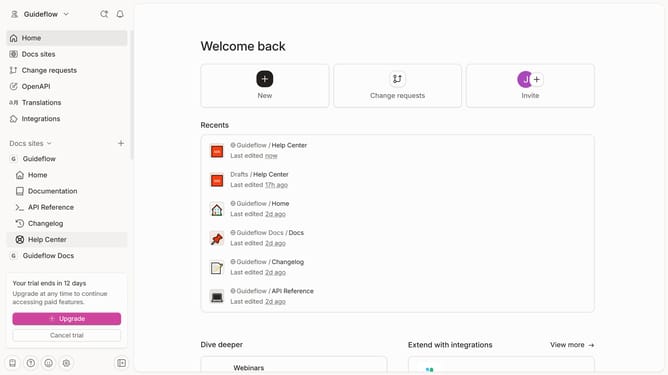
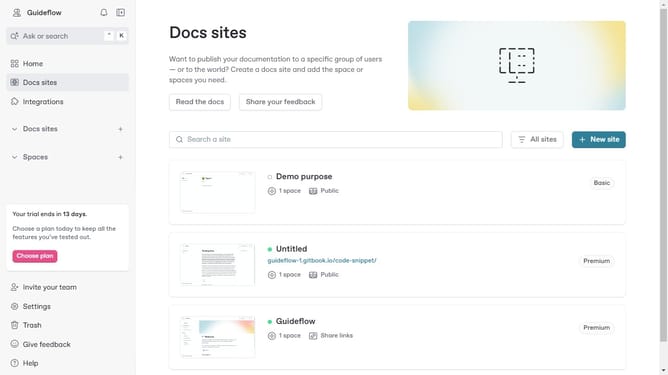
- First click the site card you want to edit
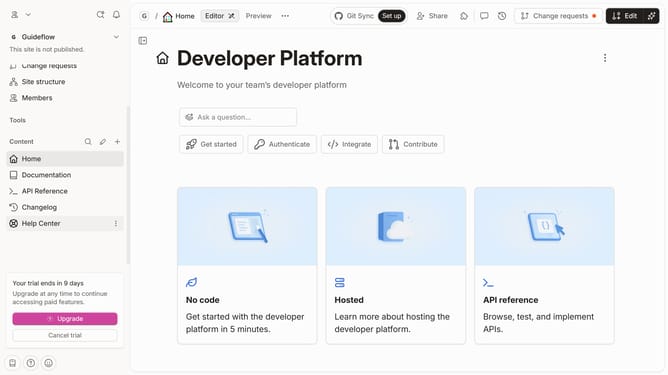
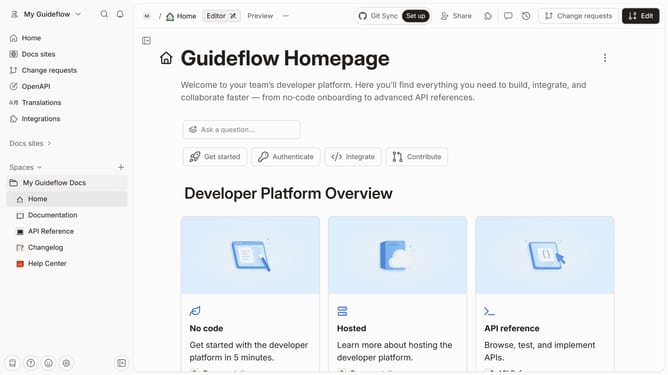
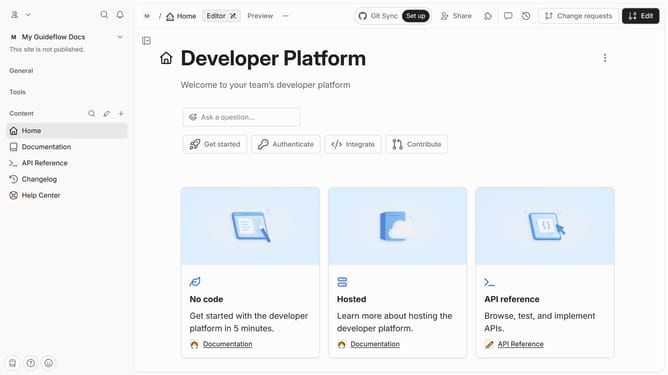
- Then click on the "Start editing content" button in the site overview section
- Then click the "Actions" button at the top
- Here you will find the option to toggle live edits
Why should you toggle live edit mode in Gitbook
Gitbook is a powerful collaborative platform designed to streamline documentation processes and enhance content creation for teams.
Toggling live edit mode in Gitbook is a feature that allows team members to make changes and see updates in real-time, ensuring fluid and efficient collaboration.
Using live edit mode helps minimize the back-and-forth typically associated with drafting documents, significantly boosting productivity.
This functionality is ideal for teams focused on maintaining accuracy and coherence across shared projects, fostering a seamless workflow experience.
Last update