How to delete a table column in help center in Gitbook
Here is how to delete a table column in help center in gitbook
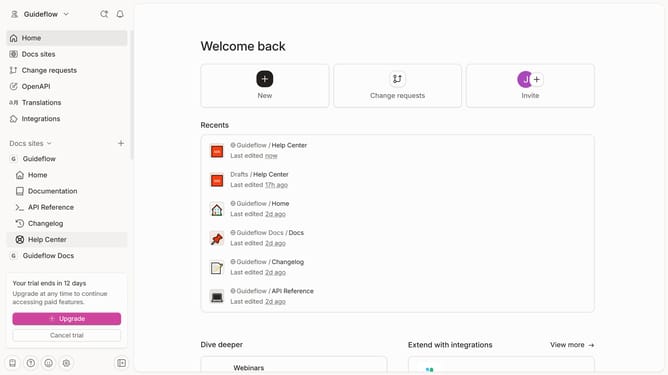
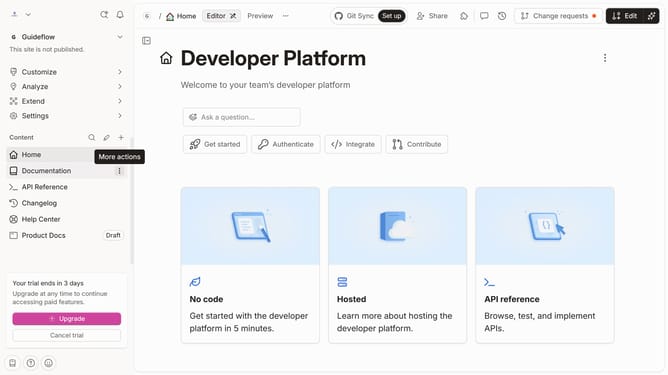
- First click on "Help Center" item in the left sidebar
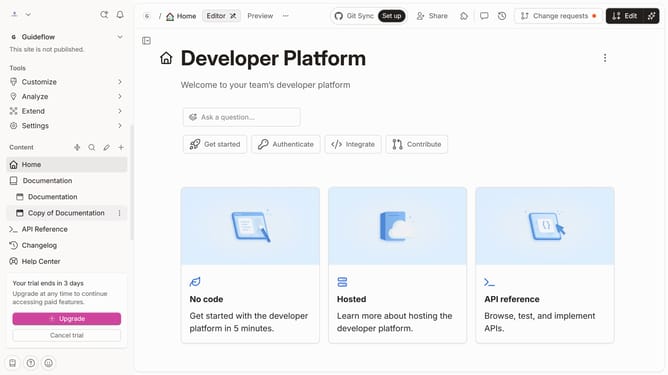
- Then click on "Edit" button in the header
- Next click on the three dots icon to open column options
- Then select "Delete column" from the dropdown menu
- Click on the "Delete" button to confirm the column deletion
- Finally click on the "Merge" button in the header
Why should you delete a table column in help center in Gitbook
Gitbook is a versatile platform designed for creating beautiful documentation that is both easy to navigate and simple to update.
Among its notable features is the ability to delete a table column directly from your help center documentation, which can be a real asset when revising content.
This feature ensures your documentation remains concise, removing unnecessary information that could clutter content and confuse readers.
By simplifying content management, Gitbook empowers you to maintain an organized, efficient, and user-friendly help center.
Last update