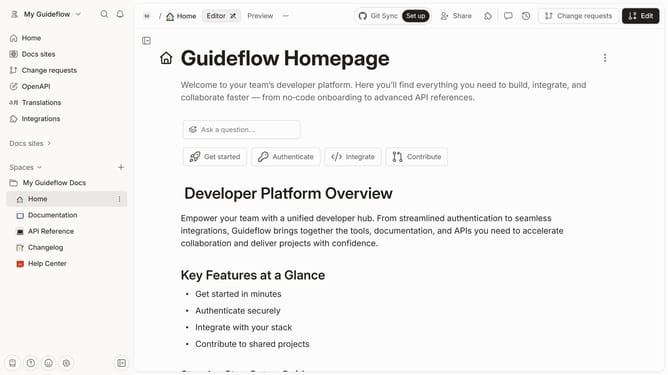
How to delete table in help center in Gitbook
Here is how to delete table in help center in gitbook
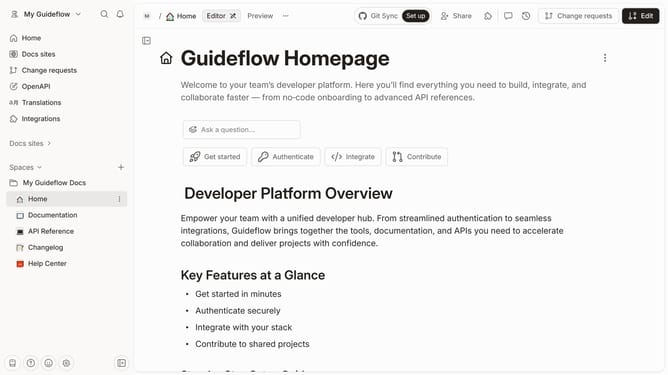
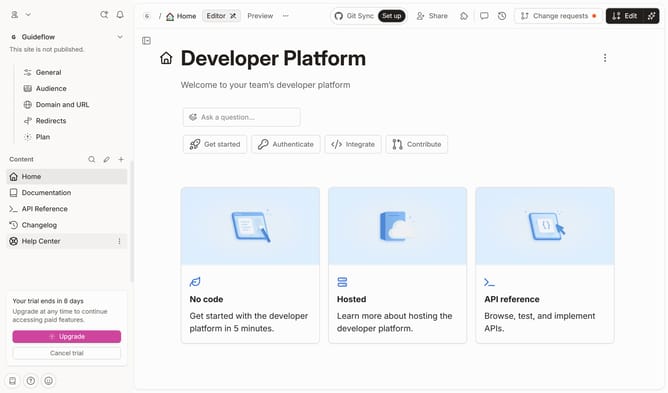
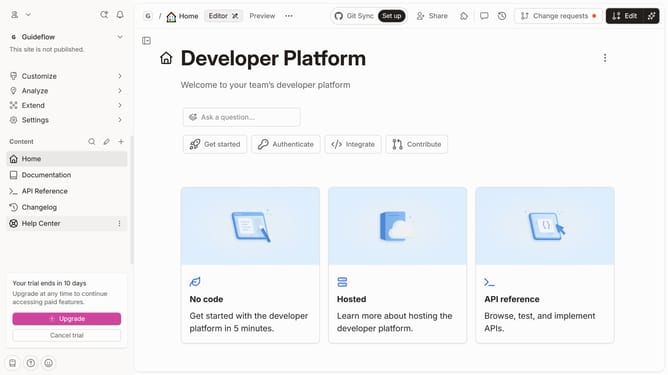
- First click on "Changelog" on the left sidebar
- Then click on the "Edit" button in the header
- Then click on the "Click for block options" icon
- Then click on the "Delete" button in the context menu
- Finally click on the "Merge" button in the top menu
Why should you delete table in help center in Gitbook
Gitbook is a versatile platform that simplifies the collaboration and consumption of documentation for teams and clients.
An essential feature of Gitbook is the ability to manage and delete tables within its help center easily. This functionality allows users to maintain clean and organized documentation by removing outdated or unnecessary tables.
Deleting tables in Gitbook's help center enhances overall content clarity and ensures that users access only the most relevant information, streamlining their documentation experience.
Last update