How to create nested collections in Gitbook
Here is how to create nested collections in gitbook
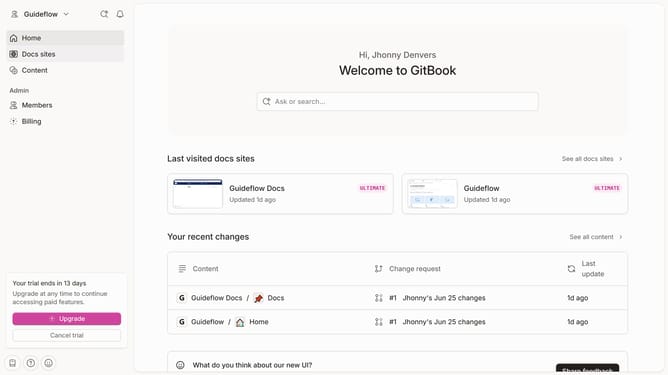
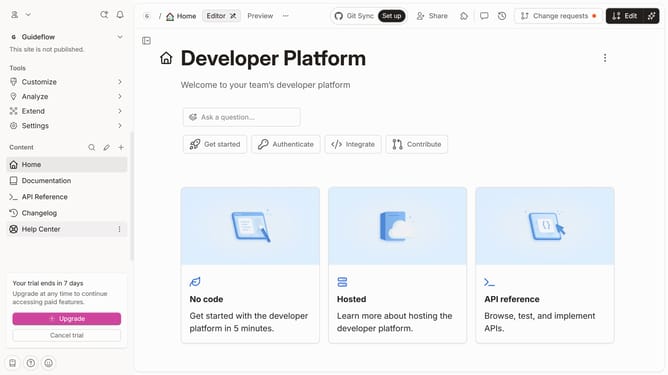
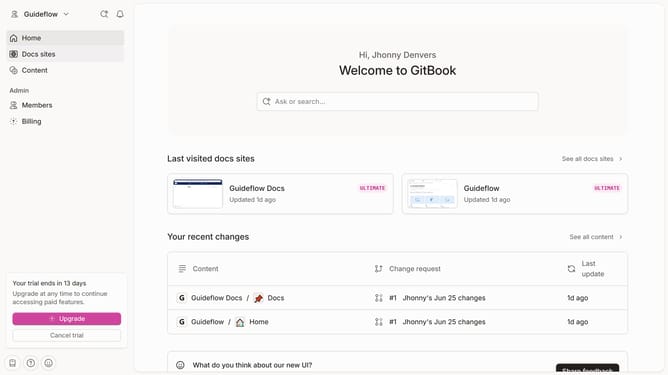
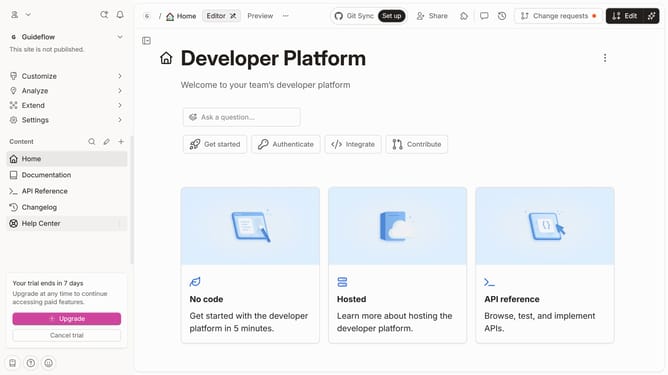
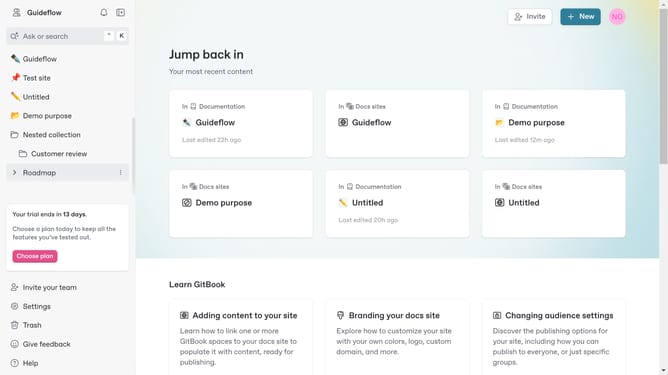
- In the left sidebar, click on the "+" button add a new collection
- Click on "New collection" option in the dropdown menu
- Click on "Actions" button to open more options
- Then click "New collection" again to create a nested collection
- Then click again on the "Actions" button besides the collection
- Here you will find options to edit your newly created collection
Why should you create nested collections in Gitbook
Gitbook is a powerful platform designed to streamline documentation and collaboration.
With the feature of creating nested collections in Gitbook, users can efficiently organize content in a multi-leveled hierarchy. This allows for easy navigation and a more coherent structure, which becomes essential for complex documentation.
Nesting collections aids in categorizing information logically, enhancing both user experience and accessibility. By using nested collections, teams can maintain clarity and focus, ultimately boosting productivity and collaboration.
Last update