How to insert links in Gitbook
Here is how to insert links in gitbook
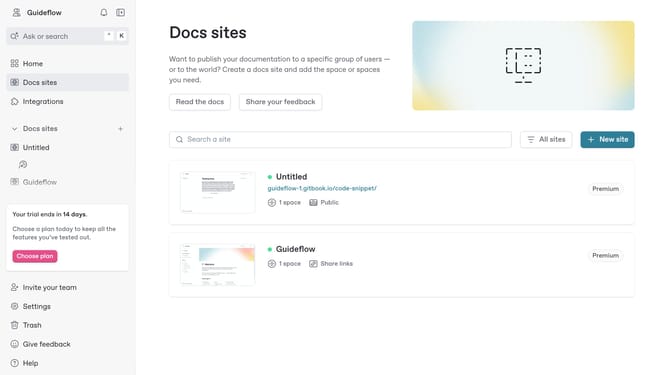
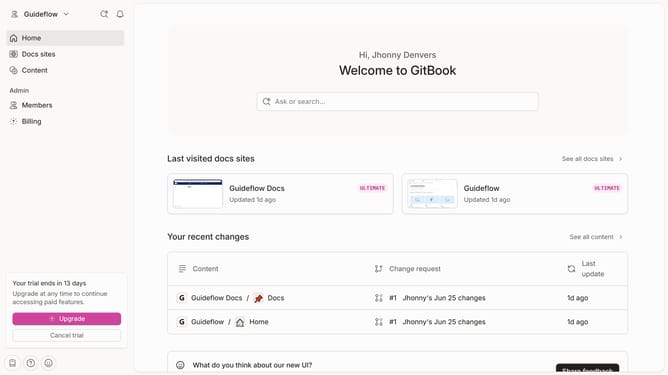
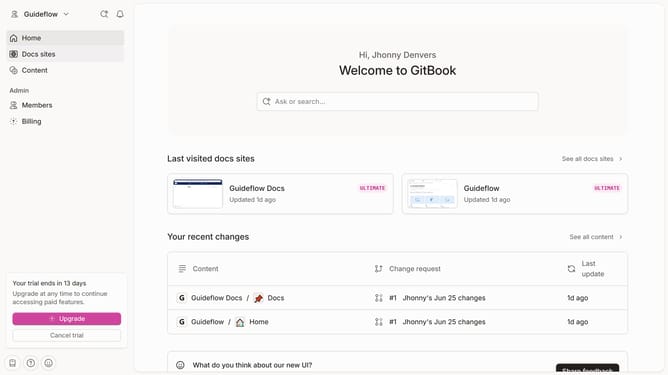
- First click on the site tile in the main content area
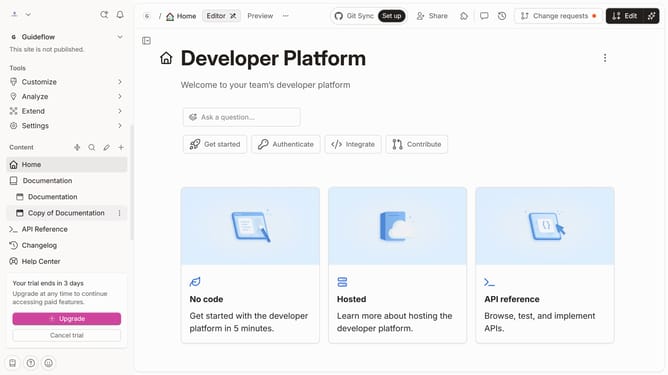
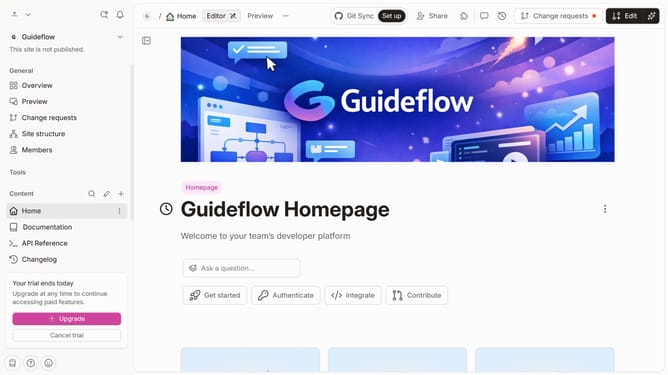
- Then click on the "Start editing content" button in the overview section
- Click on the editor text input area and type the "/" symbol to open more options
- Select the "Embed a URL" option from the advanced blocks menu
- Paste your link here
- Click on the "Insert" button after entering the URL in the embed dialog
Why should you insert links in Gitbook
GitBook is an intuitive platform designed to simplify documentation and collaboration.
Inserting links in GitBook enhances document connectivity, allowing seamless navigation within pages or to external resources.
Employing link features enriches content by providing context and directing readers to pertinent information, thus improving user engagement.
This functionality not only streamlines user experience but also contributes to comprehensive, dynamic, and interconnected documentation.
Last update