How to insert cards in homepage in Gitbook
Here is how to insert cards in homepage in gitbook
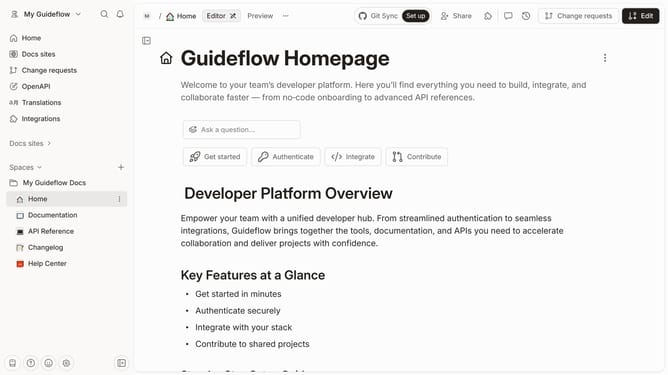
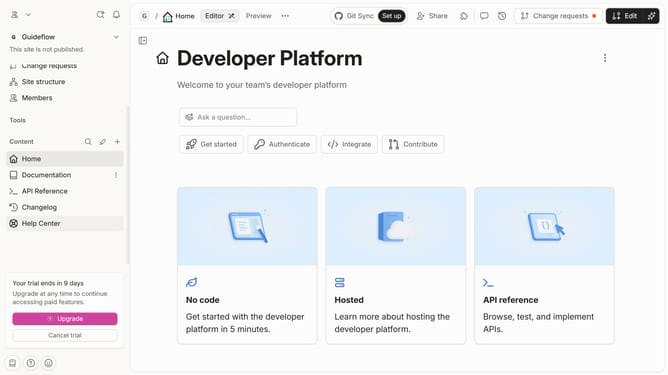
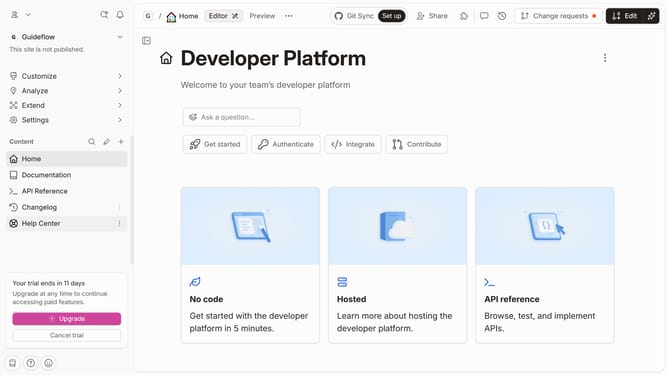
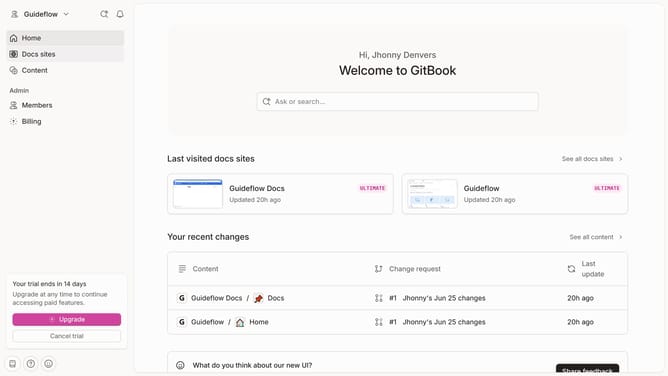
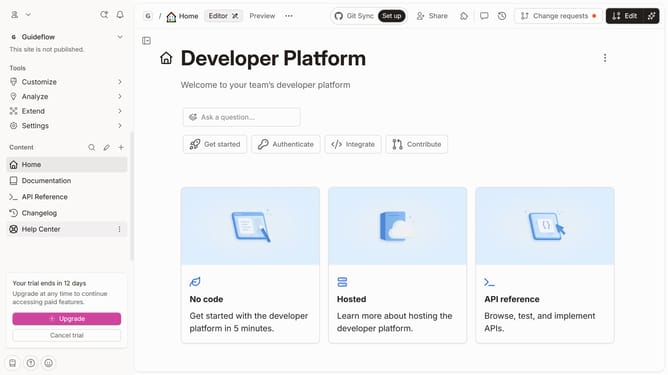
- First click on the "Home" icon in the left sidebar
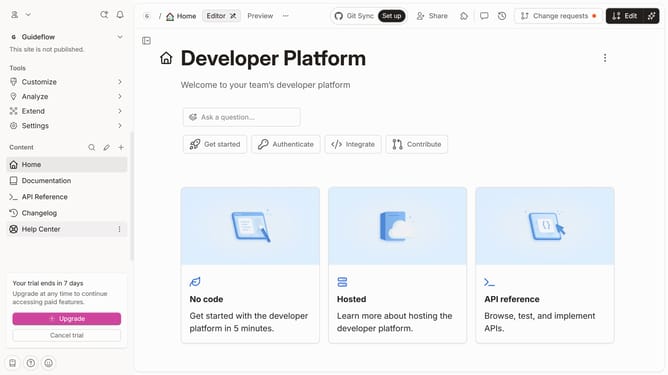
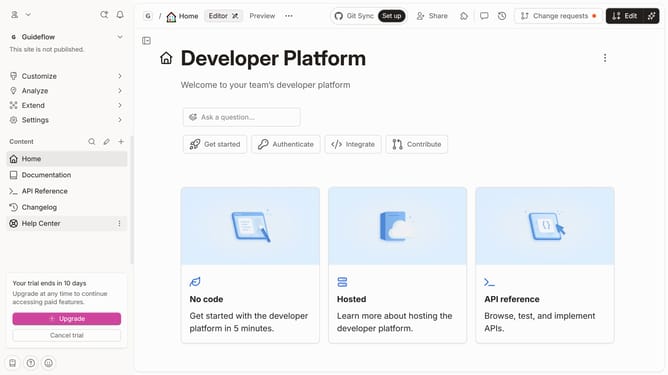
- Then click on the "Edit" button in the top menu bar
- Next click on the "+ New card" button
- Then click on the text input field and enter card title
- Finally click on the "Merge" button in the top right corner
Why should you insert cards in homepage in Gitbook
Gitbook is an intuitive platform designed to streamline the documentation process for teams and individuals.
Embedding cards on your Gitbook homepage enhances user interaction by making information accessible and visually appealing.
This feature allows users to organize content efficiently, offering a snapshot of essential details without overwhelming the viewer.
Using cards not only optimizes navigation but also improves the overall user experience, making your documentation feel more dynamic and engaging.
Last update