How to make the search bar larger in a docs site in Gitbook
Here is how to make the search bar larger in a docs site in gitbook
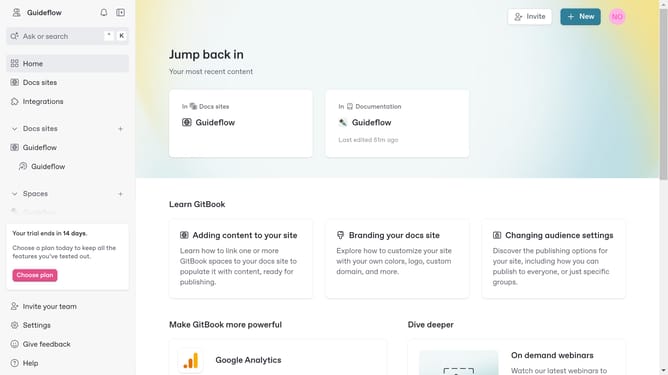
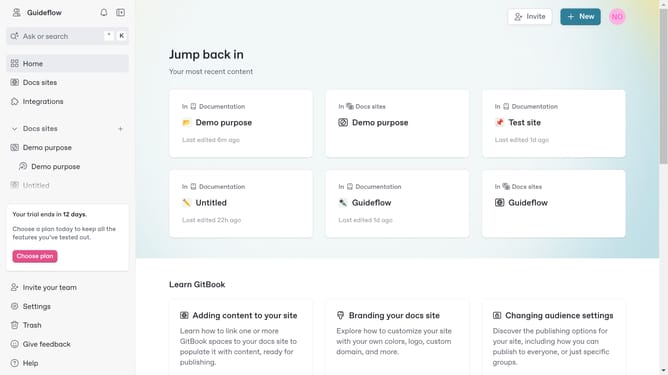
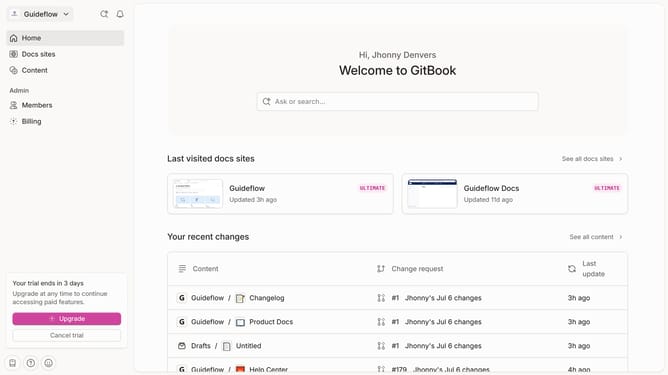
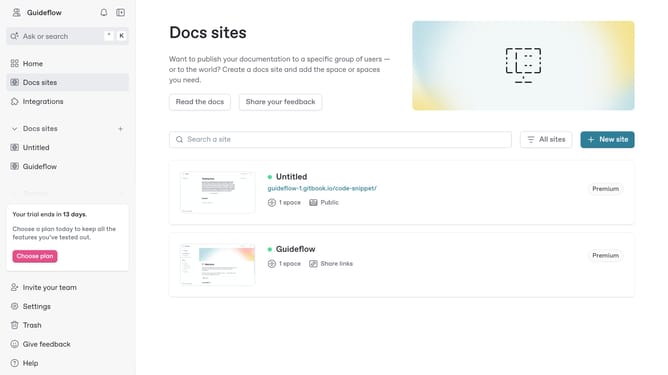
- First click on "Docs sites" in the sidebar
- Then click on the doc site you want to manage
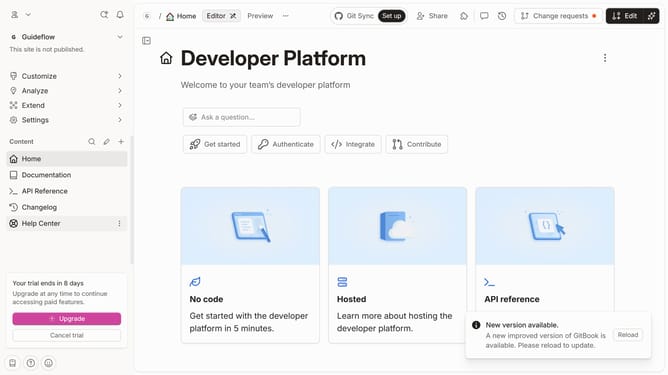
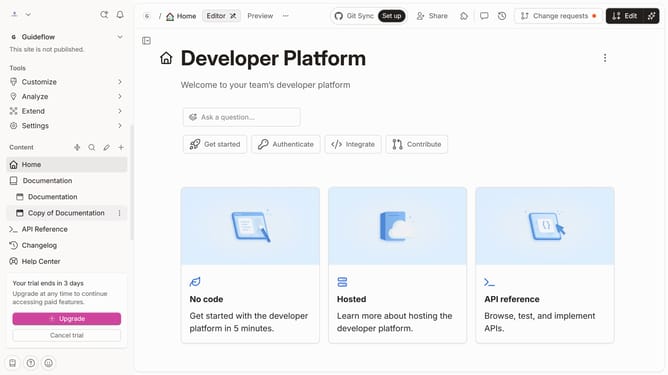
- Next, click on "Customize" in the sidebar
- After that, click on "Layout" under "Customize"
- Then click on the dropdown menu under "Search bar"
- Next, select "Prominent" from the dropdown options
- Finally, click on the "Save" button
Why should you make the search bar larger in a docs site in Gitbook
Gitbook is a powerful platform designed to transform how teams create, collaborate, and share documentation effortlessly.
Making the search bar larger in a docs site on Gitbook is a beneficial feature that improves user experience significantly. With a more prominent search bar, visitors can navigate documents quickly, enhancing their ability to find necessary information efficiently.
By enlarging the search bar, you ensure that important content is easily accessible, which can lead to increased user satisfaction, potentially driving more engagement and interaction with your documentation.
Last update