How to embed videos in Gitbook
Here is how to embed videos in gitbook
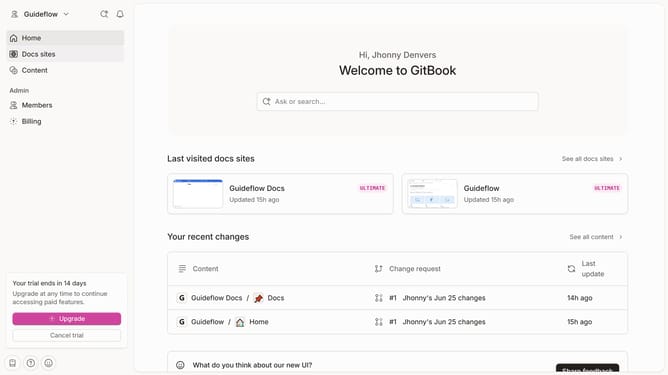
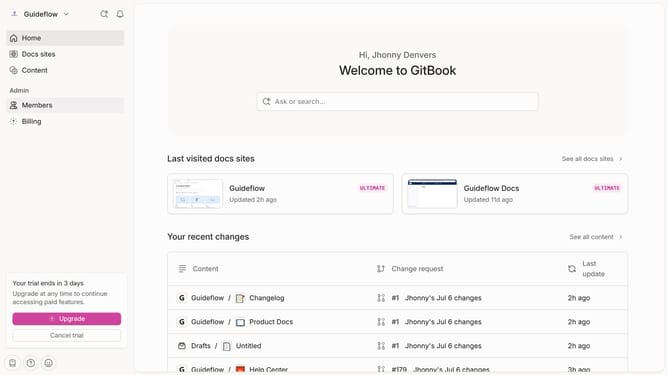
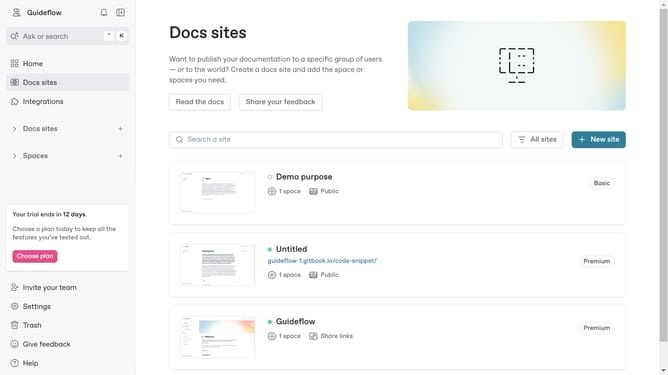
- First click on the site card you want to edit in the docs sites list
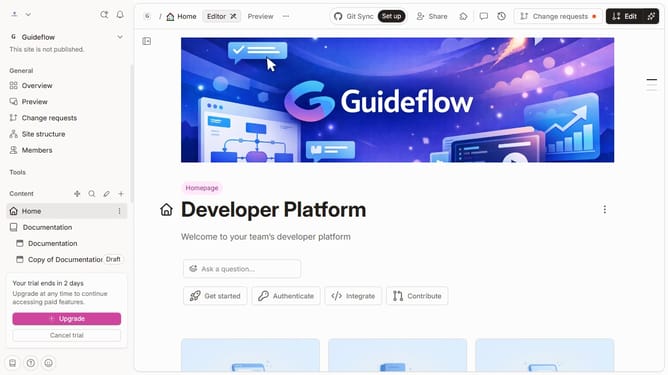
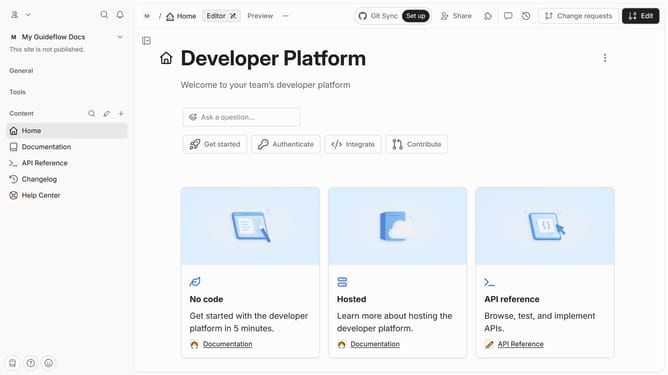
- Then click on the "Start editing content" button in the main content area
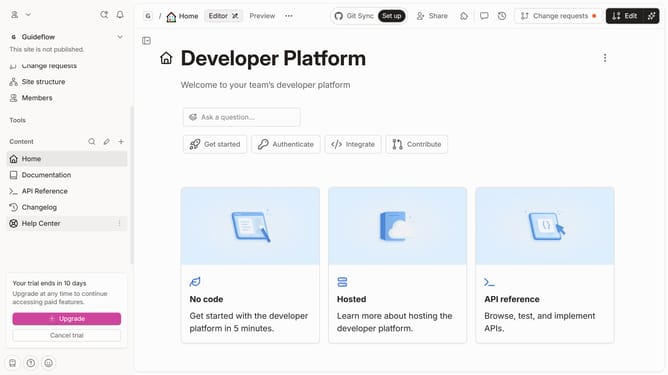
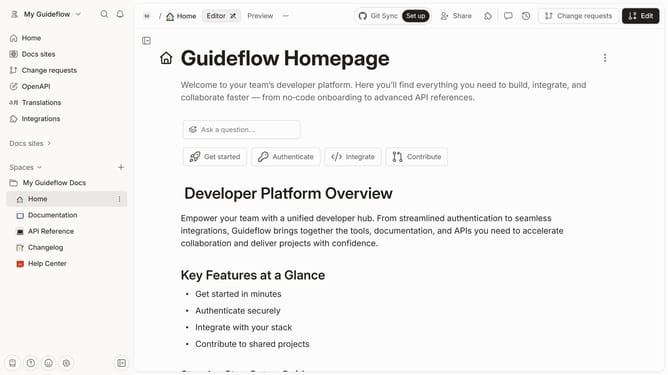
- Next click on the "Edit" button in the top toolbar
- Click the "+" sign to add a block on your page
- Paste the video URL you want to embed and press "Enter"
- Finally click on the "Merge" icon in the top toolbar
Why should you embed videos in Gitbook
GitBook is a modern knowledge management platform designed to make sharing documents and insights effortless.
Embedding videos in GitBook enhances your content by integrating rich media directly into your documentation, keeping your audience engaged and informed.
This feature enables you to illustrate complex ideas more vividly through visual demonstrations, ultimately improving communication and comprehension among readers.
By incorporating videos, you enrich the learning experience, making documents not only informative but also visually appealing and dynamic.
Last update