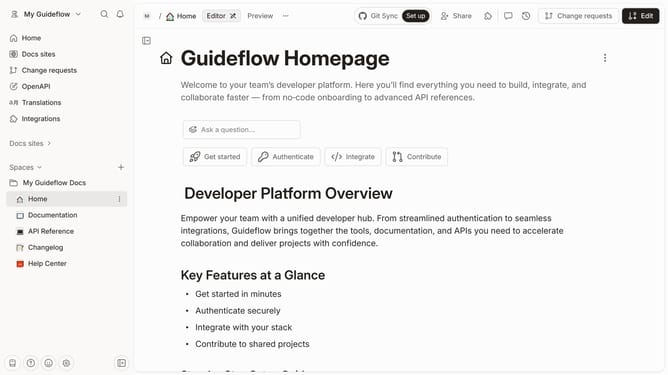
How to remove header in a docs site in Gitbook
Here is how to remove header in a docs site in gitbook
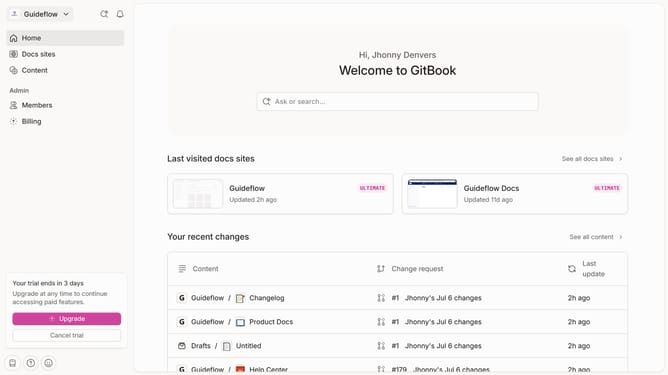
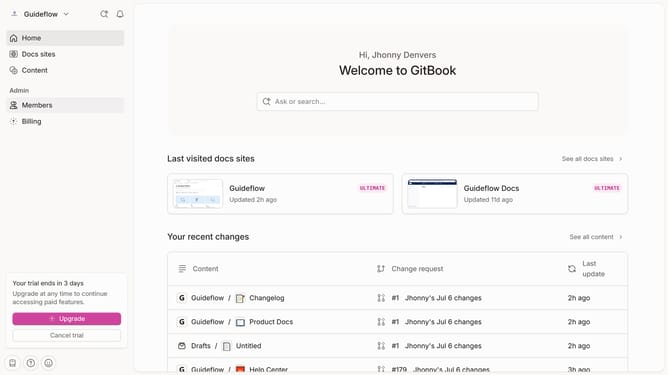
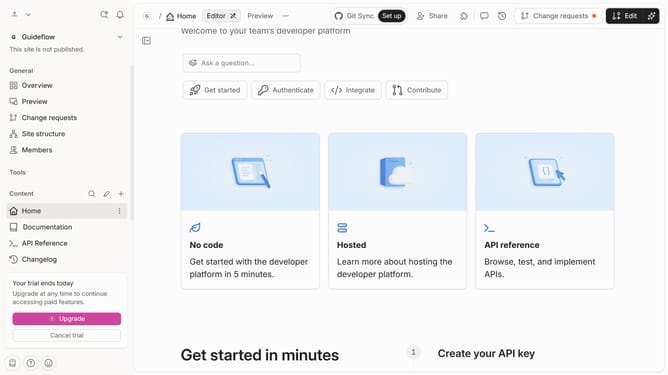
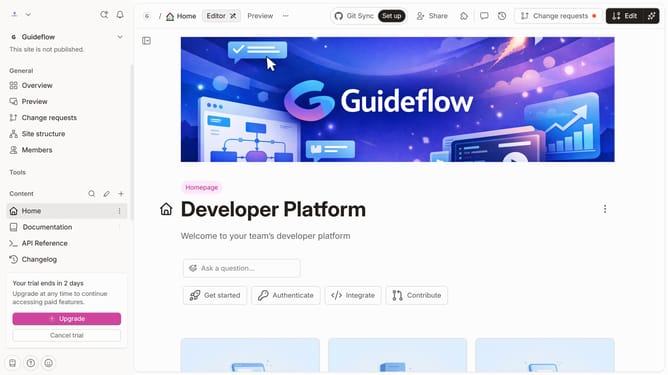
- First, from the sidebar navigation, click on "Docs sites"
- Then, click on the docs content block
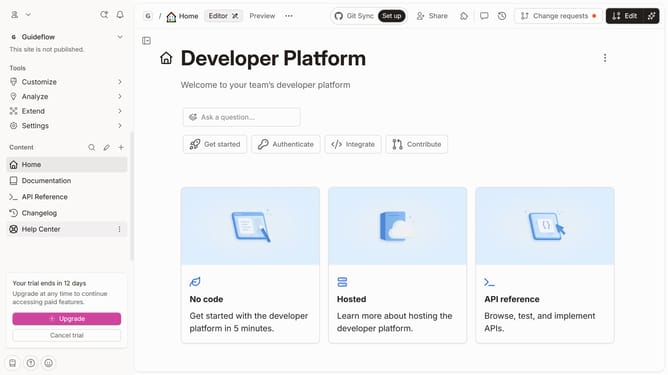
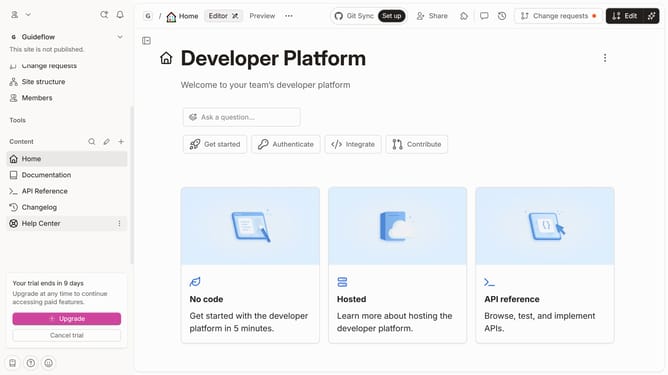
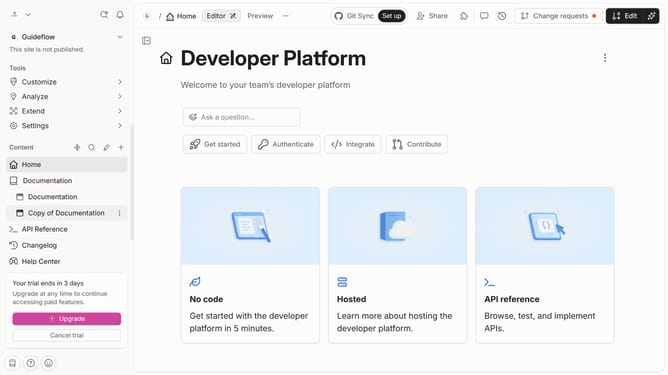
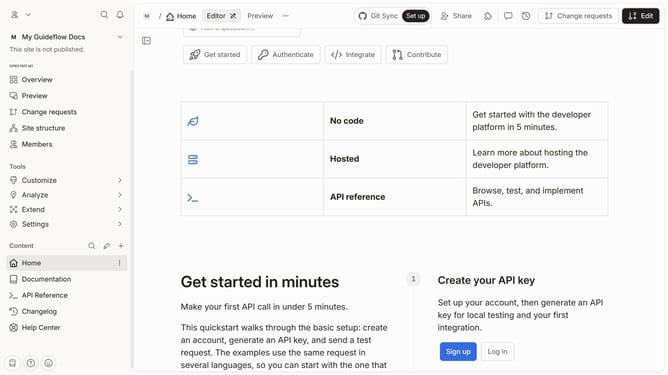
- Next, in the left-hand tools menu, click on "Customize"
- After that, select "Layout"
- Click on the toggle switch to disable header
- Finally, click on the "Save" button
Why should you remove header in a docs site in Gitbook
GitBook is a dynamic platform designed to streamline the creation and management of collaborative documentation.
In the realm of customization, GitBook allows you to refine the look and feel of your documents with ease. Removing the header from a docs site can offer a cleaner, distraction-free reading experience, focusing the reader's attention on the content itself. This feature can be especially beneficial for teams wanting a minimalist approach or who want to highlight specific elements without header interference.
Using this customization effectively can enhance readability and align your documentation with brand aesthetics, leading to a polished and professional presentation. Such flexibility in design ensures that your documentation site remains impactful and aligned with your desired user experience.