How to change member role in Gitbook
Here is how to change member role in gitbook
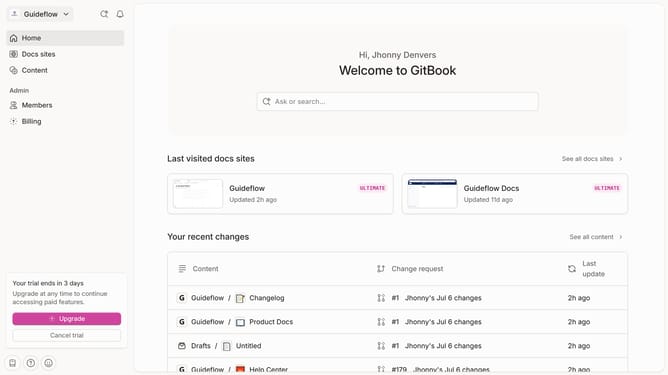
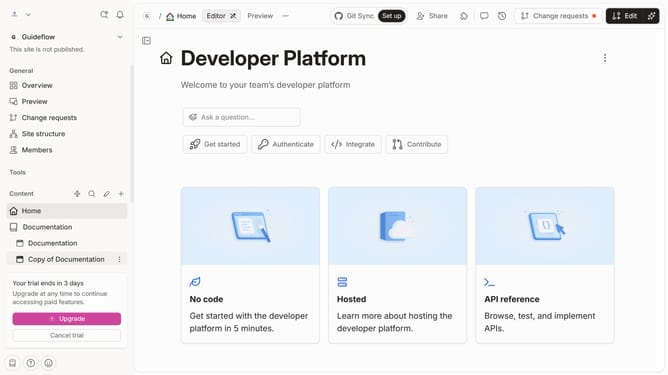
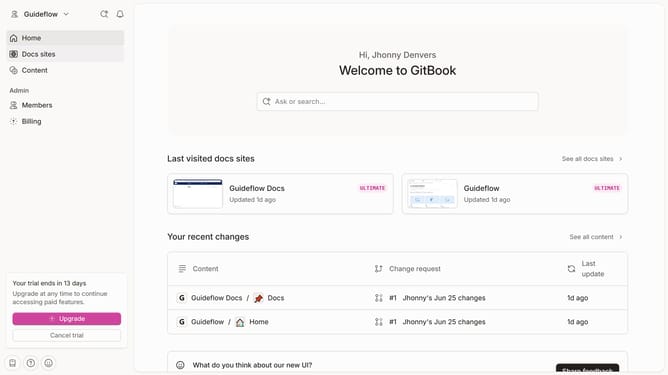
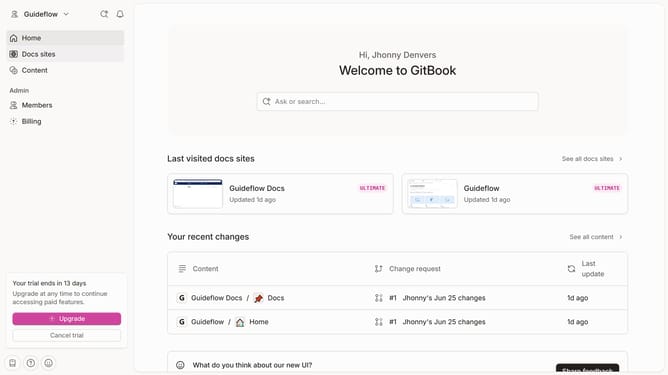
- First click on "Members" in the left sidebar
- Then click on the "Role" dropdown menu next to the member email that you want to manage
- Finally select a role from the role options dropdown
Why should you change member role in Gitbook
Gitbook is an intuitive platform designed to streamline document collaboration for teams.
Changing member roles in Gitbook enhances team collaboration by assigning appropriate access levels tailored to each member's responsibilities.
This flexible feature enables efficient project management, ensuring that each contributor has the right permissions to edit, comment, or review documentation.
By customizing member roles, teams can maintain productivity while safeguarding sensitive information within their projects.
Last update