How to enter tabs in help center in Gitbook
Here is how to enter tabs in help center in gitbook
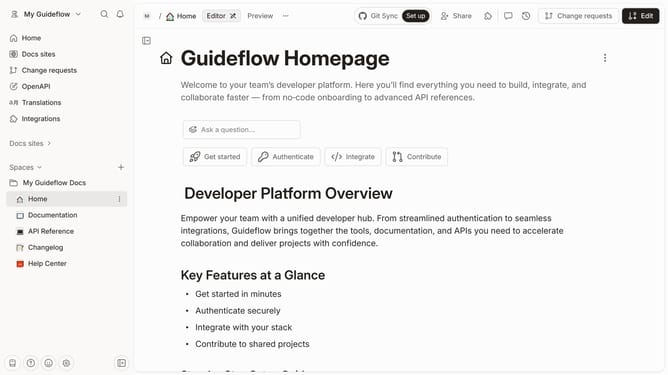
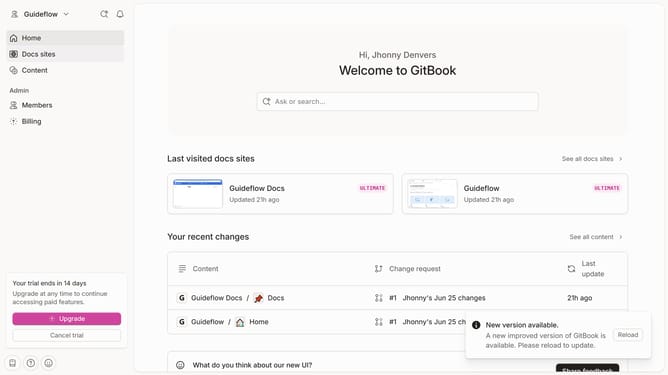
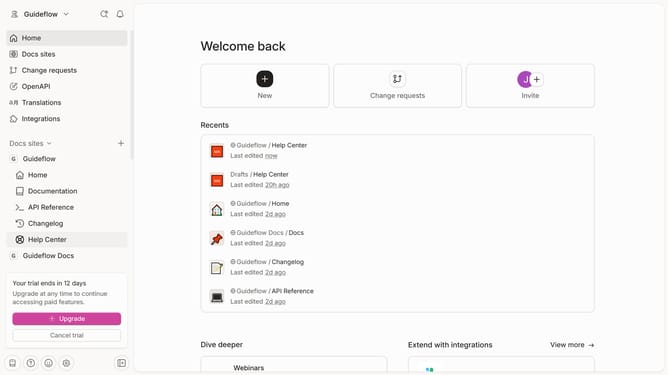
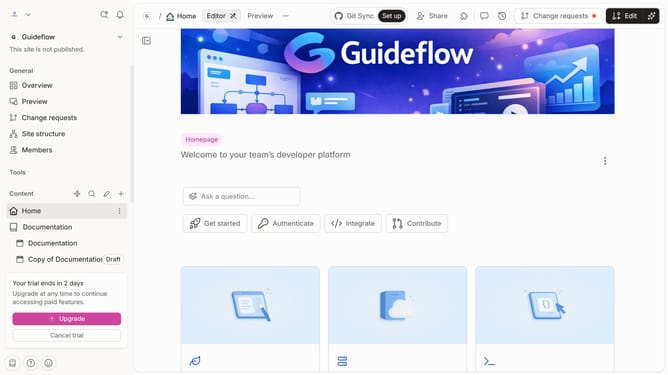
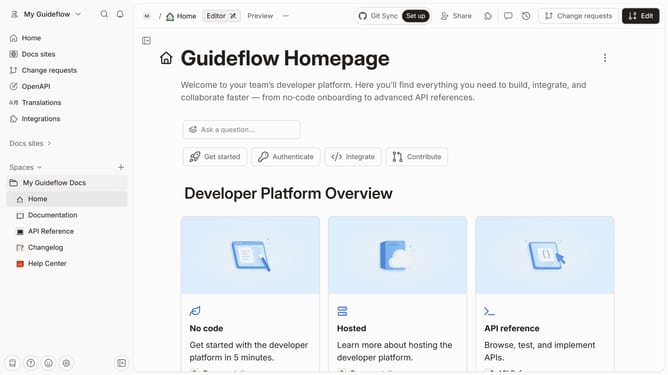
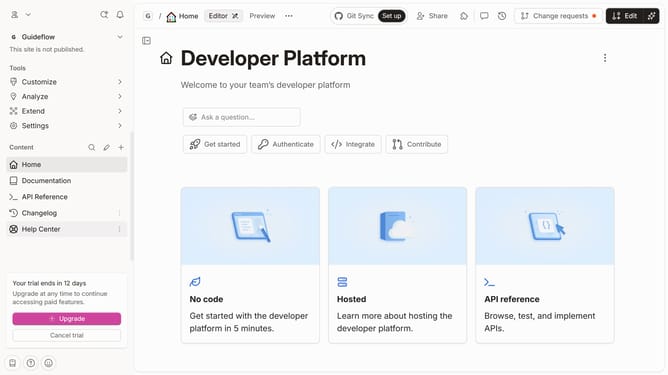
- First click on "Help Center" item in the left sidebar
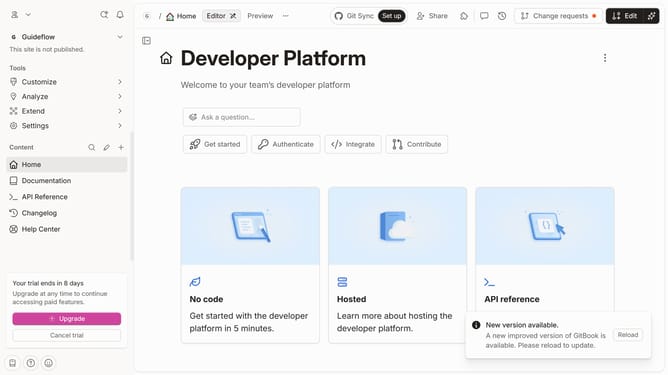
- Then click on the "Edit" button in the top menu
- Then click on the "+" icon to add a new element
- Then click on "Tabs" in the dropdown menu of the left sidebar
- Finally click on the "Merge" button in the top menu
Why should you enter tabs in help center in Gitbook
GitBook is a versatile platform designed to streamline documentation processes for teams and communities.
Using the tab feature in Gitbook's help center allows users to efficiently organize information, enhancing accessibility and user experience. This feature empowers creators to present complex data or instructions in a clean and segmented format.
Tabs help simplify navigation, reducing clutter and enabling readers to locate specific information quickly. Such structured documentation not only improves clarity but also ensures users can engage with content more effectively, boosting productivity and user satisfaction.
Last update