How to show page title in homepage in Gitbook
Here is how to show page title in homepage in gitbook
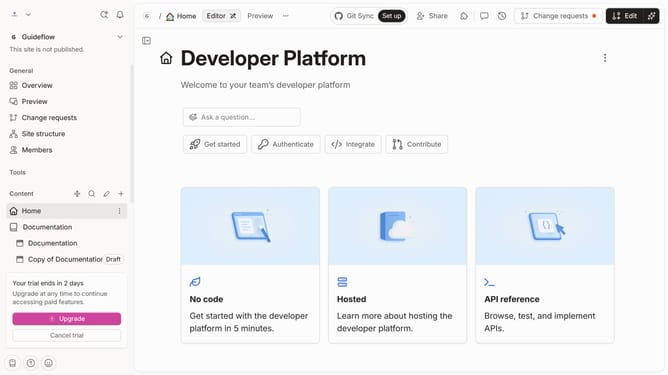
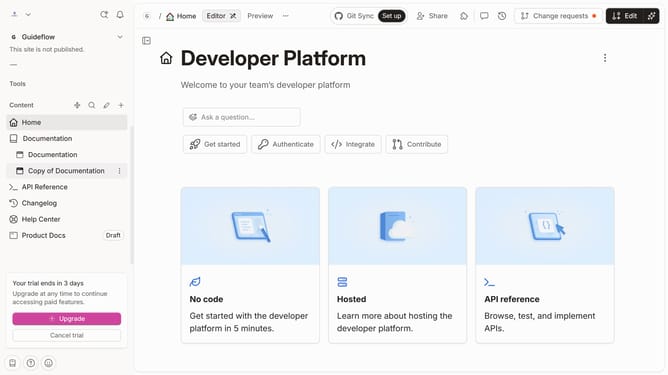
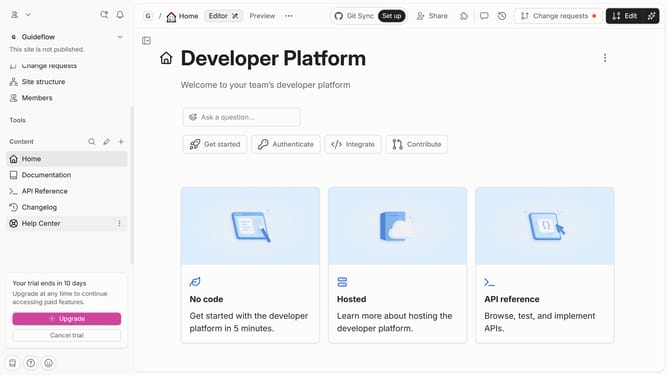
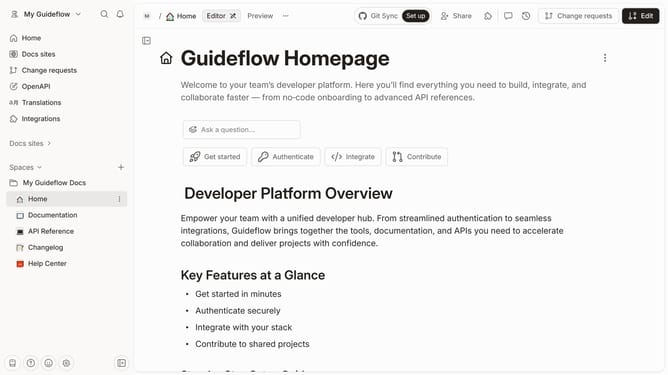
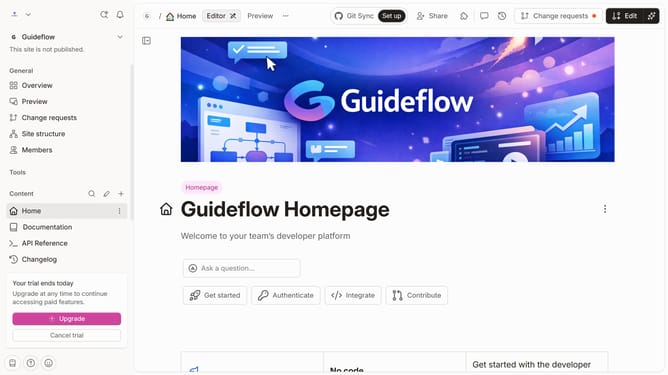
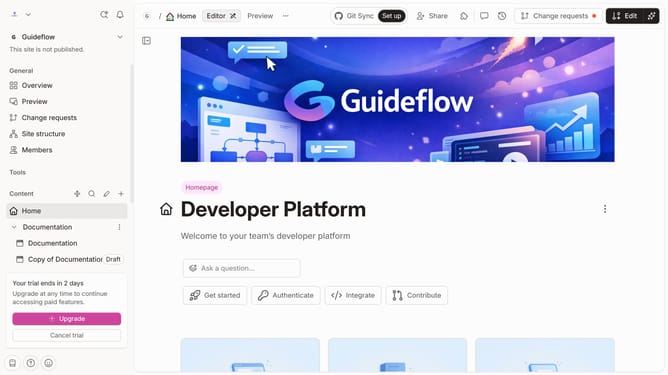
- First click on "Home" in the left sidebar
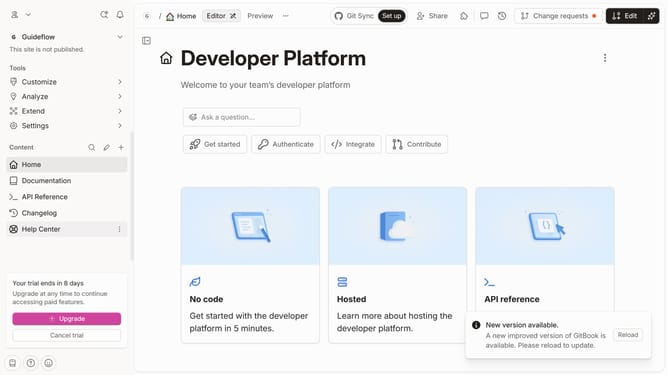
- Then click on the "Edit" button in the top header
- Next, click on "Page options" button
- Then toggle the switch ON across "Page title" to enable it
- Finally click on the "Merge" button in the top header
Why should you show page title in homepage in Gitbook
GitBook is a versatile platform designed to streamline the creation and collaboration of digital documents and guides.
Displaying the page title on your homepage in GitBook enhances the clarity and accessibility of your content. This feature improves navigation by ensuring visitors immediately understand the focus of your main page.
By showcasing the title prominently, readers can efficiently locate pertinent information, ultimately enriching their user experience and improving engagement.
Last update