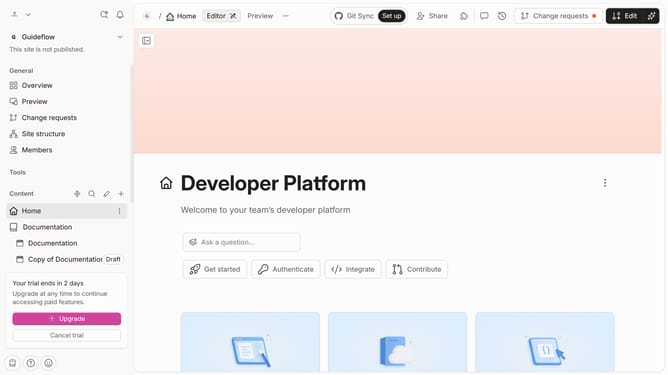
How to update ask a question label in Gitbook
Here is how to update ask a question label in gitbook
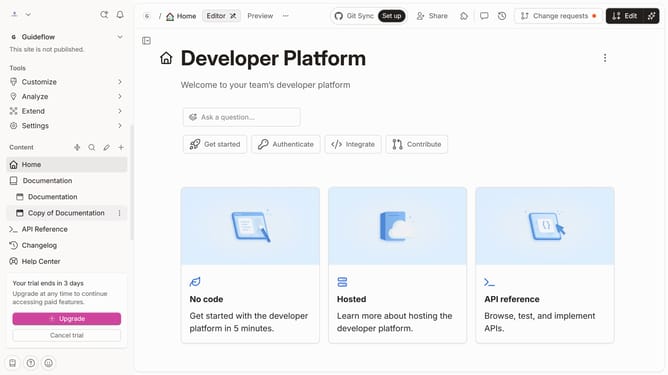
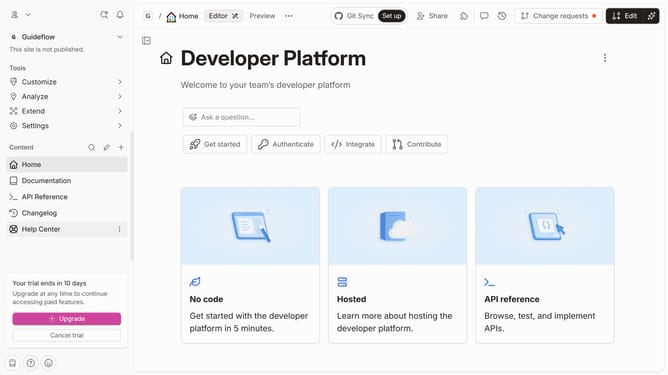
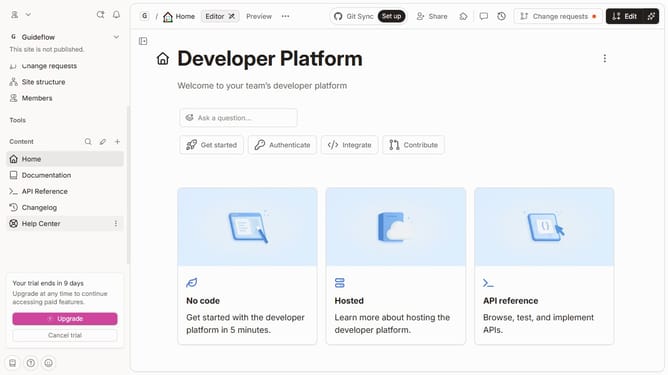
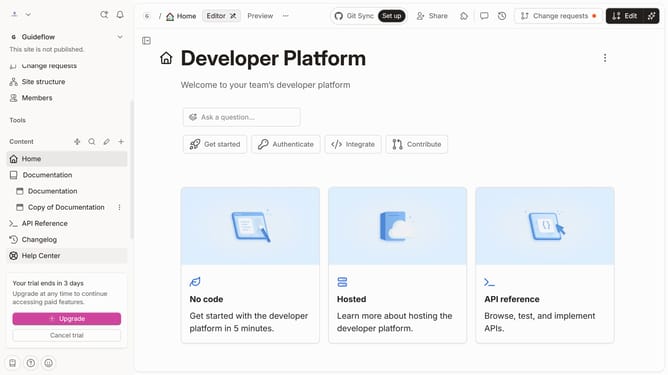
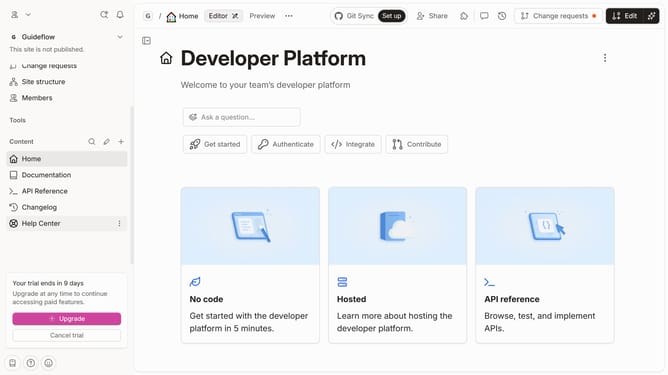
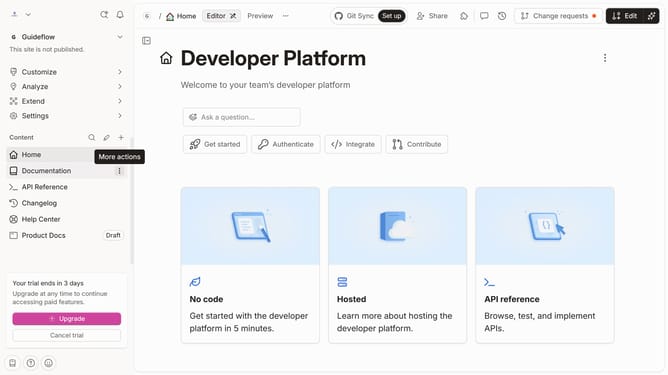
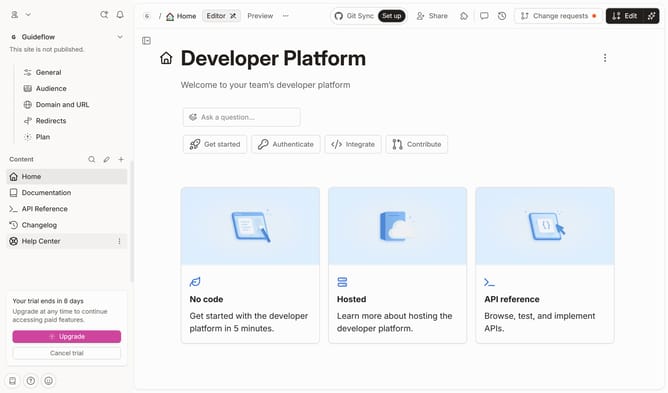
- First click on the "Home" item in the sidebar
- Then click on the "Edit" button in the top menu
- Next click on the "Ask a question..." button to edit
- Then click on the input field and edit it
- Finally click on the "Merge" button in the top menu
Why should you update ask a question label in Gitbook
Gitbook is a collaborative platform for creating beautiful documentation with ease.
Updating the "Ask a Question" label in Gitbook allows you to customize the user interaction element to better align with your brand's voice or the context of your guide.
This feature enhances clarity and encourages user engagement by providing an approachable and recognizable prompt for readers. It's particularly beneficial in building a seamless and user-friendly documentation experience that invites questions and feedback.
Ultimately, this customization helps foster a more interactive and communicative environment, making your documentation not only informative but also welcoming.
Last update