How to reposition cover image for homepage in Gitbook
Here is how to reposition cover image for homepage in gitbook
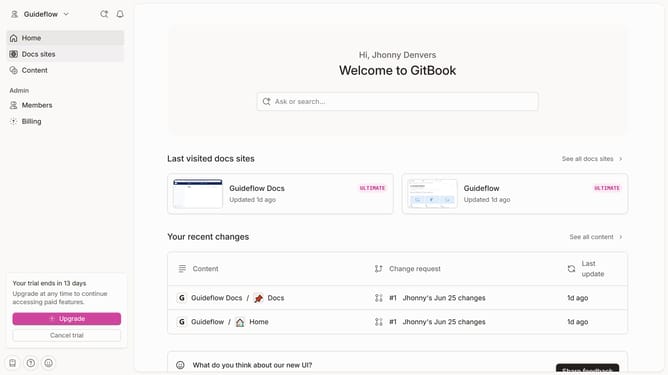
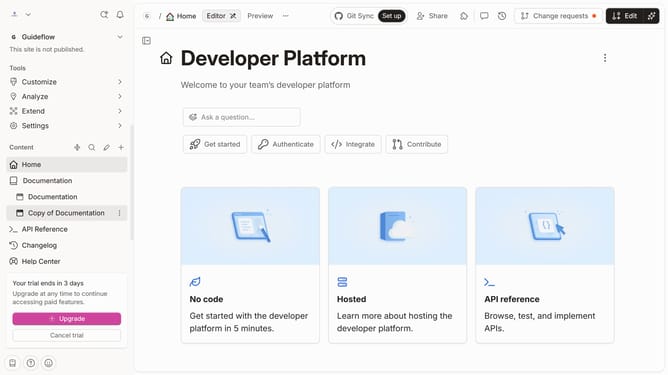
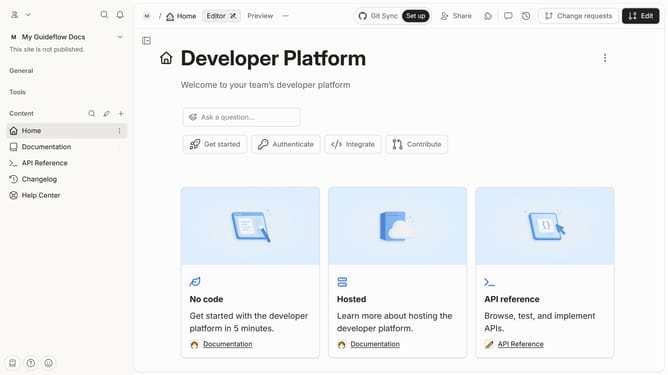
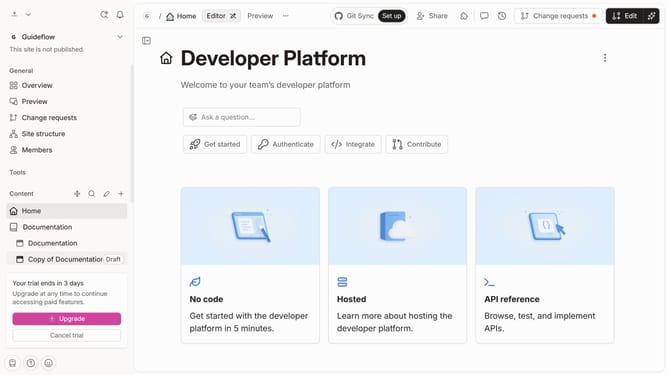
- First click on 'Home' in the left sidebar
- Then click on 'Edit' button in the header
- Next click on 'Cover options' button
- Then select 'Reposition' option
- Next, adjust the content as needed
- Next click on 'Save' button
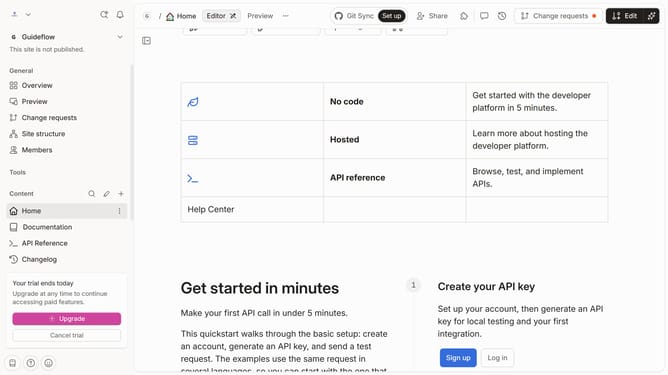
- Finally click on 'Merge' button in the header
Why should you reposition cover image for homepage in Gitbook
Gitbook is an intuitive platform designed to streamline the documentation process for teams and individuals.
Repositioning your cover image for the homepage in Gitbook is a flexible feature that allows you to enhance the visual appeal of your documents. By customizing the placement, you can make your content more engaging and capture the viewer's attention from the first glance.
This visual adjustment not only improves aesthetics but also aligns your documents with your brand’s identity, ensuring a cohesive and professional online presence.
Last update