How to enable search bar in homepage in Gitbook
Here is how to enable search bar in homepage in gitbook
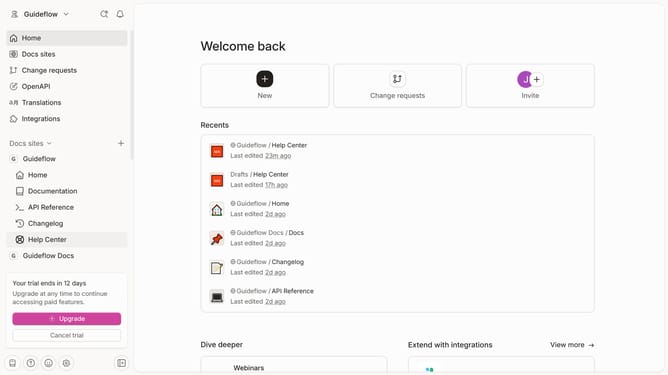
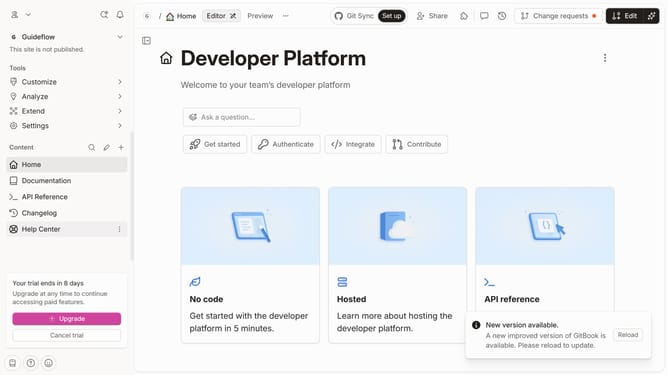
- First click on "Home" in the left sidebar
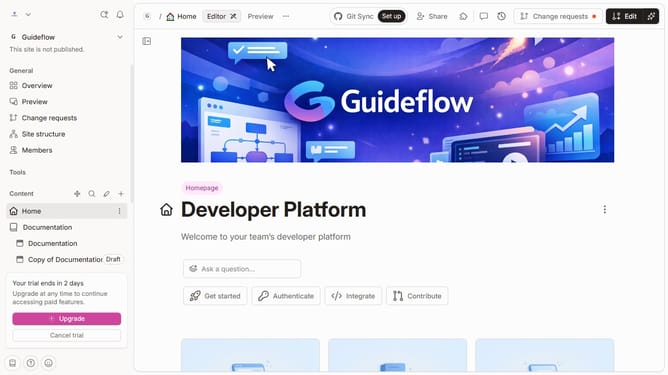
- Then click on the "Edit" button in the header
- Then click on the "Click for block options" button
- Then click on the "Show search" button in the "Content" section
- Finally click on the "Merge" button in the header
Why should you enable search bar in homepage in Gitbook
GitBook is a streamlined platform designed to simplify the creation and sharing of documentation effortlessly.
Adding a search bar to your GitBook homepage is a smart feature that enhances user experience by facilitating easy access to information.
With this feature enabled, users can quickly find relevant content, saving time and improving productivity while navigating documentation.
Overall, enabling a search bar in GitBook serves as a direct conduit to efficient content discovery, catering to users' demands for speed and accuracy.
Last update