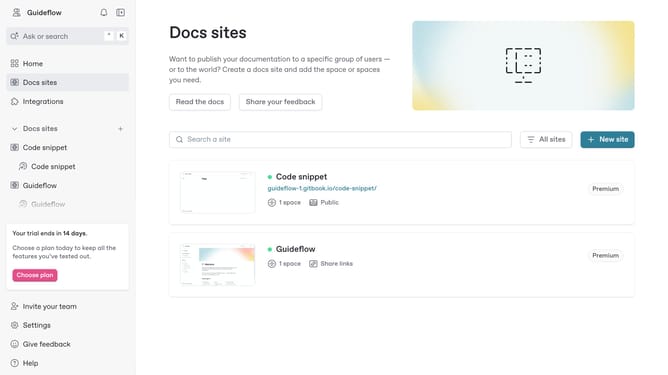
How to add a quote in a help center in Gitbook
Here is how to add a quote in a help center in gitbook
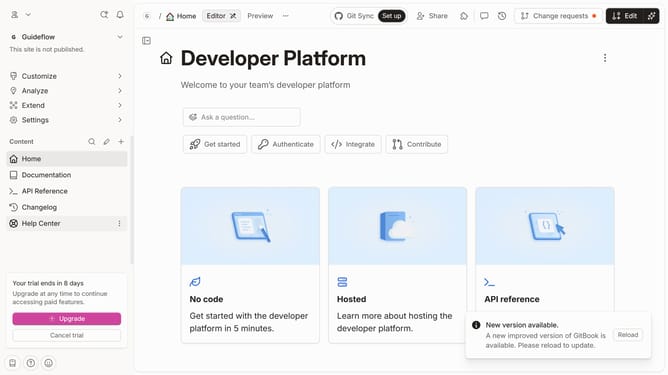
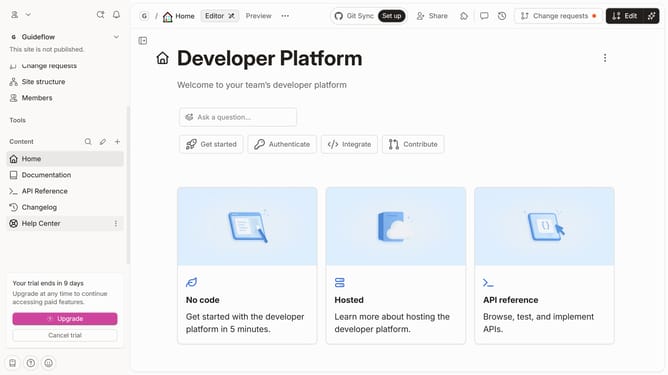
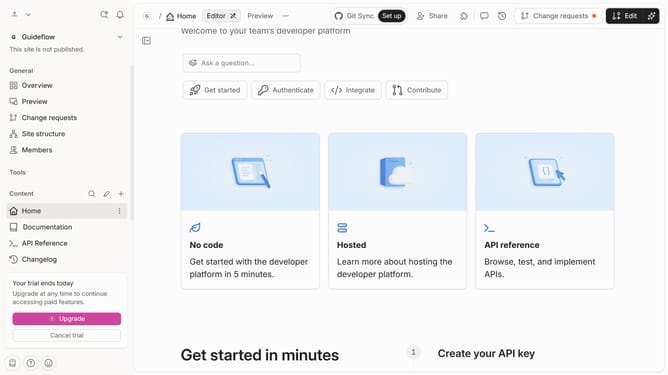
- First click on the "Help Center" item in the left sidebar
- Then click on the "Edit" button in the top menu
- Next, click on the "+" button to add a new block in the editor
- Then select "Quote" from the options in the left sidebar
- Click on the text area and enter your quote
- Finally, click on the "Merge" button in the top menu
Why should you add a quote in a help center in Gitbook
GitBook transforms team knowledge into a powerful, accessible online resource.
Adding a quote in GitBook's help center enriches content by spotlighting key information or expert insights. This feature enables users to emphasize important points clearly and engagingly.
Using quotes enhances comprehension, breaking up text blocks and making documentation more engaging. It bolsters user experience by delivering knowledge in clear, bite-sized pieces.
Incorporating quotes can reinforce concepts, improve communication, and ensure clarity in your help center.
Last update