How to rename a content in a docs site in Gitbook
Here is how to rename a content in a docs site in gitbook
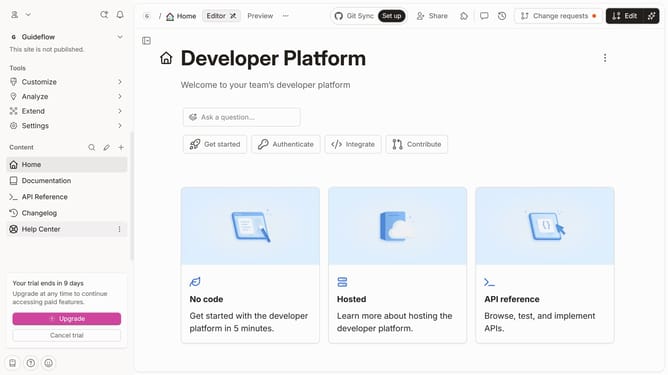
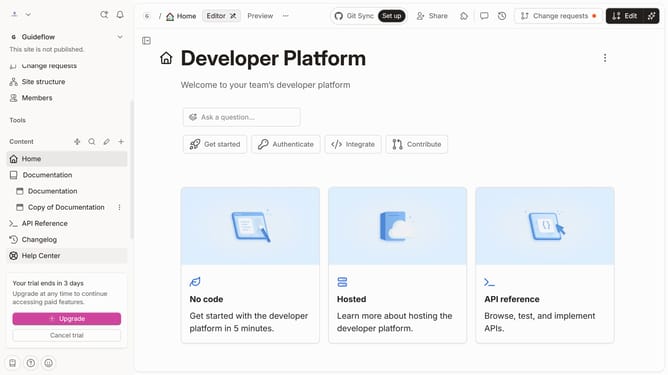
- First click on the content you want to manage in the left sidebar
- Then click on the three dots icon in the header
- Next click on "Rename" option
- Then click on the text input field and enter the new name
- Finally click on the "Rename" button
Why should you rename a content in a docs site in Gitbook
Gitbook is a dynamic platform designed to enhance collaborative documentation.
Renaming content in a Gitbook docs site streamlines organization and improves accessibility for users seeking specific information. It allows seamless modifications without disrupting the document's structure or breaking internal links, ensuring a cohesive user experience.
This feature simplifies content management, making it easier to maintain accuracy and clarity across your documentation, which is crucial for user engagement and documents' longevity.
Last update