How to publish a docs site in Gitbook
Here is how to publish a docs site in gitbook
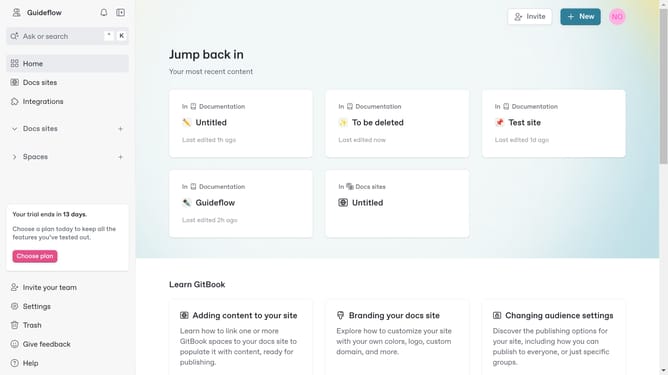
- First click on the "New" button in the top navigation bar
- Then select "New docs site" option from the dropdown menu
- Click in the input field to name your site
- Click the "Next step" button after entering the name of the site
- Review the content options section and click on the option you want to use
- Click the "Next step" button to proceed with the content of choice
- Next choose a feature for your site
- After choosing, click the "Next step" button
- You can either publish your newly created site right away or decide to publish later
- If you decided to publish later, you will find the "Publish" button in the overview of your site
Why should you publish a docs site in Gitbook
Gitbook is a powerful platform designed to simplify the process of creating and sharing documentation.
Publishing a docs site in Gitbook is seamless and efficient, allowing teams to focus more on content quality rather than technical hurdles.
With Gitbook, publishing is quick, ensuring your latest updates reach your audience effortlessly.
This not only enhances collaboration and engagement but also boosts your brand's professionalism and trustworthiness.
Last update