How to duplicate the help center description in Gitbook
Here is how to duplicate the help center description in gitbook
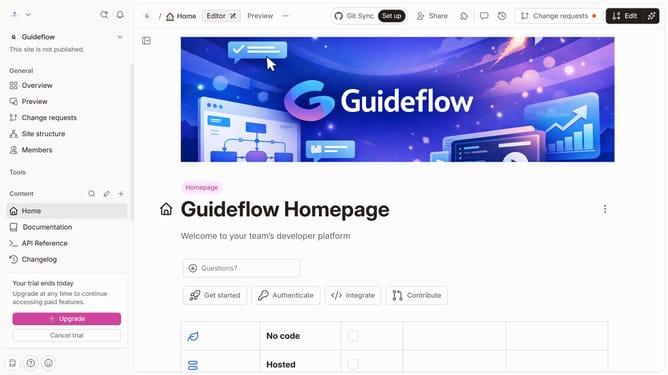
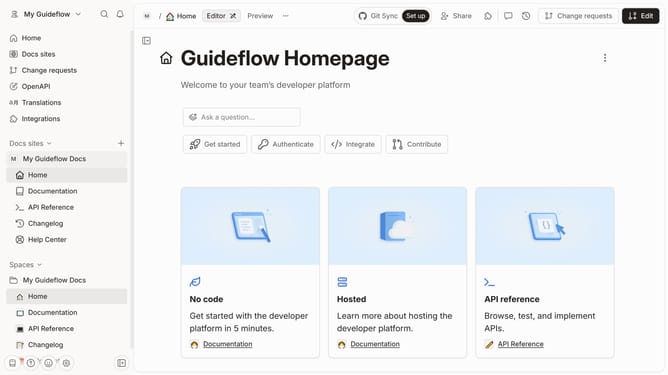
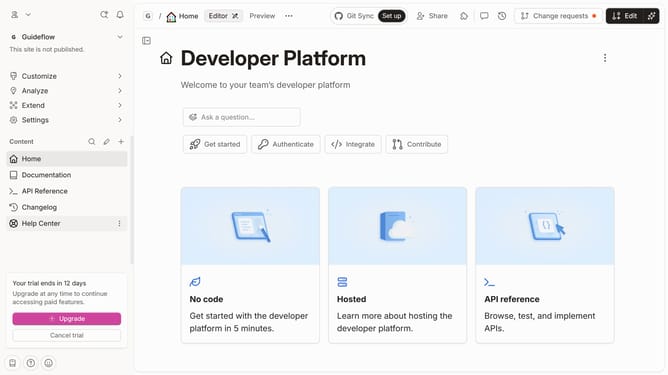
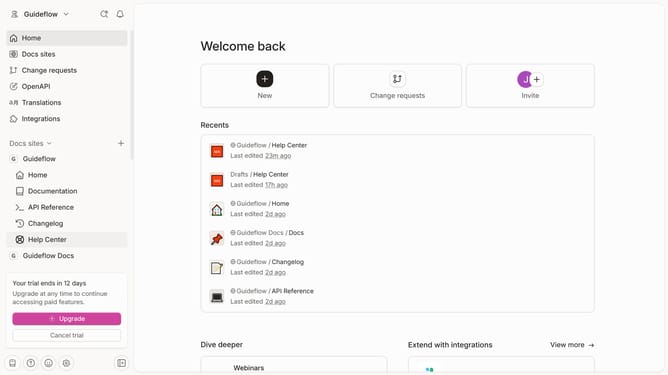
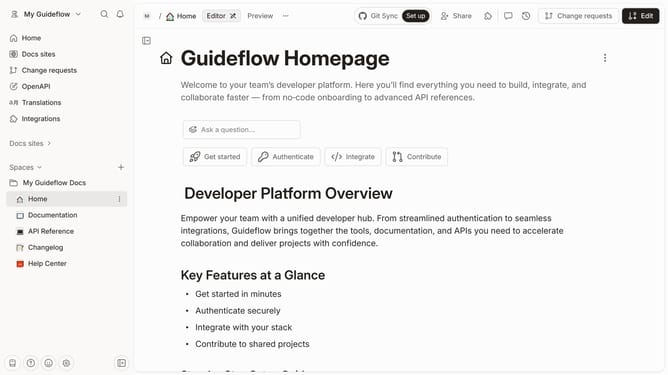
- First click on "Help Center" in the left sidebar
- Then click on the "Edit" button in the top header
- Next click on the "Click for block options" button
- Subsequently select "Duplicate" from the block options menu
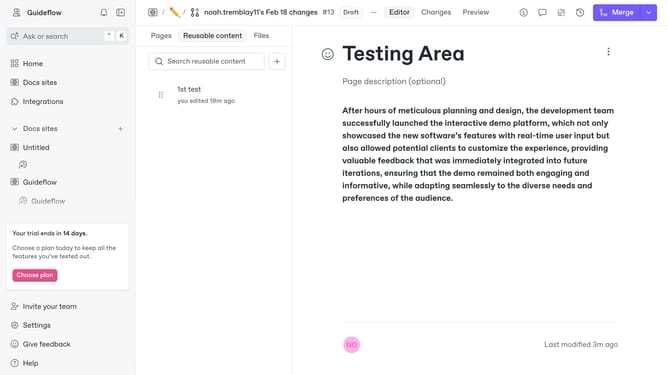
- Finally click on the "Merge" button in the top header
Why should you duplicate the help center description in Gitbook
GitBook is a versatile platform designed to transform knowledge into easily accessible documentation.
Duplicating the help center description in GitBook allows for seamless content management and consistency across platforms. This feature empowers teams to maintain a uniform support experience by replicating useful information with ease.
By utilizing this functionality, teams can efficiently update and synchronize help center materials, enhancing accessibility and ensuring that users always have the most current data at their fingertips.
Last update