How to upload file in help center table in Gitbook
Here is how to upload file in help center table in gitbook
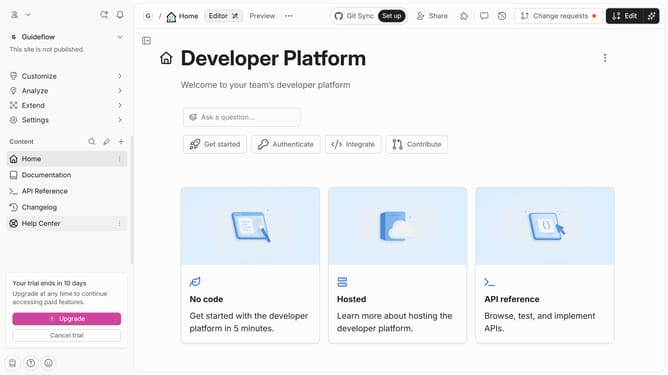
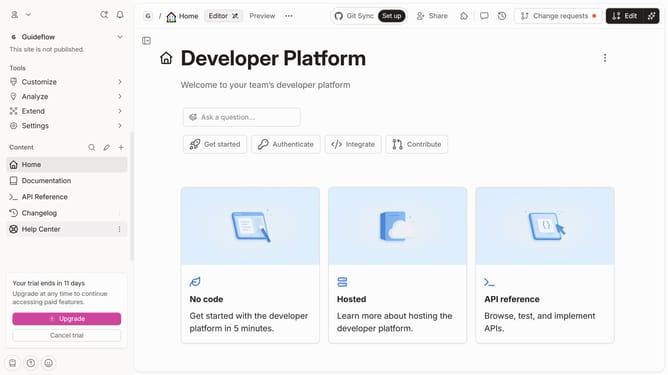
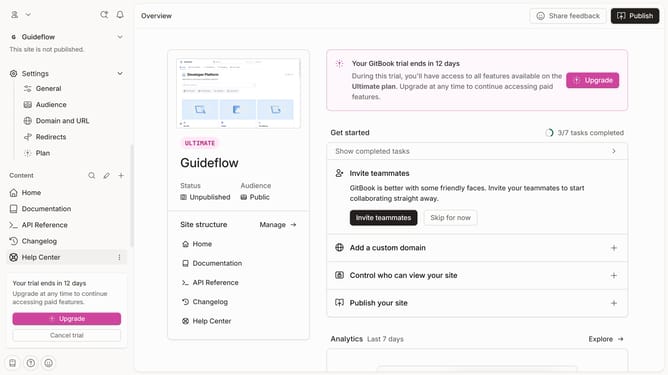
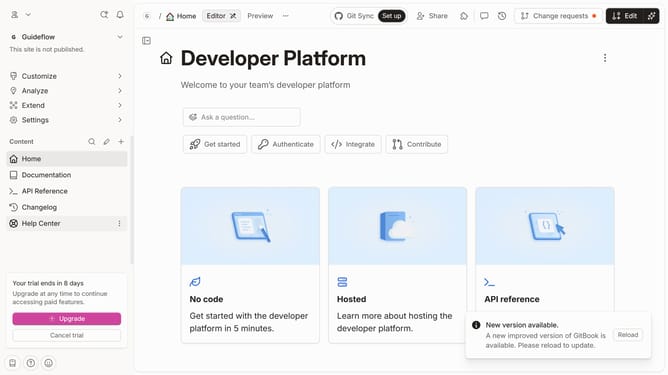
- First click on the "Help Center" item in the left sidebar
- Then click on the "Edit" button in the top menu bar
- Next, click on the "Add file" button with a plus icon
- Then click on the "Drop your files or browse" area to select a file
- Finally, click on the "Merge" button in the top menu bar
Why should you upload file in help center table in Gitbook
GitBook is a versatile platform designed to help teams document everything from products to internal knowledge efficiently.
One beneficial feature is the ability to upload files directly into a help center table, enhancing accessibility and organization of important documents.
This allows team members to easily access crucial resources, ensuring that information is centralized and easy to update.
By streamlining document organization, GitBook enhances collaboration and ensures knowledge is always at your fingertips.
Last update