How to add table row in help center in Gitbook
Here is how to add table row in help center in gitbook
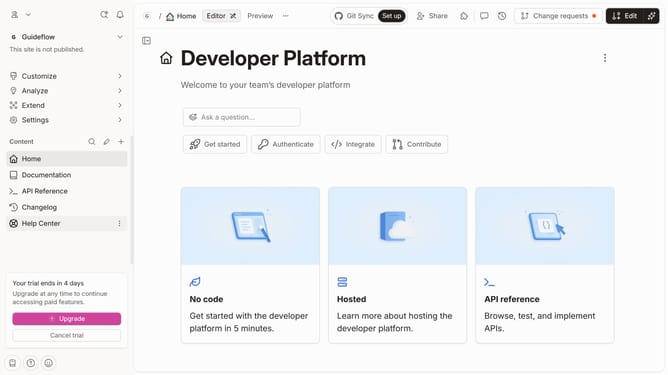
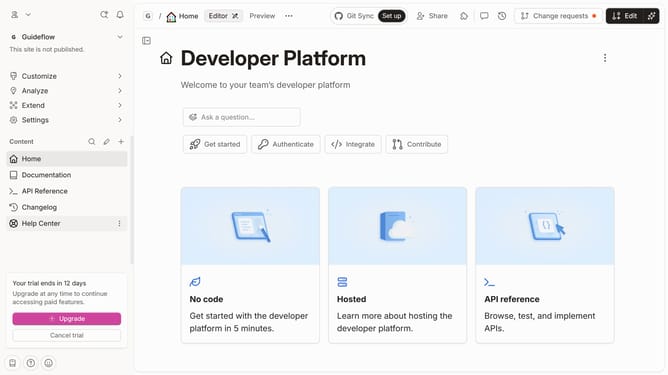
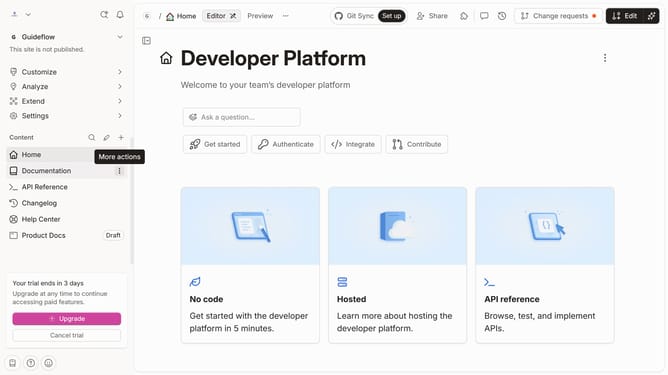
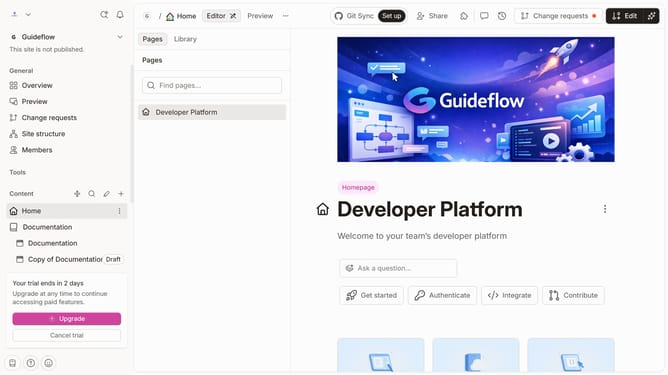
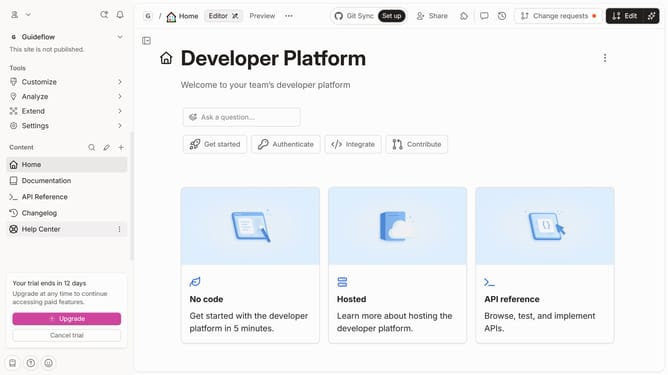
- First click on "Help Center" in the left sidebar
- Then click on the dots icon to reveal block options
- Next click on the "Insert row" option
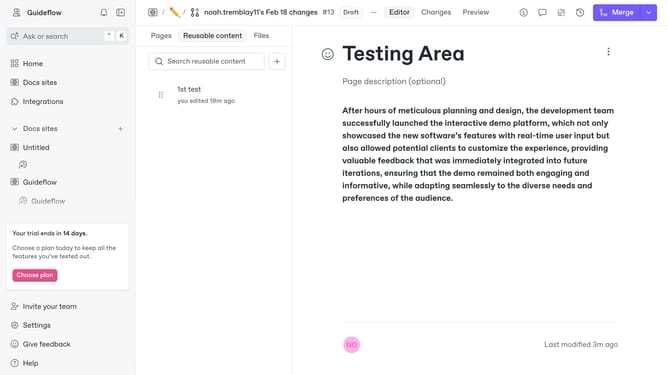
- Finally click on the "Merge" button
Why should you add table row in help center in Gitbook
Gitbook is a versatile platform designed for creating and sharing rich documentation effortlessly.
When you need to add a table row in the Gitbook help center, its functionality allows you to update and expand documentation dynamically. This feature streamlines content management by letting users modify structure cohesively, enhancing information architecture.
Using this capability ensures readers access well-organized data. It promotes clarity, lending ease to navigating complex details and improving the overall user experience in discovering vital insights.
Last update