How to hide page title in homepage in Gitbook
Here is how to hide page title in homepage in gitbook
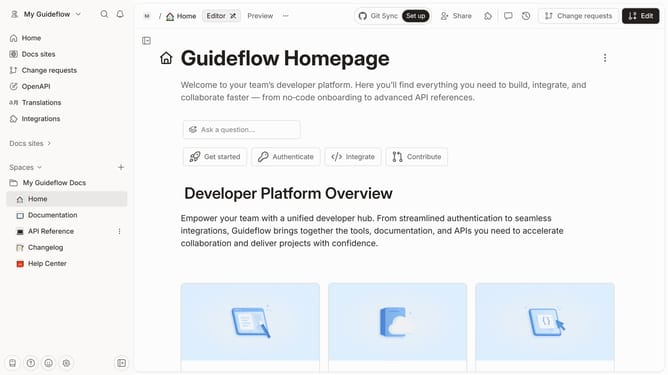
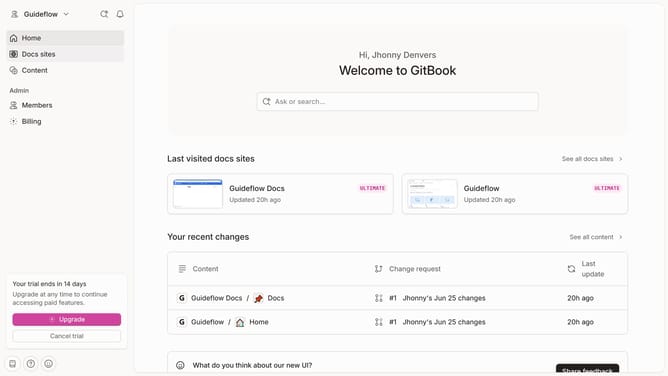
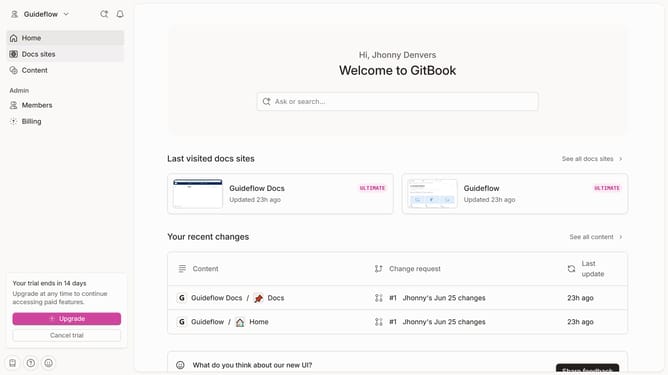
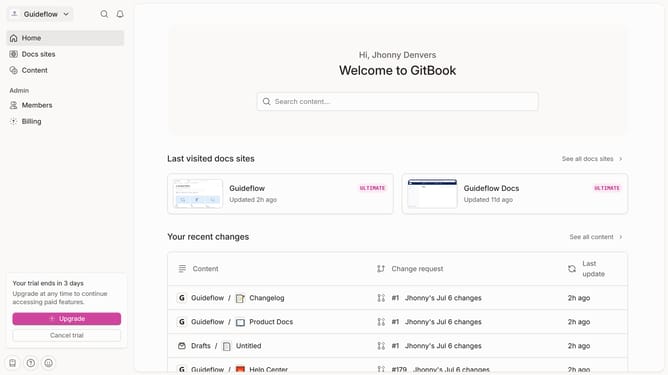
- First, click on the 'Home' section in the left sidebar
- Then click on the "Edit" button in the top header
- Next click on the "Page options" button
- Then toggle OFF the option for "Table of contents" to disable it
- Finally click on the "Merge" button in the top header
Why should you hide page title in homepage in Gitbook
GitBook is an intuitive platform that helps teams efficiently create, manage, and share documentation.
One of its standout features is the ability to hide the page title on your homepage.
This feature is particularly beneficial for maintaining a clean and visually appealing homepage layout.
By removing unnecessary titles, you streamline the user experience, ensuring that visitors focus on the essential content and navigation, ultimately enhancing the overall readability of your documentation.
Last update