How to add a heading 2 in homepage in Gitbook
Here is how to add a heading 2 in homepage in gitbook
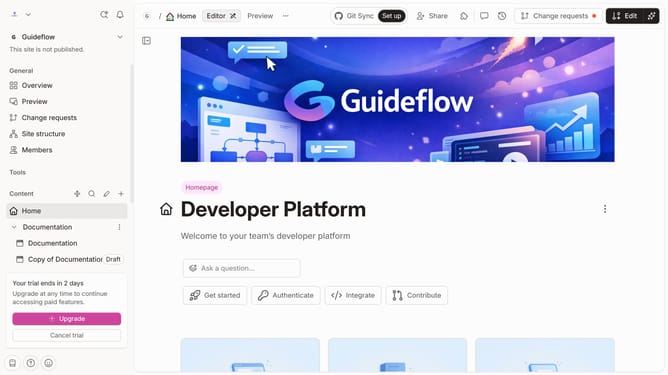
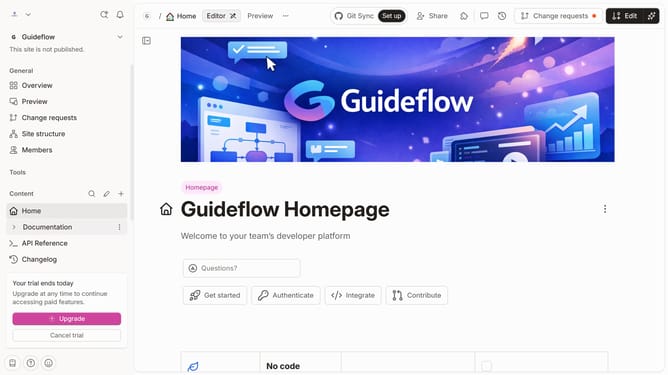
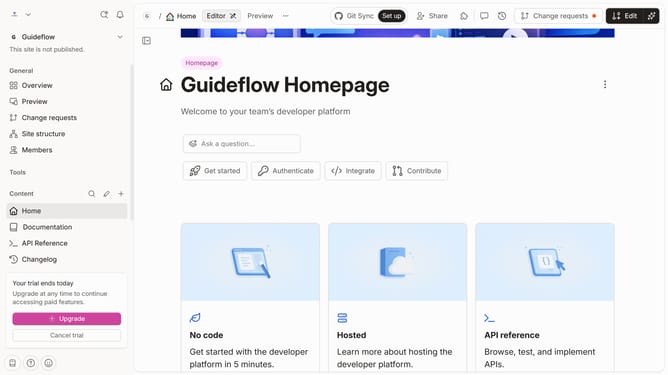
- First click on "Home" item in the left sidebar
- Then click on the "Edit" button in the top menu
- Next click on the "Click for block options" button
- Then select "H2 Heading 2" from the dropdown menu in the sidebar
- After that, click on the text input field to edit it
- Finally click on the "Merge" button in the top menu
Why should you add a heading 2 in homepage in Gitbook
GitBook is a collaborative platform designed to streamline the documentation process for teams and individuals.
Adding a Heading 2 on your GitBook homepage can help organize content, making it more reader-friendly.
This feature enhances the structure by creating a clear hierarchy, guiding your audience through the information effortlessly.
Ultimately, using Heading 2 improves the readability and navigability of your GitBook pages, enriching the user experience.
Last update