How to set card size in homepage in Gitbook
Here is how to set card size in homepage in gitbook
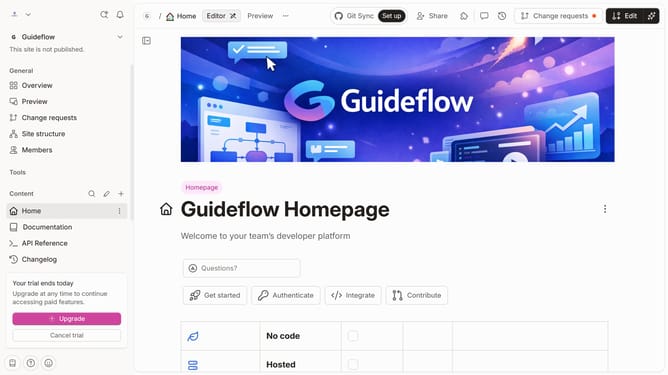
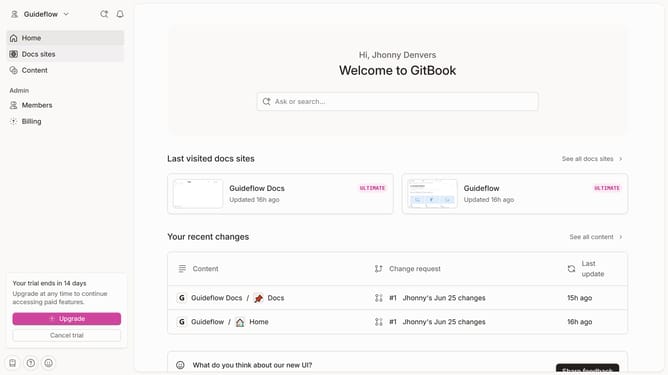
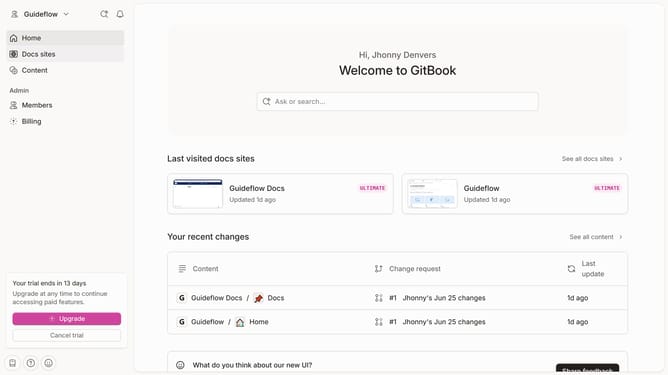
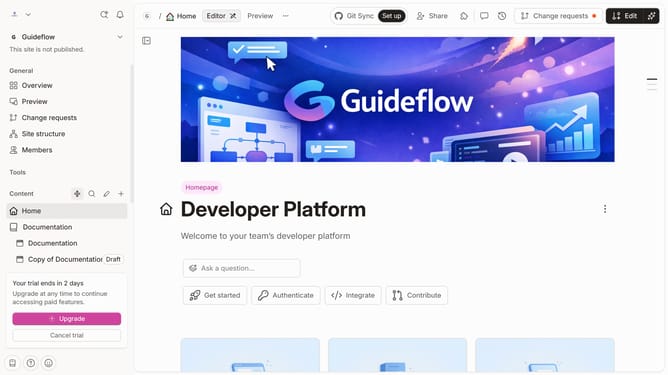
- First click on the "Home" icon in the left sidebar
- Then, click on the "Edit" button in the top right corner of the header
- Next, click on the "block options" icon to reveal more actions
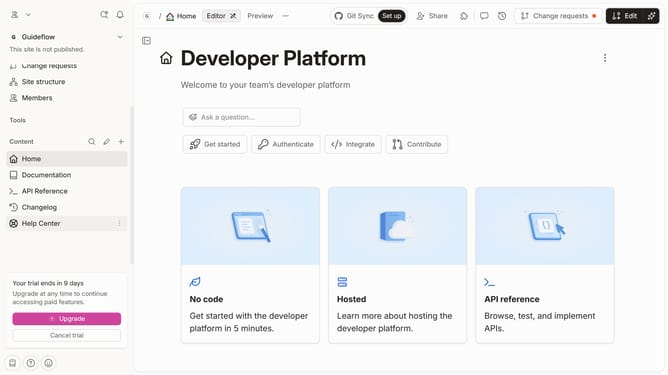
- Then, from the "Content" dropdown select the "Large" option
- Finally, click on the "Merge" button in the top right corner of the header
Why should you set card size in homepage in Gitbook
Gitbook is an intuitive platform designed to effortlessly create and manage documentation.
Customizing card sizes on your homepage in Gitbook is a feature that allows you to tailor the presentation of your content, ensuring information is both accessible and visually appealing.
By adjusting card sizes, you can prioritize certain elements, helping your audience easily navigate and digest essential information.
This flexibility not only enhances user experience but also caters to diverse audience needs, promoting engagement and comprehension.
Last update