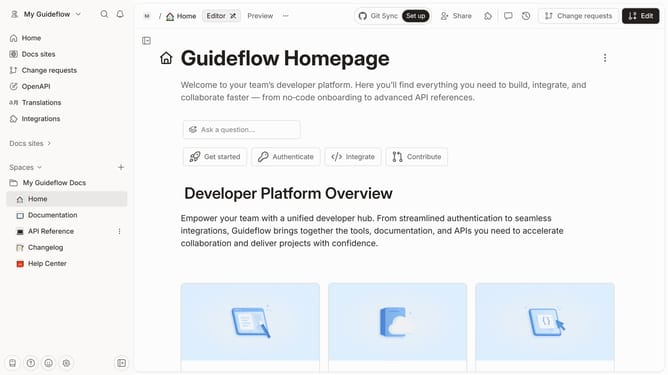
How to freeze header in a table in homepage in Gitbook
Here is how to freeze header in a table in homepage in gitbook
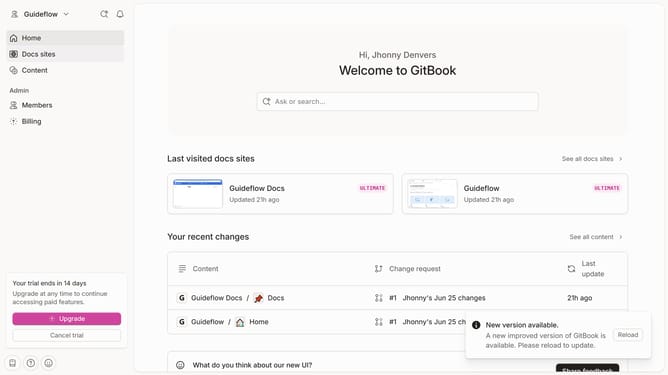
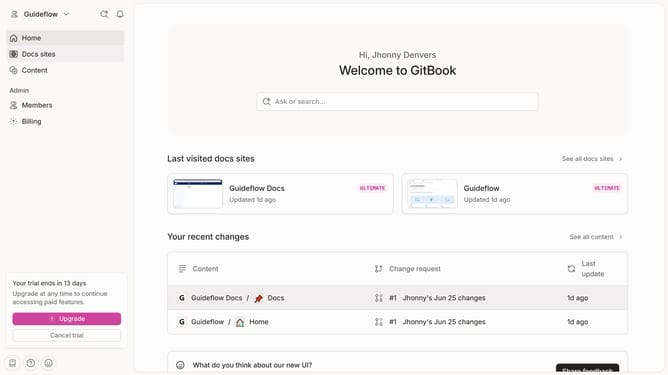
- First click on the "Home" item in the left sidebar
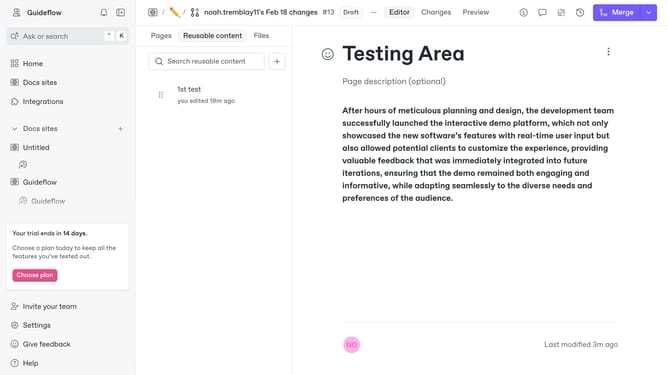
- Then click on the "Edit" button in the top header
- Click on the block options icon
- After that, click on "Header options" in the left sidebar menu
- Then select "Freeze header" from the "Header options" submenu
- Next, click on the "Merge" button in the top toolbar
- Finally, click again on the "Merge" button in the top toolbar
Why should you freeze header in a table in homepage in Gitbook
GitBook is a modern documentation platform where teams can collaborate to create comprehensive and organized documentation.
Freezing the header in a table on your GitBook homepage ensures that the table header remains visible as you scroll down.
This feature enhances readability and usability, making it easier for viewers to navigate large data sets without losing sight of the column headings.
It ensures a seamless experience, particularly beneficial for intricate or data-dense tables, improving overall content engagement and comprehension.
Last update