How to create anchor links with headings in Gitbook
Here is how to create anchor links with headings in gitbook
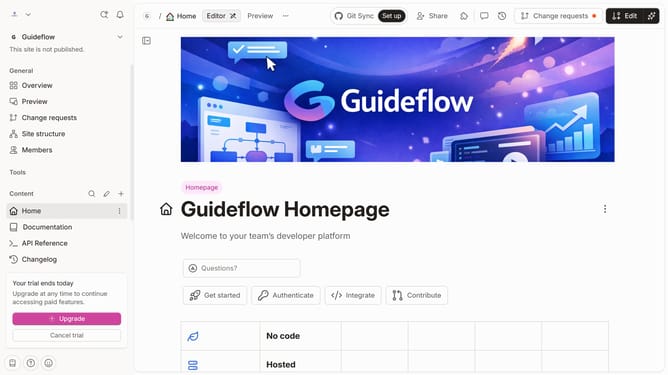
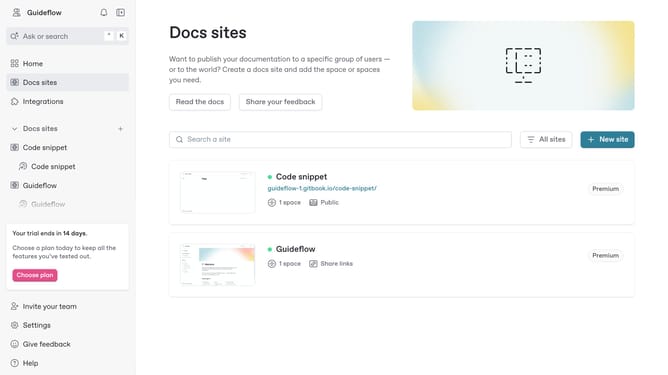
- First click the card you want to use
- Then click on "Start editing content" button in the site content section
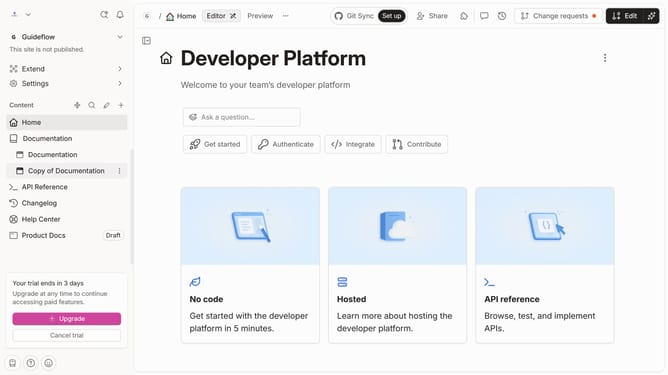
- Next click on the "Edit" button in the top toolbar
- Click on the empty area below the existing text to add new content
- Select "Heading" from the block insertion menu
- Click in the text field to enter you new heading
- An anchor is automatically created after a heading is generated
- You can also manually set the anchor link by opening the "Options menu"
- Select "Edit anchor" from the heading options menu
- Enter the name for your anchor in the anchor text field
- Then click the "Save" button
- Finally click on the "Merge" button in the top toolbar
Why should you create anchor links with headings in Gitbook
GitBook is a dynamic platform designed to help teams capture and share knowledge seamlessly.
Creating anchor links with headings in GitBook is a straightforward feature that enhances document navigation significantly.
These anchor links enable users to jump directly to specific sections, providing a streamlined reading experience and boosting productivity.
By making content more accessible, anchor links improve user engagement and comprehension.
Last update