How to hide table of contents of a content in a docs site in GitBook
Here is how to hide table of contents of a content in a docs site in gitbook
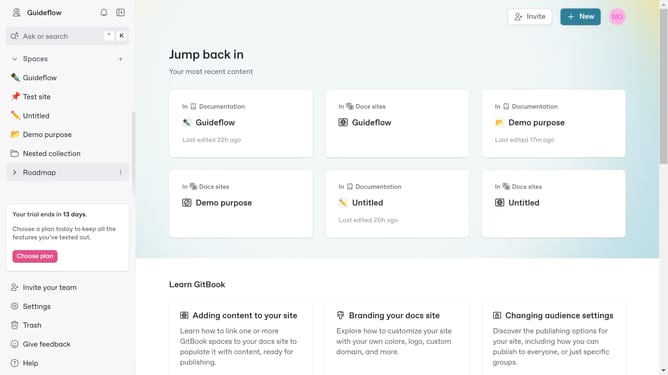
- First click on the content you want to manage in the left sidebar
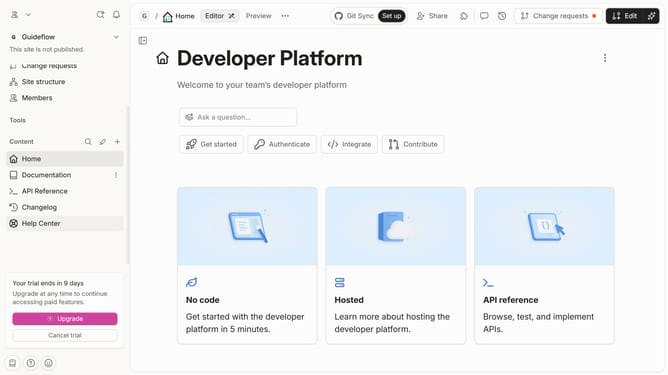
- Then click on "Edit" button in the header
- Next click on "Page options" button in the editor panel
- After that click on the toggle switch OFF next to the "Table of contents"
- Finally click on the "Merge" button in the header
Why should you hide table of contents of a content in a docs site in GitBook
GitBook simplifies the creation and management of documentation and knowledge bases with ease.
By opting to hide the table of contents on your docs page, you gain more control over the visual aesthetics and reading flow.
This feature is especially valuable for content that prioritizes a streamlined, minimalistic interface or when dealing with documents that focus on linear reading without distractions.
The ability to toggle this component enhances the reader's experience, making the document feel more tailored and professional.
Last update