How to freeze first column in a table in homepage in Gitbook
Here is how to freeze first column in a table in homepage in gitbook
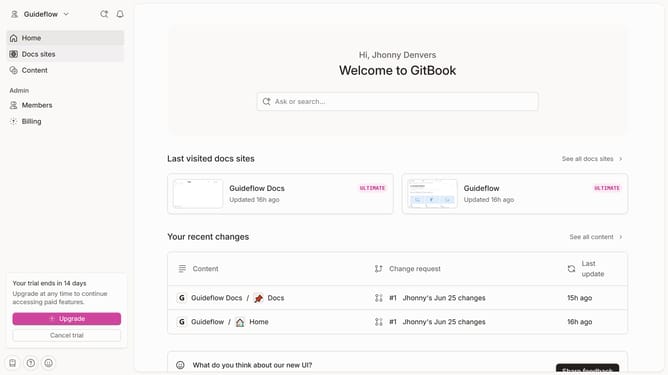
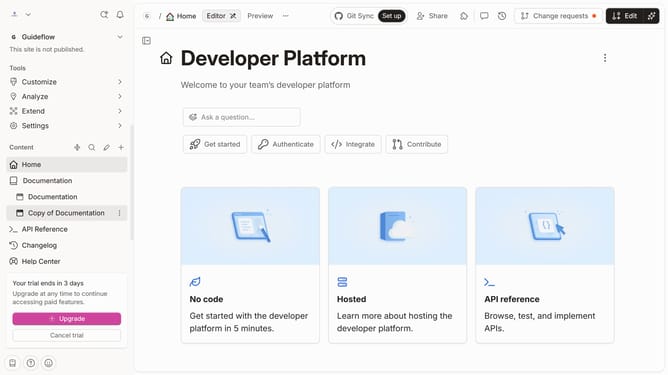
- First, in the sidebar menu, click on "Home"
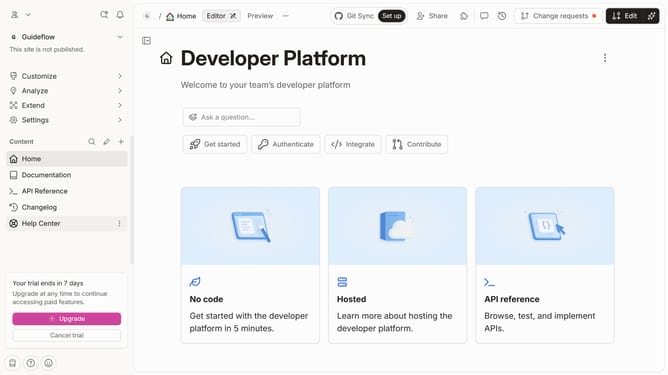
- Then, in the top menu, click on the "Edit" button
- Next, click on the "Click for block options" icon
- Then, from the sidebar "Tools" menu, click "Freeze first column"
- Finally, in the top menu, click on the "Merge" button
Why should you freeze first column in a table in homepage in Gitbook
Gitbook serves as a collaborative platform that enhances team documentation and knowledge sharing.
Freezing the first column in a table on your Gitbook homepage is an intuitive feature to maintain visibility of key data headers.
When you freeze the first column, it ensures users can effortlessly navigate large datasets without losing sight of crucial reference points.
Utilizing this feature optimizes the utility of your documentation, providing clear, accessible, and streamlined access to information.
Last update