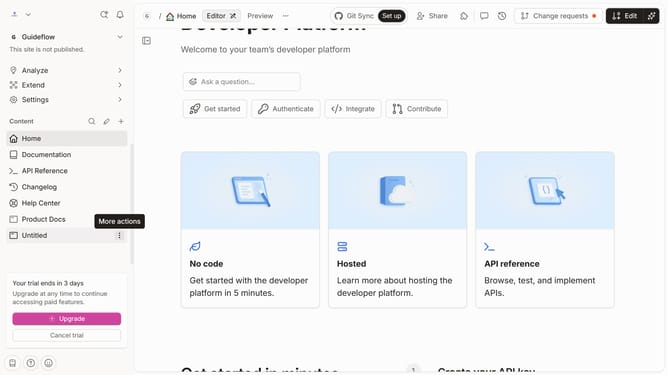
How to add an upload file field in a help center category in Gitbook
Here is how to add an upload file field in a help center category in gitbook
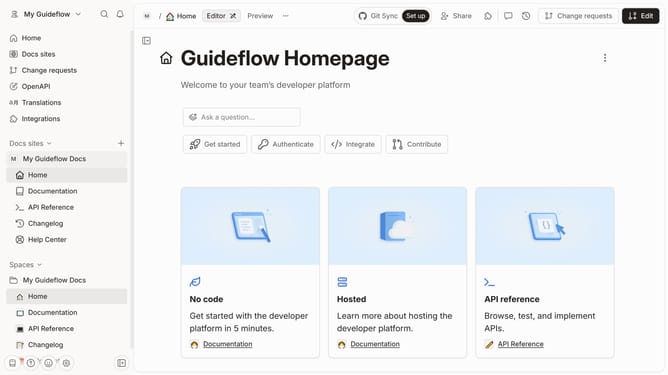
- First click on "Help Center" in the left sidebar
- Then click on the "Edit" button in the top menu bar
- Next click on the "+ Add field" button
- Then select "Files" from the dropdown menu
- Finally click on the "Merge" button in the top right corner
Why should you add an upload file field in a help center category in Gitbook
Gitbook is a robust platform designed for creating rich, interactive documentation easily.
Integrating an upload file field into a help center category within Gitbook enhances user interaction by allowing users to share documents directly in the help center.
This feature is particularly beneficial for collaborative projects, as it aids in organizing and streamlining document submissions effectively.
By adding an upload file field, users can seamlessly submit feedback, detailed reports, or necessary documentation, facilitating smoother communication and more effective resource management.
Last update