How to hide page outline in homepage in Gitbook
Here is how to hide page outline in homepage in gitbook
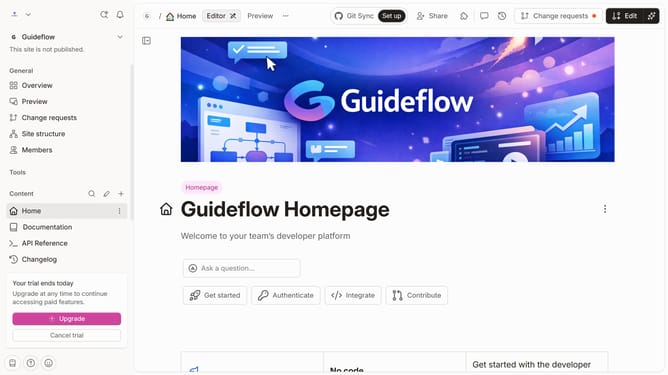
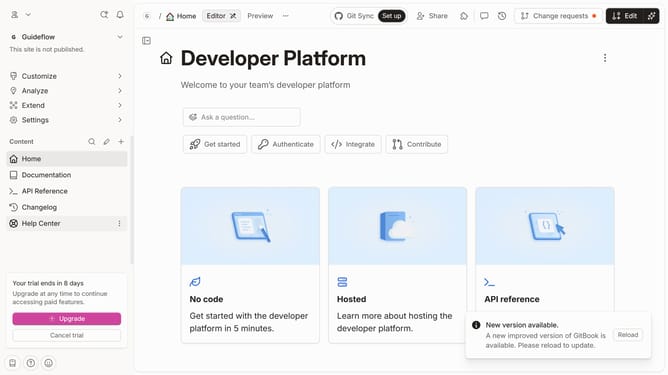
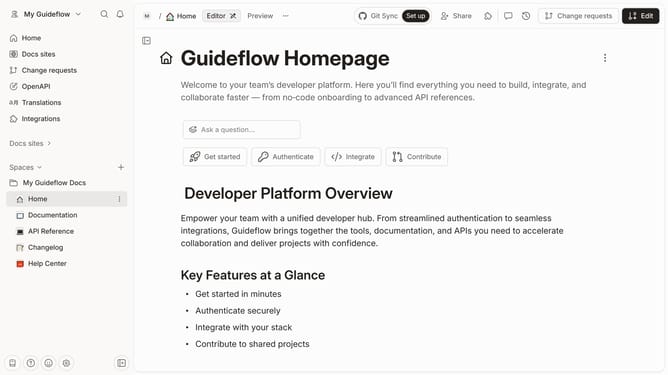
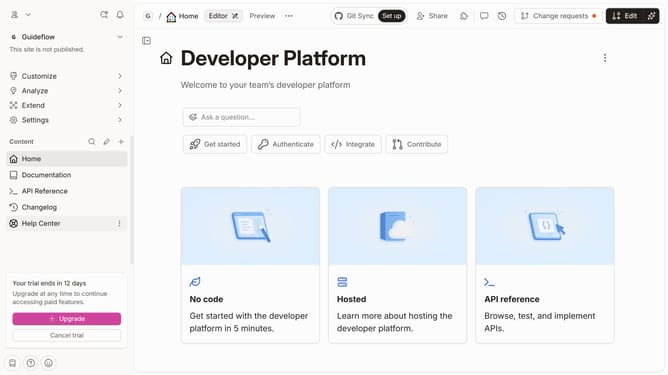
- First click on the "Home" item in the left sidebar
- Then click on the "Edit" button in the top header
- Then click on the "Page options" button below the main content
- Then toggle the switch OFF across "Page outline" to disable it
- Finally click on the "Merge" button in the top header
Why should you hide page outline in homepage in Gitbook
GitBook is a modern documentation platform designed to help teams seamlessly capture and share knowledge.
One useful feature of GitBook is the ability to hide the page outline on your homepage. This feature allows you to present a clean and focused view, ensuring that visitors engage with the core content without being distracted by additional navigation elements.
By streamlining the homepage appearance, you can enhance user experience and improve accessibility. This approach is especially beneficial for showcasing crucial information or announcements, ensuring that the attention remains on what truly matters.
Last update